
NEW
Booking data, wherever you need it:

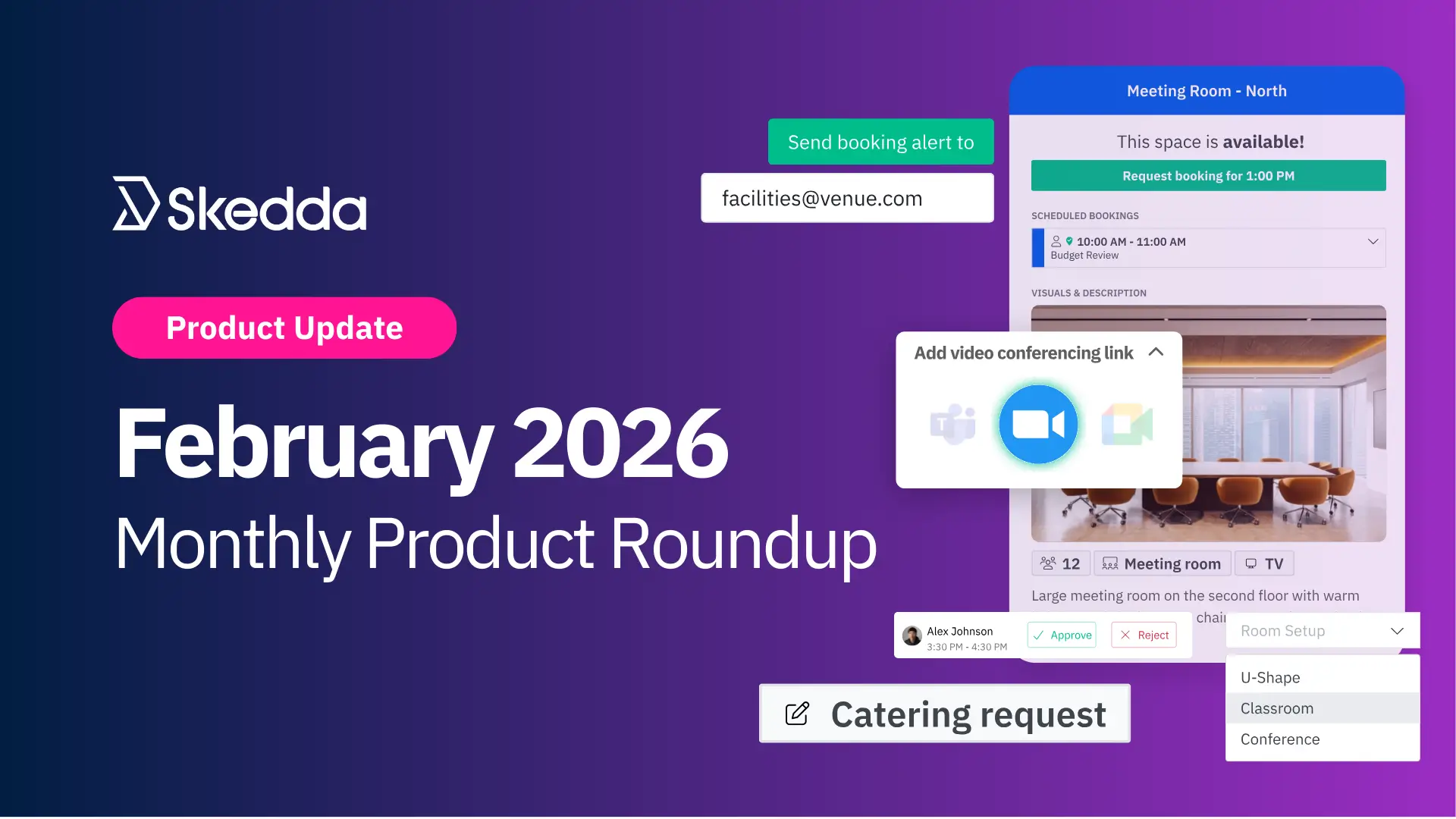
That’s another February in the books, folks. In January’s roundup, I mentioned we had about a month left to officially lock in our New Year’s resolution habits. Consider this your final status update: we’re almost at the mythical 66-day mark. If the habit didn’t stick, better luck next year. If you’re still going strong, stay focused, you’ve got about a week to make it permanent.
One habit that never dies, though: our product team delivering updates to Skedda with the consistency of the Norwegian Cross-country Olympic team.
This month, we rolled out a few releases that’ll help workplaces operate better, meetings run smoother, and admins feel slightly less like a human forwarding button.
February’s updates all orbit one idea: reducing manual coordination and the communication gaps that come with it. Whether it’s routing booking details to the people who actually need them, auto-creating Zoom links for synced room bookings, or tightening up the Booking Approvals workflow, the goal is the same: cut down on the daily chaos of managing booking details across teams and resources.
Here’s what’s new:
Most meeting room bookings come with a bunch of extra details that matter to different people. Catering needs to know about lunch. IT needs to know about the “please bring three adapters and a miracle” A/V request. Facilities needs to know if the room setup is about to get weird. The problem is those details often end up in one person’s inbox, and then everyone else just… hopes for the best.
That’s why we built Notification Rules. It’s a clean, configurable way to automatically email the right people when a booking matches certain criteria, so admins don’t have to play human router all day.
With Notification Rules you can:
The result: automated workflows where booking info and service needs reliably land with the people who can actually act on them.
This is especially useful for:
Go to Settings → Notification settings → Notification Rules, then create your first rule by selecting spaces, triggers, optional conditions, and recipients.
Want to conditionally send notifications based on custom fields in your booking form? Add them under Settings → Booking settings → Custom fields → Add another field, then adjust your inclusion conditions to ensure the field shows up in the right booking forms.
Read More: Route Service Requests with Notification Rules
Hybrid work has a special talent for turning one meeting into four separate tasks: book the room, create the invite, generate the video link, then redo all of it when something inevitably changes. So we fixed a big chunk of that.
Skedda now supports a native Zoom integration, which means users can add Zoom links directly to calendar-synced bookings, and Skedda handles the rest automatically.
Here’s how it works:
The best part? You’re not locked into one video platform. You can still use the conferencing option native to your calendar solution (Teams for Outlook, Meet for Google), and choose what makes the most sense per meeting. Hybrid meetings have to stay flexible, and now your bookings can be, too.
Read More: Zoom Meeting Links in Skedda
Booking Approvals had its big moment in January. February was all about making it even better, based on real feedback from teams using it day to day.
Smoother one-way calendar sync: Approved bookings in one-way synced spaces now appear in your internal calendar with the correct attendee info and video conferencing details.
More useful booking request emails, now including:
Clear request timestamps: Booking requests now show the exact time they were submitted, making it easier to approve using a first-come, first-served approach when needed.
A more mobile-friendly dashboard: We updated the Booking Requests dashboard in the Skedda mobile app with a cleaner, more intuitive layout for easier navigation on the go.
Approve with a note: Admins can now add a quick note to approved booking requests
Read more: Skedda Launches Booking Approvals
February’s releases were all about automation that keeps the right people informed, without admins turning into full-time forwarding machines: Notification Rules that route booking details and service requests to the right inbox, a Zoom integration that makes synced room bookings instantly video-ready, and Booking Approvals enhancements that make request workflows clearer and more complete.
Was it a busy month? Absolutely. Are we slowing down? Not a chance. 2026 is just getting started, and we’ve got plenty more on the way.
Want to stay up to date on what we’re shipping? Keep an eye on our product updates page. And if you’ve got questions or feedback, please feel free to reach out.
Our team is ready and waiting to talk through your specific desk scheduling requirements and see how Skedda could work for you.

.svg)



