
NEW
Booking data, wherever you need it:

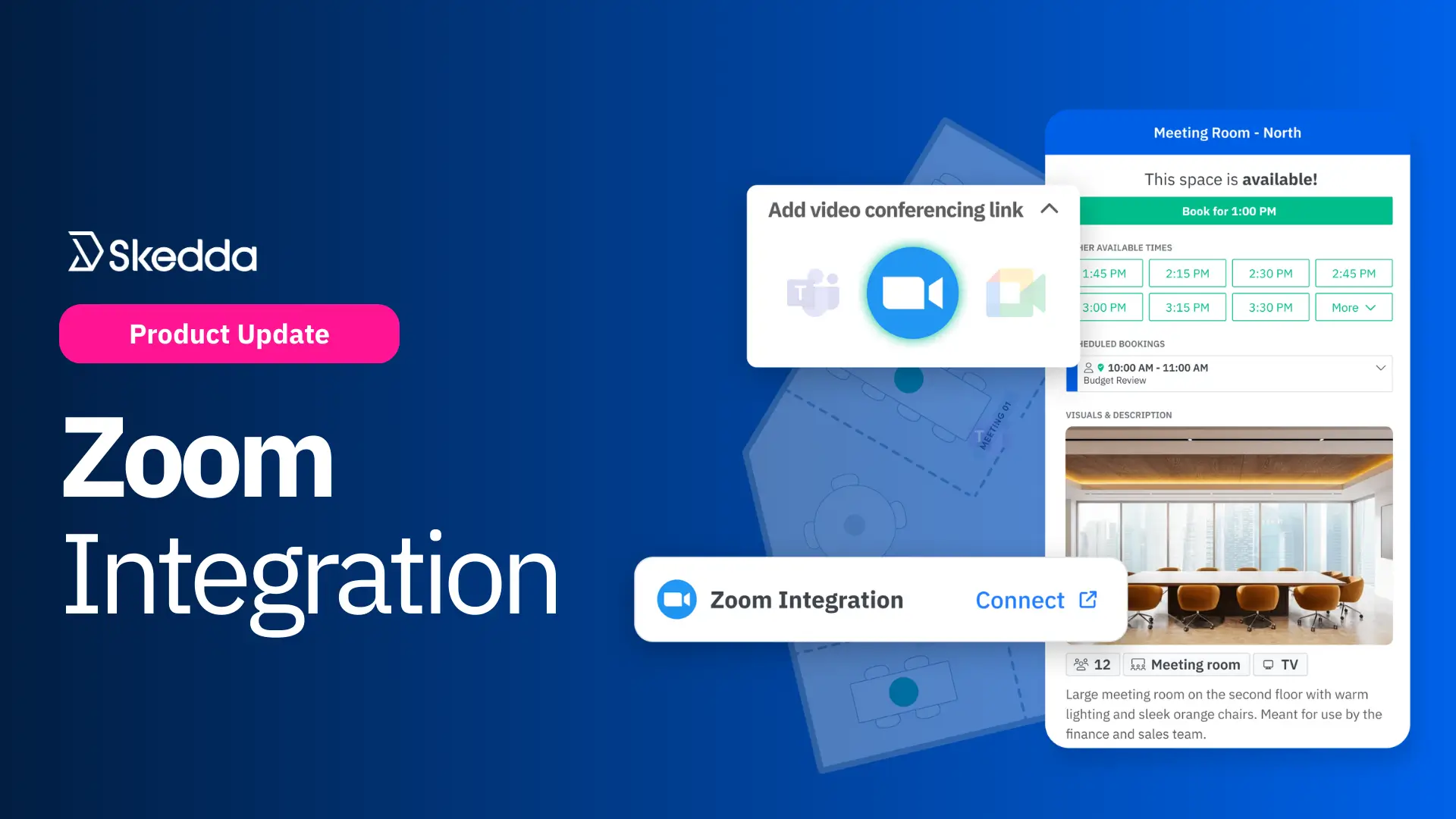
Skedda now integrates with Zoom, so your team can add Zoom meeting links straight to calendar-synced room bookings, making it easy for remote teammates to join on-site meetings happening in rooms booked through Skedda.
Hybrid work has a special talent: it takes a perfectly normal meeting and turns it into a mini logistics exercise. You’re not just gathering people together to immediately be productive – you’re stitching together a room booking, a video link, and a calendar invite across a couple different tools… and then doing it all again when something inevitably changes.
Skedda’s new Zoom integration removes that mess.
By connecting Skedda to Zoom, users can add Zoom links to any booking they make in a calendar-synced meeting room. Skedda creates the Zoom meeting automatically and attaches the join link everywhere it needs to be: the booking details in Skedda, the synced event on your calendar, and in Zoom itself.
One integration, one workflow, and all meeting details perfectly in sync. That’s what hybrid coordination and accessibility should look like.
Intrigued? Let’s dive into what makes this integration so useful:
The best meeting setup is the one nobody has to think about.
With Zoom connected to your Skedda venue, bookings on synced rooms become instantly video-ready. Users pick a room, set the time, select Zoom, and they’re done. No tab-hopping. No hunting down the right calendar event. No link archaeology.
This is especially helpful for:
Some organizations may not stick to a single video conferencing option across all scenarios. In situations like this, flexibility is key.
Skedda’s conferencing options are designed to match reality:
This helps you standardize bookings and room availability, while staying flexible with how people prefer to meet over video.
Meeting details change. People reschedule. Recurring meetings get tweaked. Stuff gets cancelled five minutes before start times. These things happen, so it's important your internal systems react accordingly.
Skedda’s Zoom integration is built around keeping everything aligned:
All this means fewer broken invites and less “can you send the new Zoom?” messages that show up exactly when you’re trying to look competent.
Connecting Zoom to your Skedda venue is simple. Here’s a snapshot of how it works:
Two important notes:
Check out our full guide on connecting your Zoom account here.
Want your meeting rooms to be bookable and remote-ready in one motion?
Schedule a demo to see firsthand how Skedda and Zoom work together to make hybrid meetings better.
If you want help integrating Zoom with your Skedda venue, please reach out to your account manager or get in touch with our support team.
Our team is ready and waiting to talk through your specific desk scheduling requirements and see how Skedda could work for you.

.svg)



