New Webinar:
Learn how to plan, shift, and stretch a finite office to fit 2027 hiring



















Any open desk, booked ahead or on arrival. Best for teams that are in a few days a week.
Reserve a specific desk on a recurring basis. Best for hybrid teams with set in-office days.
Permanent desks for people who are in the office every day, with clear seating chart visibility for admins.
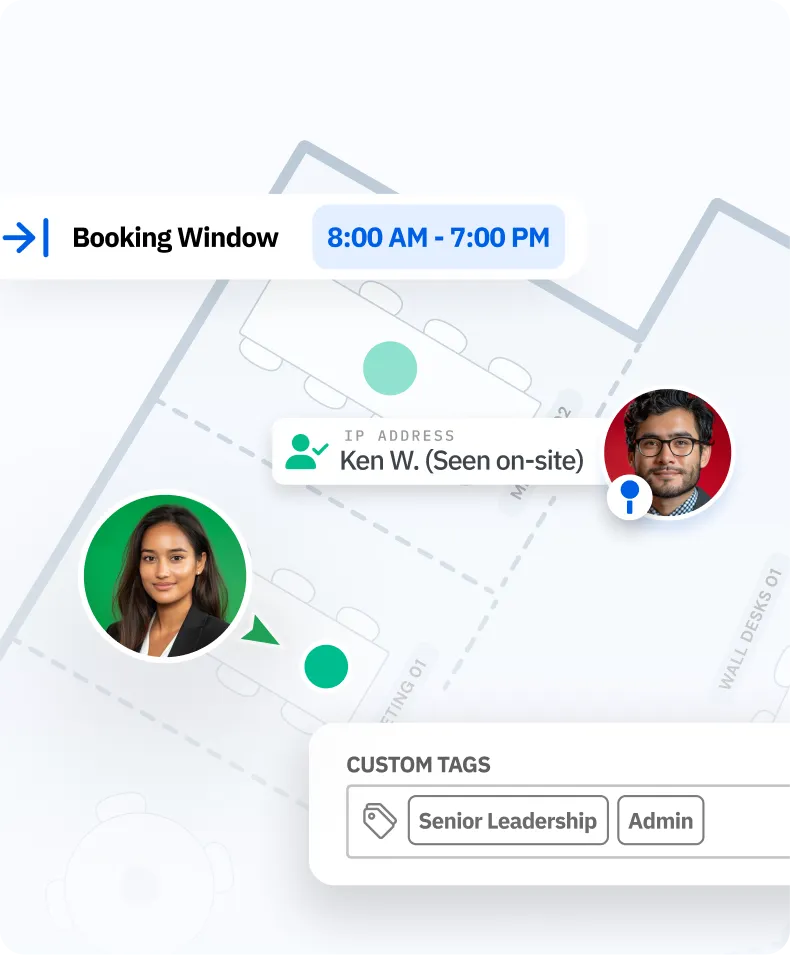
Approvals, quotas, booking windows, and eligibility rules keep access fair and desks available.
Syncs with Outlook, Google Calendar, and Teams, so booking fits the tools people already use.
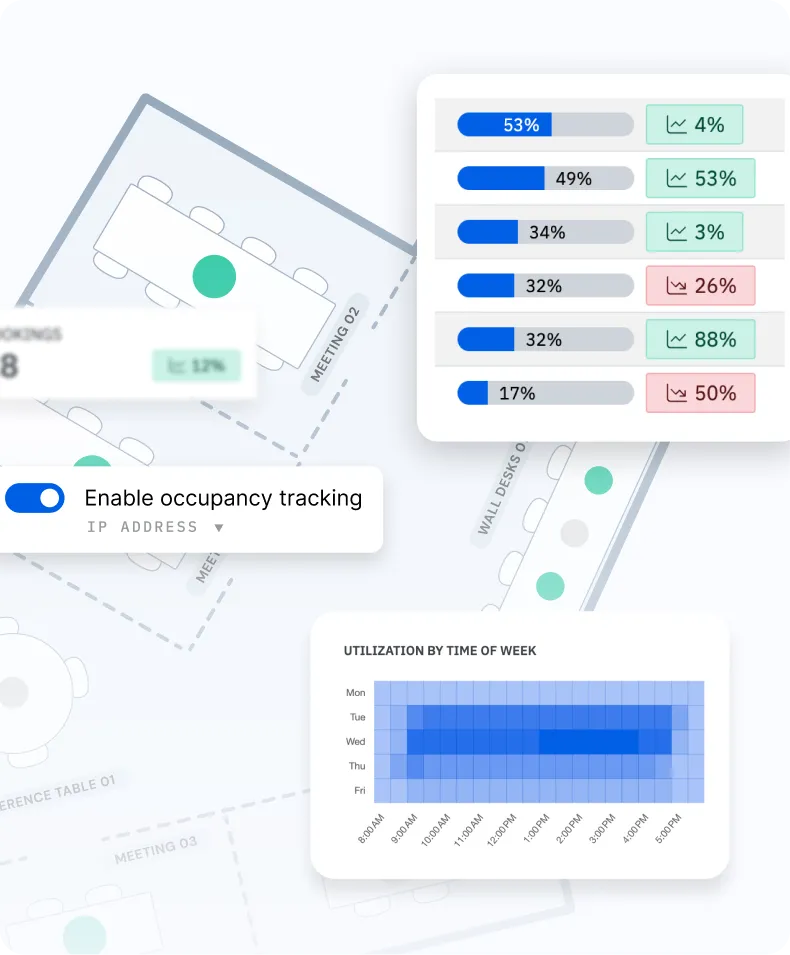
See what gets booked, when demand peaks, and where you’re at capacity. Reports finance can use.
 Next to Sam & Jo
Mon · Floor 3 · Shared desk







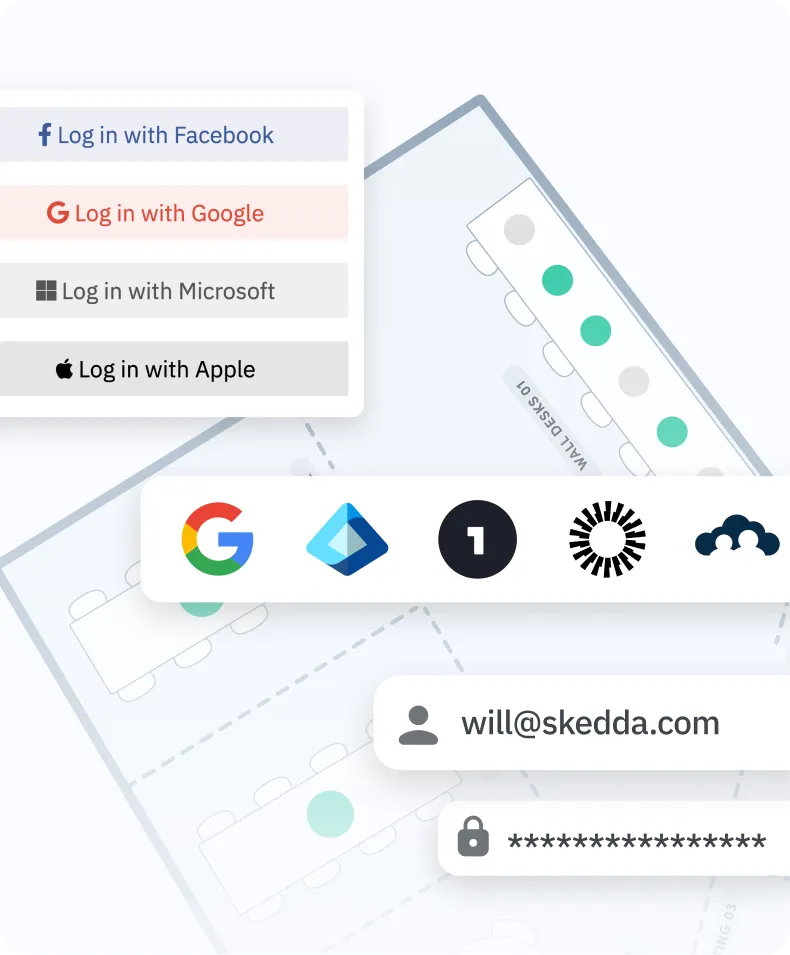
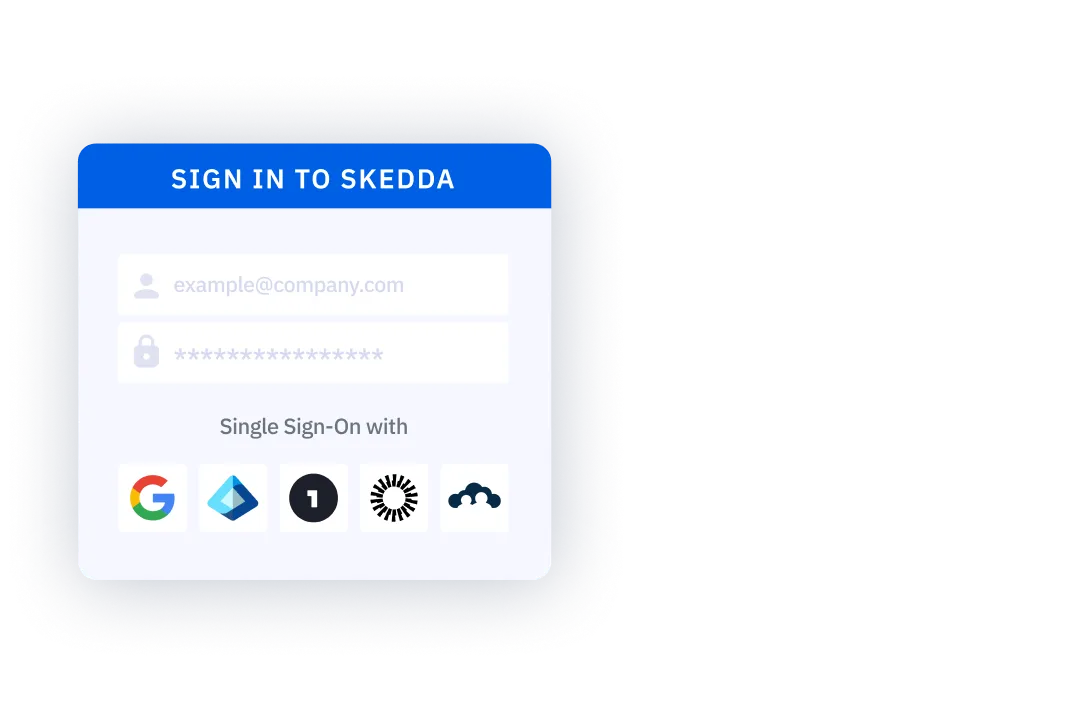
Integrate with your existing tech stack, from user management and calendars to video conferencing and a native Teams and Outlook app.


Integrate with your existing tech stack, from user management and calendars to video conferencing and a native Teams and Outlook app.













Desk booking software typically ranges from $5 to $8 per user per month, depending on features. Skedda is different because our desk booking system charges per desk rather than per user, so you only pay for the physical desks you manage, not for employees who rarely come into the office. Skedda starts at a competitive base rate that includes a set number of spaces, interactive floor plans, desk management rules, and utilization analytics. Additional spaces scale affordably as you grow, and enterprise pricing is available for larger deployments. You can also start with a free 14-day Premium trial with no credit card required. For more details, visit our pricing page.
Most teams are fully operational within a few days, depending on office size and setup needs. You sign up, send us your floor plan for custom interactive map design, invite your team through SSO, and our implementation specialists help configure your desks and booking policies. No hardware installation is required, which makes Skedda a simple desk booking system for teams that want to move quickly. It is desk software designed to be easy to roll out without heavy IT lift.
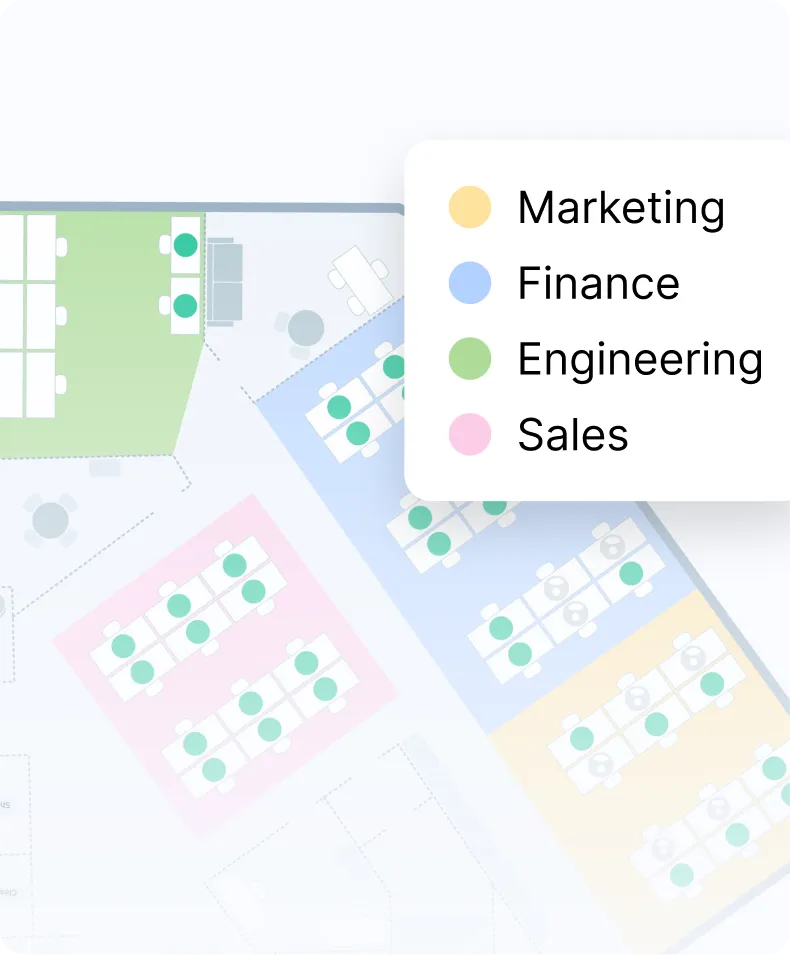
Yes. Skedda’s team creates a custom interactive floor plan from your existing layout at no additional cost, even during the trial period. The map reflects your actual desks, rooms, neighborhoods, and amenities so employees can see exactly where they are booking. That makes Skedda practical office desk software for companies that want their desk booking system to match the real workplace.
Yes. You can configure desk types by floor or zone, with some desks assigned to specific employees and others available as hot desks or office hoteling spaces. All three models can run within the same desk scheduling system using different booking rules by area. This gives teams flexible desk management without needing separate tools for different seating policies.
Skedda is built for hybrid teams. Employees can see who is coming in through Slack or Microsoft Teams, book desks near coworkers using neighborhoods, and check in when they arrive. Workplace leaders can use quotas, booking windows, and utilization analytics to manage attendance and adjust policy based on real behavior. As both a desk booking system and a seat management tool, Skedda helps hybrid work feel organized instead of improvised.
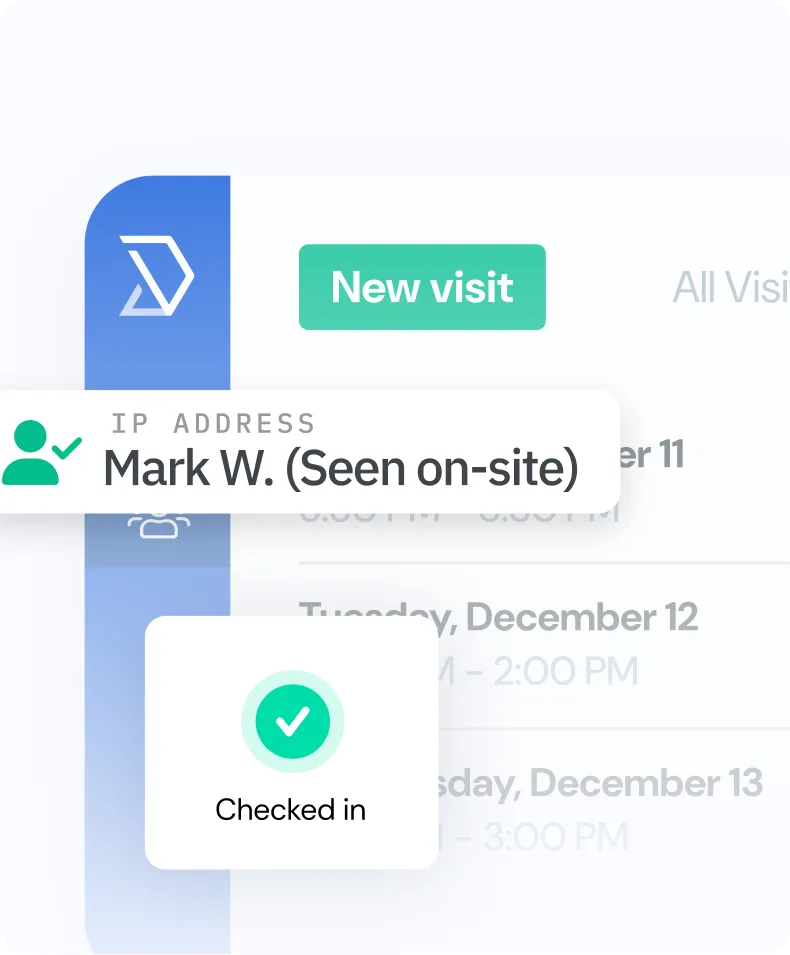
Skedda’s check-in feature requires employees to confirm arrival. If they do not check in within the grace period you define, the desk is automatically released back into the available pool. This helps prevent ghost bookings and protects availability for other employees. For teams looking for reliable seat booking software, this is one of the simplest ways to keep workspace usage accurate.
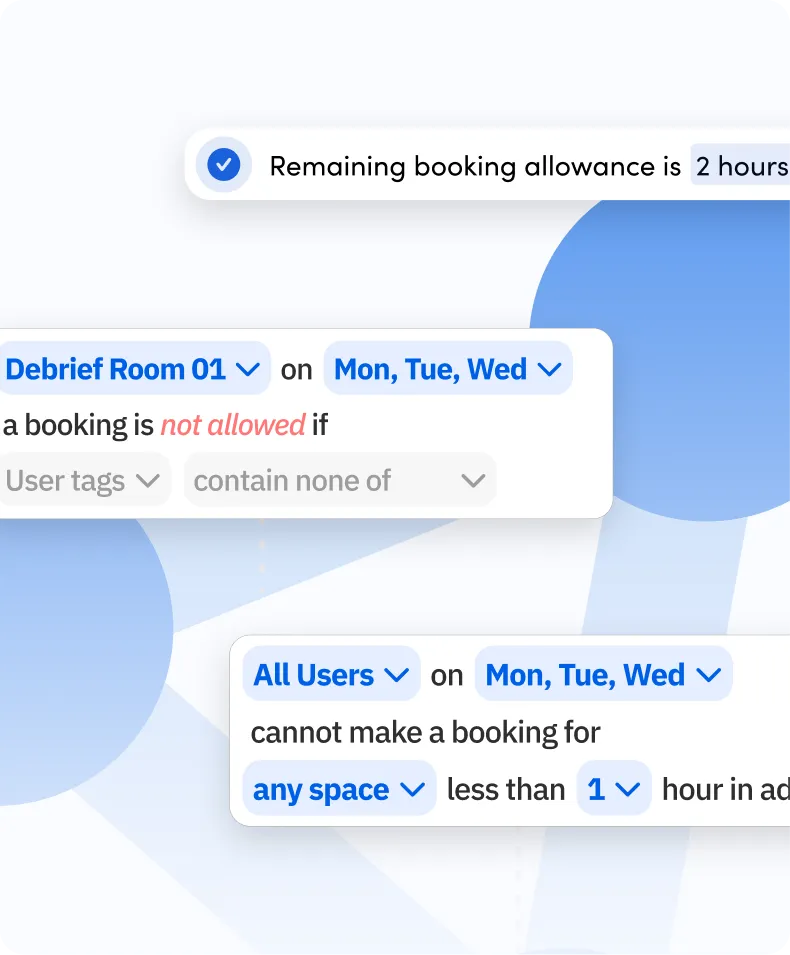
Skedda lets you set booking quotas and booking windows so employees cannot reserve more desk time than your policy allows. For example, you can cap how many days per week someone can book or restrict reservations to a 48-hour window. These rules are enforced automatically, reducing manual admin work. It is a practical way to manage office seat allocation without constant intervention from facilities teams.
Skedda’s utilization analytics show desk usage by day, floor, and zone so you can understand how your workplace is actually being used. You can track peak days, average occupancy, and no-show rates to see whether you are over-provisioned or under-provisioned. That makes Skedda useful not just for booking desks, but for making smarter seat allocation and planning decisions.
Yes. Skedda integrates with Slack and Microsoft Teams to share “who’s in” reports so employees can see which colleagues have booked desks on a given day. This makes it easier to coordinate office time around collaboration, meetings, or team days. For hybrid workplaces, that visibility turns your desk app into something people actually use, not just another system they avoid.
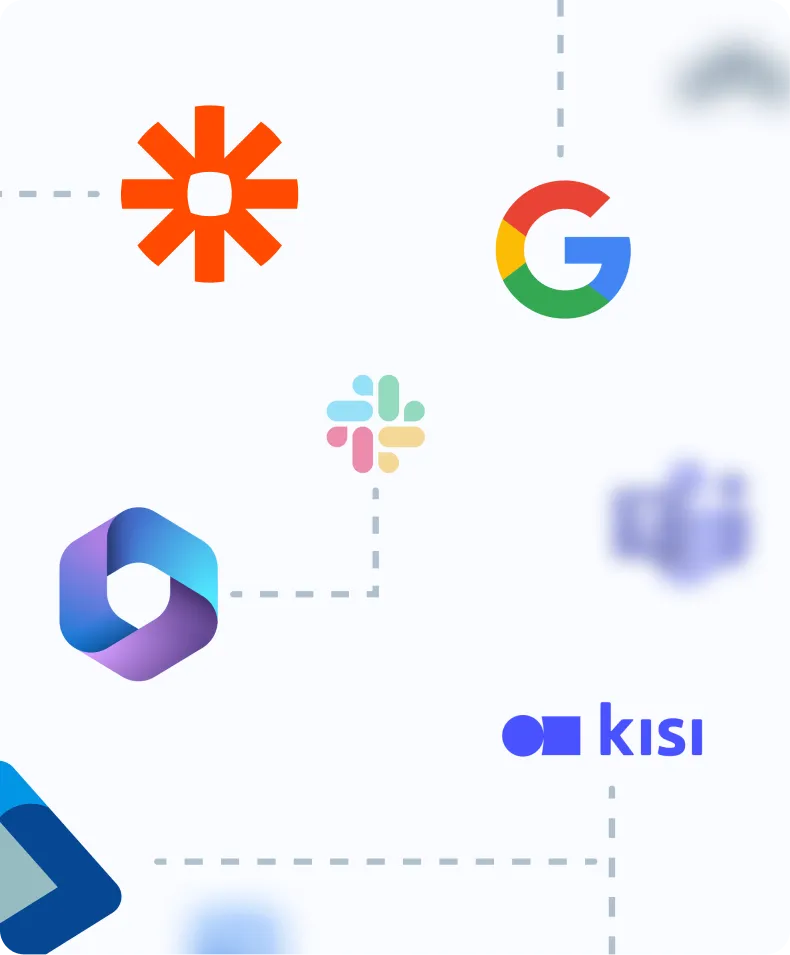
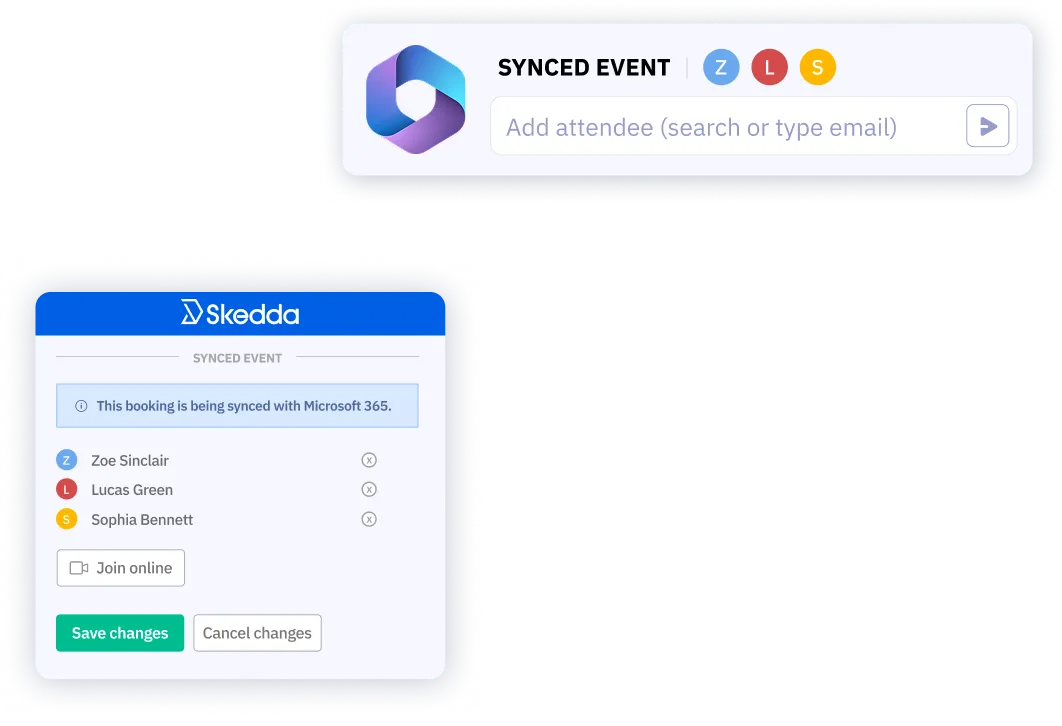
Yes. Skedda offers two-way sync with Microsoft 365, including Outlook, and Google Workspace. Desk bookings appear on employees’ calendars automatically, and changes can sync back to Skedda. Skedda also integrates with Microsoft Teams, Slack, Zoom, and Webex, and supports SSO and SAML for secure sign-on. That makes it a strong fit for teams looking for office desk software that works with their existing tools.
For large offices, the most important factors are ease of setup, cost, and usability. Skedda offers several pricing tiers, making it a strong option for teams looking for desk booking software without heavy upfront cost. You get interactive floor plans, booking rules, and utilization analytics in one easy desk app, without needing a complex rollout. For larger teams, it can function as a powerful desk booking system that scales as your workplace grows.
Desk booking is the broad category for any system that lets employees reserve workspace. Hot desking usually refers to unassigned desks booked flexibly, often for the same day, while office hoteling usually refers to reserving desks in advance, sometimes for multiple days. Skedda supports all three models in one platform, giving teams one desk scheduling system for a range of workplace policies. It can also support broader needs like seat reservations and day-to-day desk management.