July 2026 Release Roundup

Author Headshot
by
Gus Anderson
August 4, 2026
Updated on
August 4, 2026

TL;DR Article Summary

Five releases this month giving you more control over the finer details of your workplace.

  • Organization Hub: see utilization, bookings, and check-in rates across every office in your organization from a single dashboard
  • Day-specific approval rules: require booking approval only on the days you actually need it, like your busiest office days
  • Improved visit exports: export visit data as a clean summary or a full visitor breakdown, custom fields included
  • Hour-based booking windows: set advance-notice rules down to the hour, not just the day
  • Integrations page redesign: find and manage every connected tool from one dedicated menu linked in your navigation bar

Summer in Boston is in full swing, and work is the last thing on people's minds (especially for our lucky customers outside of the US soaking up longer vacations). Our product team didn't get the memo, though. We used a typically quiet month to ship several important releases that had been sitting in the queue for a while.

July's theme: control down to the details

Most of what admins need isn't a new capability. It's a sharper version of a capability they already have: a booking window that opens on the hour instead of the day an approval rule that only kicks in on Wednesdays, or a dashboard that shows every venue at once instead of one at a time. This month's releases are about giving you that level of precision, wherever you need it.

Here's what's new:

Organization Hub

If you run more than one office location in Skedda, getting the full picture of how your organization is doing has meant opening dashboard after dashboard, one venue at a time, and doing the comparison yourself.

What's new

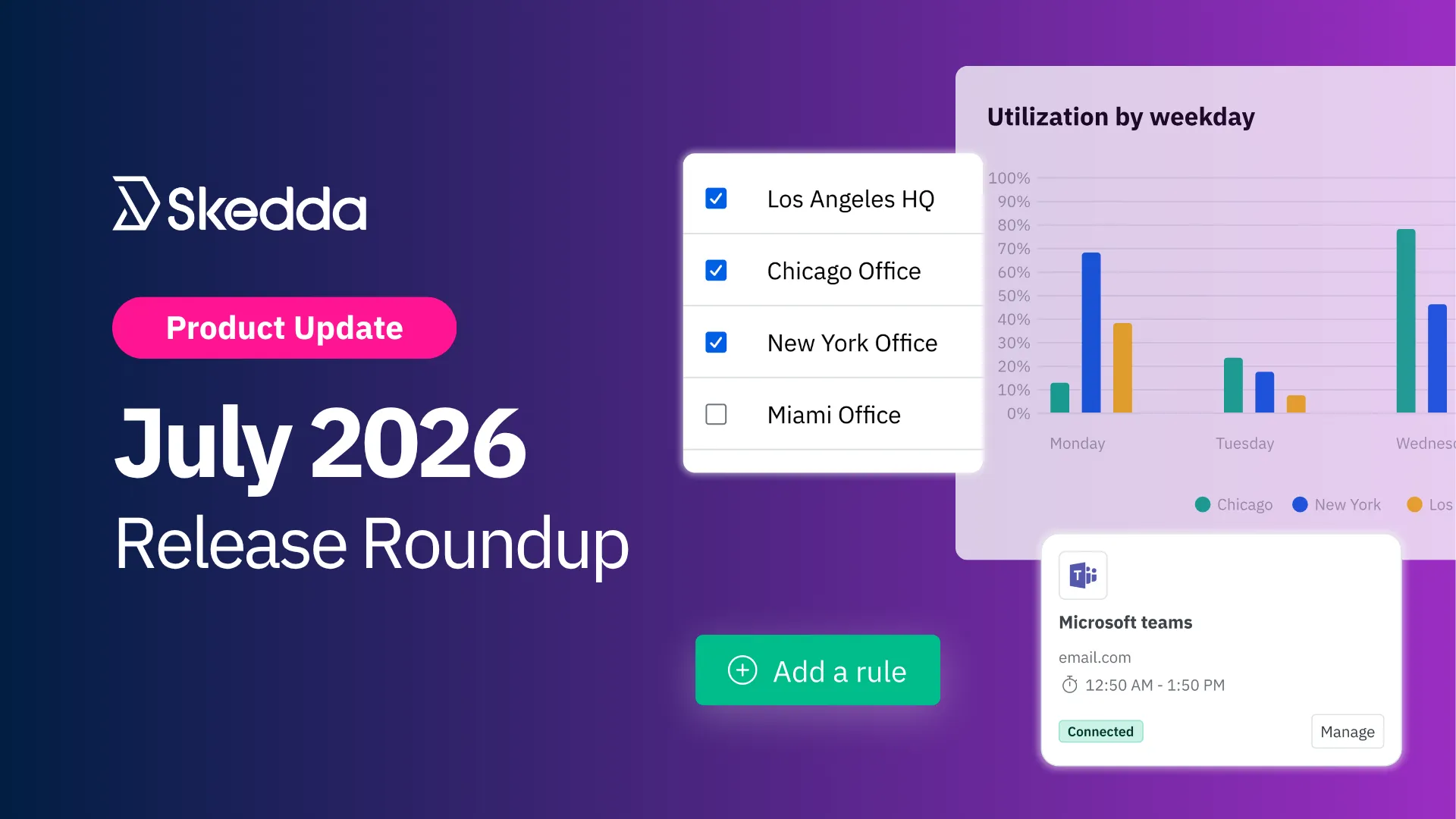
The new Organization Hub brings insights for every location into a single view. Access it from the venue switcher in the left sidebar. Select any combination of venues and instantly see:

  • Aggregated stats across your organization: utilization, bookings, and check-in rate, combined or broken out venue by venue
  • Utilization by weekday and over time: toggle between an aggregated view and a venue-by-venue comparison to spot patterns across locations
  • Space and user breakdowns: top spaces, top users, and tag stats across your whole organization, with a venue selector and date/weekday filters so you can zoom into exactly what you need

Organizations are set up by Skedda, usually during onboarding. If yours isn't set up yet, or you need a venue added or access changed, just reach out to your Account Manager or Skedda support.

Read the Organization Hub help guide for full details.
In practice

  • Compare every venue in one sitting: pull utilization for all five locations at once instead of opening five dashboards and building the comparison yourself
  • Catch the outlier site: switch to per-venue view and see which location is dragging down utilization, or which one's running hot
  • Add a venue without adding work: as your organization grows, new venues show up in the same Hub, no new dashboard to build or maintain

Day-Based Approval Rules

Booking approval rules have always applied to every day equally. For venues that only need review on their busiest days, that meant either approving requests every single day or turning approvals off entirely and losing the control.

What's new

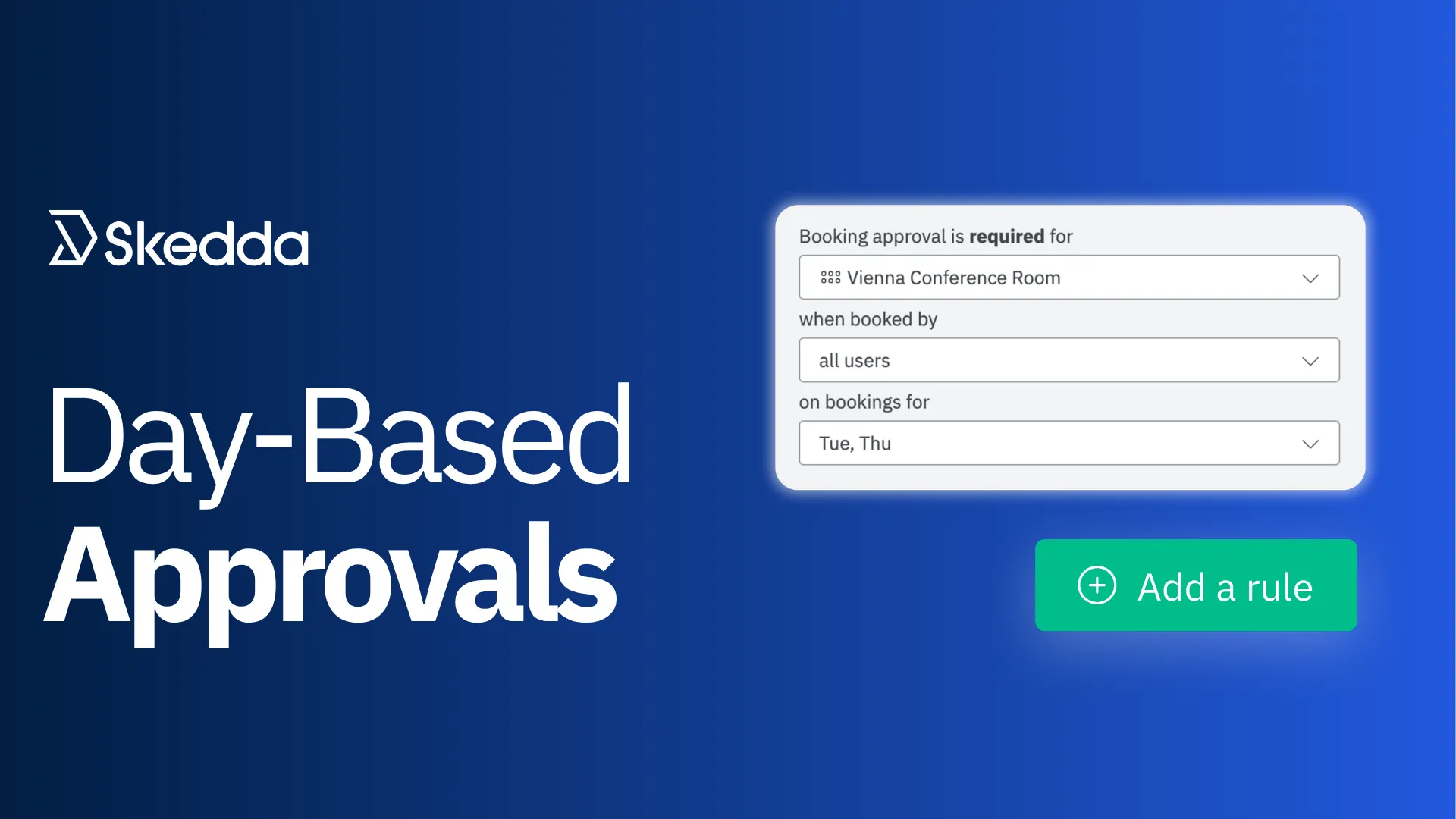
Booking approval rules can now be scoped to specific days of the week. Head to your approval rule settings and select the days and spaces you want the rule to apply to.

  • Choose your days: trigger approval rules only when you need them, like your busiest in-office days
  • Everything else runs automatically: bookings on the other days go straight through, no admin review required

Read the Booking Requests & Approvals help guide for a refresher.

In practice

  • Review requests only on your busiest day: require approval on Wednesdays only, and let every other day's bookings go through automatically
  • Skip the daily admin queue: instead of clicking through approvals every morning, you only see the ones on the day you actually set the rule for

Improved Visit Exports

Our Visitor Management system keeps getting better every month, and this release is a good example of why.

Exporting visit data used to mean choosing between a manageable file and a complete one. Custom field data for multi-person visits could push exports past what a single spreadsheet row could reasonably hold.

What's new

You can now export visitor data in two formats, both available under the Export dropdown on the Visits page:

  • Summary: one row per visit, including visit type, host details, visitor count, and any custom fields filled in by the host at invite time
  • Breakdown: one row per visitor, including individual check-in and check-out times and any custom fields captured at check-in, alongside the invite-time fields

Both formats respect whatever filters you've already applied, and export as XLSX or CSV.

In practice

  • Pull a headcount in seconds: export the Summary format when all you need is who visited and how many people showed up
  • Get visitor-level detail when you need it: switch to Breakdown for individual check-in and check-out times, down to each visitor's custom field answers
  • Stop hitting the column limit: a visit with a dozen visitors and custom fields used to blow past what one row could hold; now it doesn't have to

Handling frequent visitor check-ins? Skedda's Visitor Management is built for exactly that. Book a demo for more details.

Hour-based Booking Windows

Booking window rules have supported day-based advance notice for a while. But “1 day ahead” isn't always precise enough, especially for spaces that turn over multiple times in a single day.

What's new

When creating a “more than” booking window rule, you can now choose hours ahead as an alternative to the existing day-based options. That gives you exact, hour-based precision on advance-notice requirements, instead of being limited to whole-day increments.

In practice

  • Open a drop-in desk two hours out: instead of a full day's notice, set the window to match how far ahead people actually plan a walk-in visit
  • Release a held space same-day: let non-priority users grab a space a few hours before it would otherwise open, instead of waiting until the next day
  • Mix hours and days on the same venue: hour-based rules sit alongside your existing day-based ones, so you're not forced to switch every rule over at once

Also Shipped This Month:

Integrations Page Redesign:

Every connected tool, Zoom, Webex, Teams, Google and Outlook calendar sync, and more, now lives on its own dedicated page instead of being tucked inside your venue’s Settings page. As Skedda's integration list keeps growing, this gives admins a clearer, easier way to see what's connected and manage it.

That's July

This month was a fun one for our product team: a batch of small improvements that add up to something bigger. Taken together, they give admins precision to match how their organization actually runs, whether that's a single venue, a portfolio of them, a specific day of the week, or a specific hour of the day.

We're already more than halfway through the summer of 2026, crazy right? Still more releases to come though, stay tuned. 

Article by

Gus Anderson

Article by

Gus Anderson

Gus is a product marketing specialist in the B2B SaaS space. He helps distill the thinking of industry experts into messaging that buyers actually understand — and, most importantly, buy into. As Product Marketing Manager at Skedda, he focuses on workplace experience and hybrid work, translating how teams actually use their offices into clear, practical insights for the Skedda community.

Integration
Facilities
Technology

Schedule a demo to transform your office today

Our team is ready and waiting to talk through your specific desk scheduling requirements and see how Skedda could work for you.

Book a Demo

Related Articles