
NEW
Booking data, wherever you need it:

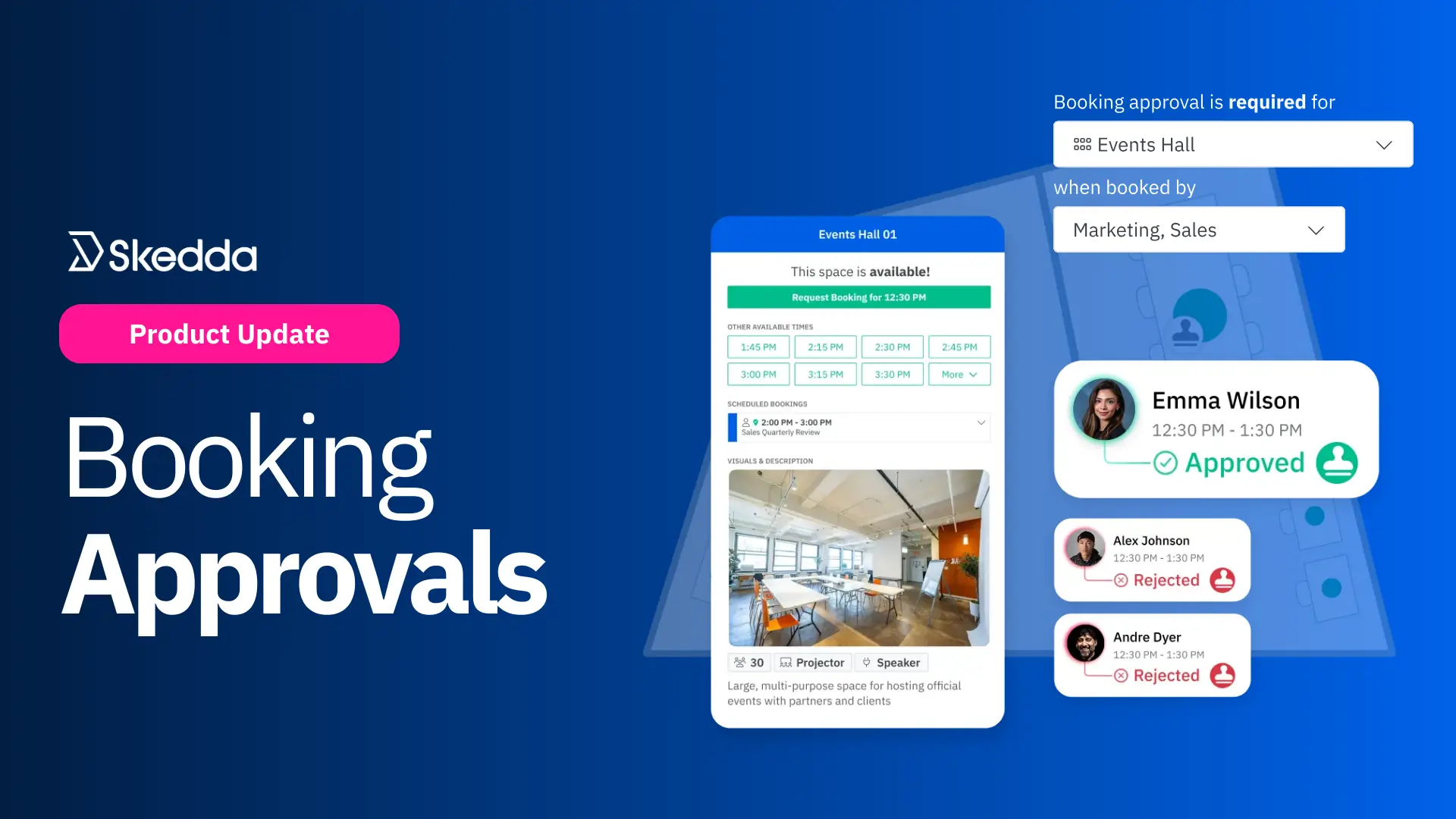
Skedda has introduced Booking Approvals for your most important shared spaces. Instead of booking instantly, users submit a request, and admins can approve or decline it before the time is confirmed.
Some shared spaces shouldn’t be first-come, first-served.
Maybe it’s your executive boardroom. Maybe it’s a high-capacity event space. Maybe it’s the one very expensive piece of lab equipment that mysteriously “breaks” whenever an inexperienced person uses it.
Until now, teams handled these situations with awkward workarounds: locking down access so tightly that no one can self-serve, or letting bookings happen and then scrambling to edit or cancel them after the fact.
Booking Approvals changes that. Now you can let people request certain spaces, while keeping full control over what actually gets confirmed. Admins get the oversight they need for sensitive, high-value spaces, without losing self-service for lower-stakes bookings across the organization.
Let’s take a closer look at how booking approval rules improve your space management:
Approval rules let you add selective oversight for spaces that need a little more human judgment. These are usually the spaces that are high-demand, high-impact, or high-stakes: limited availability, sensitive access, heavier setup, or more consequences when plans change. In those cases, first-come, first-served simply doesn’t cut it.
In Skedda, you can choose which spaces require approval, and any attempt to book them is automatically routed through a request-first workflow.
You can also fine-tune approval rules using user tags. Apply approvals only to certain groups, or exempt trusted teams so they can book normally while everyone else submits a request.
Booking approvals work best when they aren’t just a formality. Admins need to make a deliberate call based on context, policy, and priority.
That’s why booking requests in Skedda are non-blocking. Submitting a request doesn’t put the space “on hold” for the requester. Multiple people can request the same space and time, and nothing is confirmed until an admin approves one.
Once a request is approved, it becomes an official booking and the space is marked as unavailable.
This matters because it prevents people from “reserving” availability with tentative requests just to grab a slot. Your most important spaces should go to the best-fit booking, not whoever clicked first. Admins can compare conflicting requests and approve the one that makes the most sense for the day.
Running approvals outside a dedicated space booking system gets messy fast. When decisions live across email threads, spreadsheets, and Slack messages, it’s easy to lose context, miss updates, and create avoidable conflicts.
With Skedda’s Booking Request Dashboard, approvals are managed in one place. From the dashboard, admins can:
After a decision is made, Skedda automatically notifies the requester of their updated status. Users can also check their requests at any time to see whether they’re pending, approved, or declined.
Getting started is straightforward for Skedda Premier users:
Once set up, spaces that require approval are marked with a stamp icon across booking views. When users try to book those spaces, they’ll be prompted to submit a request instead. They can track progress anytime in the Booking Requests dashboard in the left-hand navigation.
Booking Approvals is a foundational workflow, and we’re planning a few improvements next:
See Booking Approvals in action. Schedule a demo to learn how request-first workflows can bring control to high-demand spaces.
Want a hand configuring Approvals in your Skedda account? Get in touch with our team.
Our team is ready and waiting to talk through your specific desk scheduling requirements and see how Skedda could work for you.

.svg)



