
NEW
Booking data, wherever you need it:

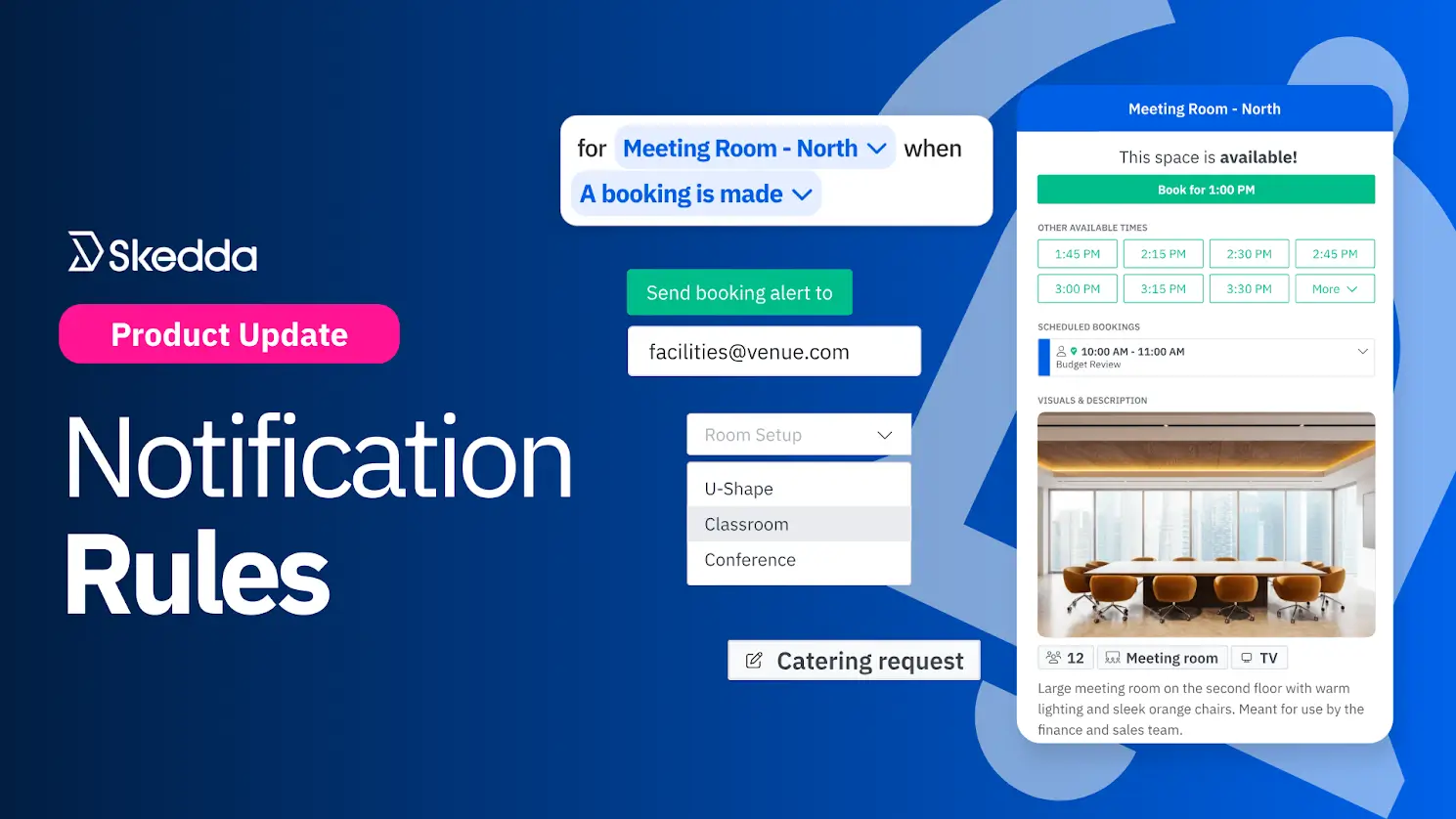
Send booking details and service requests to the right people instantly with Skedda’s configurable Notification Rules.
Booking a room for a meeting is rarely as simple as it sounds. Most meetings come with a string of small but important needs: coffee, room setup, A/V support, a heads-up for an approver, and someone who absolutely needs to know when the time changes.
Capturing those details at booking is a good start. What matters more is making sure they land with the right people, fast. Without a clear workflow, requests get missed, changes don’t reach the right teams, and the meeting suffers.
Skedda’s Notification Rules solve this by automatically routing booking updates and service requests to the right stakeholders based on booking activity and form responses. The result: better-prepared rooms, smoother follow-through, and full visibility without the manual forwarding chain.
Let’s take a closer look at how Notification Rules make space management run cleaner.
The best meetings are the ones where people walk in and everything just works. The room is set up, the right equipment is there, and nobody is hunting down coffee or an HDMI cable like it’s a competitive sport.
With Skedda’s Notification Rules, you can trigger alerts based on the custom information you collect during booking. In practice, that means service requests can be routed straight to the person or team responsible for fulfilling them, automatically.
You can capture these requests on your booking forms using Custom Fields, for example:
Once your fields are in place, Notification Rules let you conditionally route those details to the right inbox, only when they apply. And the notifications include the full booking context, so service teams don’t have to chase basics like where and when five minutes before start time.
Even if your workplace doesn’t offer meeting services, Notification Rules still solve a familiar problem: the right people don’t always learn about bookings or requests until it’s too late. Sometimes a booking shouldn’t have happened. Sometimes a request gets buried. Either way, you end up with mismanaged space, wasted time, and a constant game of catch-up.
With Notification Rules, you can automatically notify:
Good space management depends on visibility. Notification Rules keep managers informed from requests to cancellations, so there are fewer surprises, fewer delays, and much less “who booked this?” chaos.
Space management breaks down when booking info gets trapped with one central admin, who then has to manually forward updates to everyone else who needs to know. It’s slow, inconsistent, and basically guaranteed to fail the moment someone gets busy (so… always).
Notification Rules decentralize that flow. Instead of relying on a human relay, you can automatically route the right booking updates and service requests to the right people, only in the spaces where visibility actually matters.
That means you can:
The result: fewer needless email chains, fewer missed changes, and fewer last-minute “nobody told us” surprises.
For more details on managing Notification Rules in Skedda, check out the help guide.
To learn more about creating Custom Fields, read the full help guide.
If you’re serious about personalizing meeting room needs and enhancing visibility into how your shared spaces are used, Notification Rules are how you get there.
Want to see these rules in action? Check them out in your Skedda settings, or book a demo and we’ll help you set up your first workflows the smart way.
Our team is ready and waiting to talk through your specific desk scheduling requirements and see how Skedda could work for you.

.svg)



