
NEW
Booking data, wherever you need it:

Well, that's a wrap on May. With school out and World Cup fever about to take over, we decided to kick off summer with a bang: five new updates, now live.
The best-run offices aren't just well-booked, they're well-understood. Admins know who's showing up, whether spaces are being used, and what's breaking before it becomes a pattern. From issue routing to check-in analytics, this month's releases are all pointed at that kind of operational clarity.
Here's what's new:
In most hybrid offices, sharing means repairing. Chairs get damaged, monitors stop working, rooms get left in poor condition, and door access stops cooperating. The problem isn't that these things happen; the problem is that the path to reporting these problems is filled with friction. A Slack ping here, a vague email there, or nothing at all because no one knew who to tell.
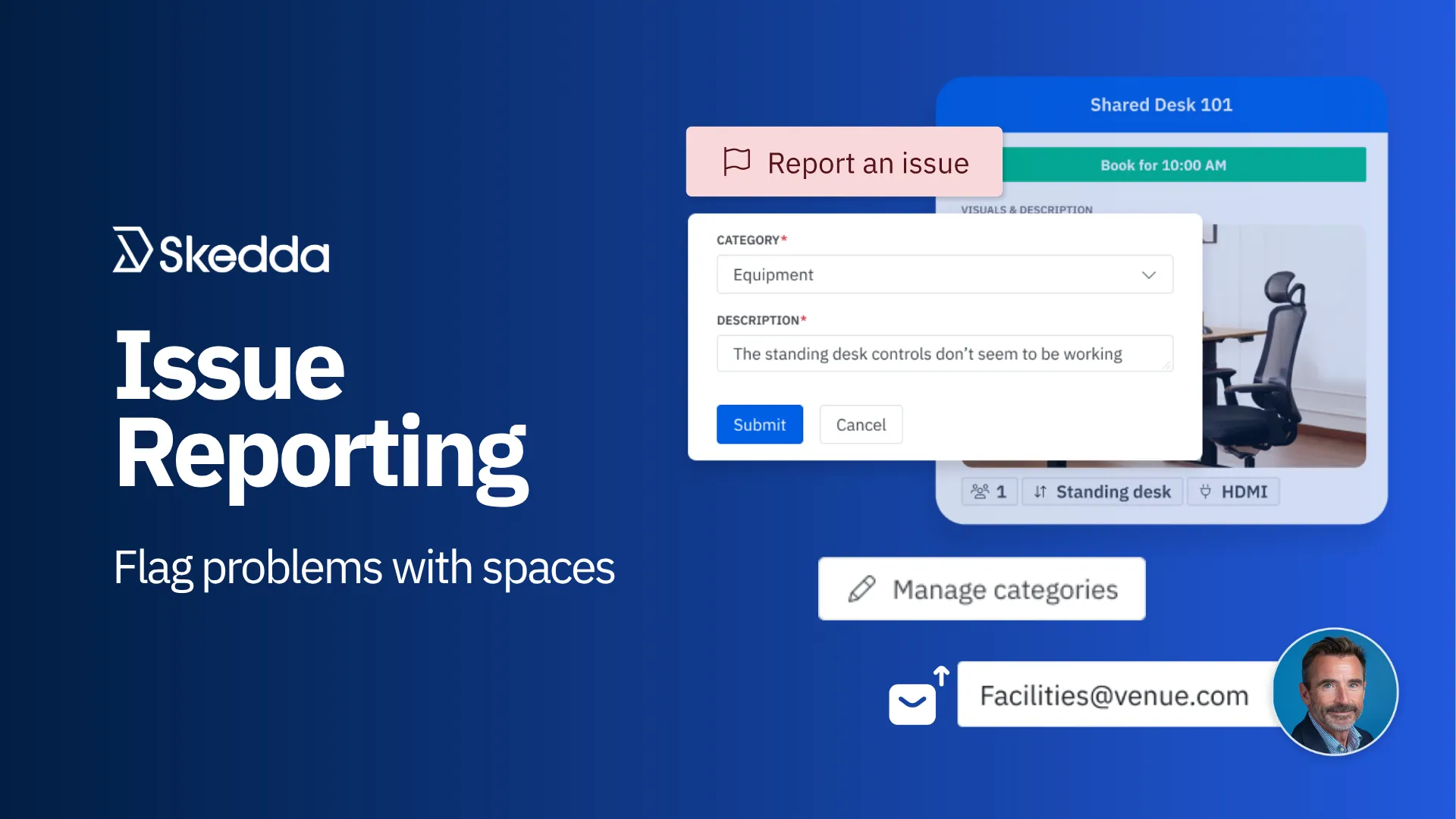
Issue Reporting solves that process by letting users quickly flag problems directly from the space they are booking in Skedda.
From any space's booking page, users can click Report an issue, select a category, write a short description, and submit. Skedda handles the routing automatically.
To enable, go to Settings → Issue Reporting and toggle the feature “on.” Admins may configure the following:
Issue Reporting is available as part of Skedda’s Premier Plan. Read the full setup guide to get started.
Learn more about Issue Reporting in our latest blog post →
Not all visitors are the same. An interview candidate, a contractor, and a vendor from a client meeting all need different information captured, and a generic check-in flow handles none of them particularly well. Before Visit Types, every visitor went through the same fields regardless of why they were there; this meant hosts couldn't capture the right context, and facilities teams were left guessing when they tried to make sense of the data.
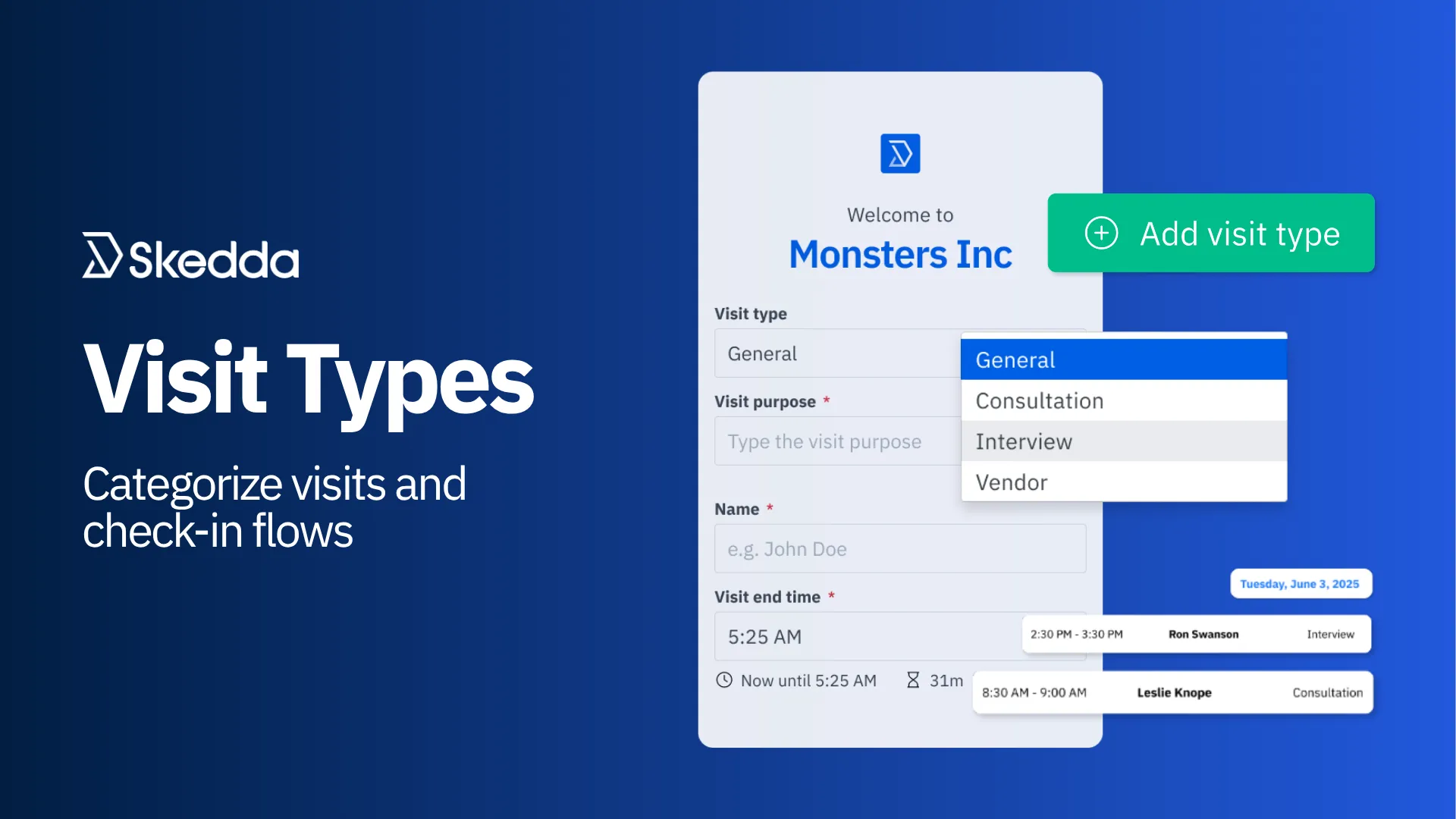
Visit Types gives admins the structure to match.
Admins can now define distinct categories of visits (interviews, contractor visits, client meetings, vendor drop-ins, or whatever reflects your real visitor mix) with their own custom fields and rules.
Here's how it works:
To get started, head to Settings → Visitor Management → Visit Types to create your first type. Visit Types is available as part of the Visitor Management add-on.
Check-in rules indicate whether people are showing up for their bookings. But until now, the data they generated lived only in the activity feed. This was useful if you knew to look, but not exactly a dashboard. Understanding check-in performance across the venue meant manual digging, and patterns were easy to miss.
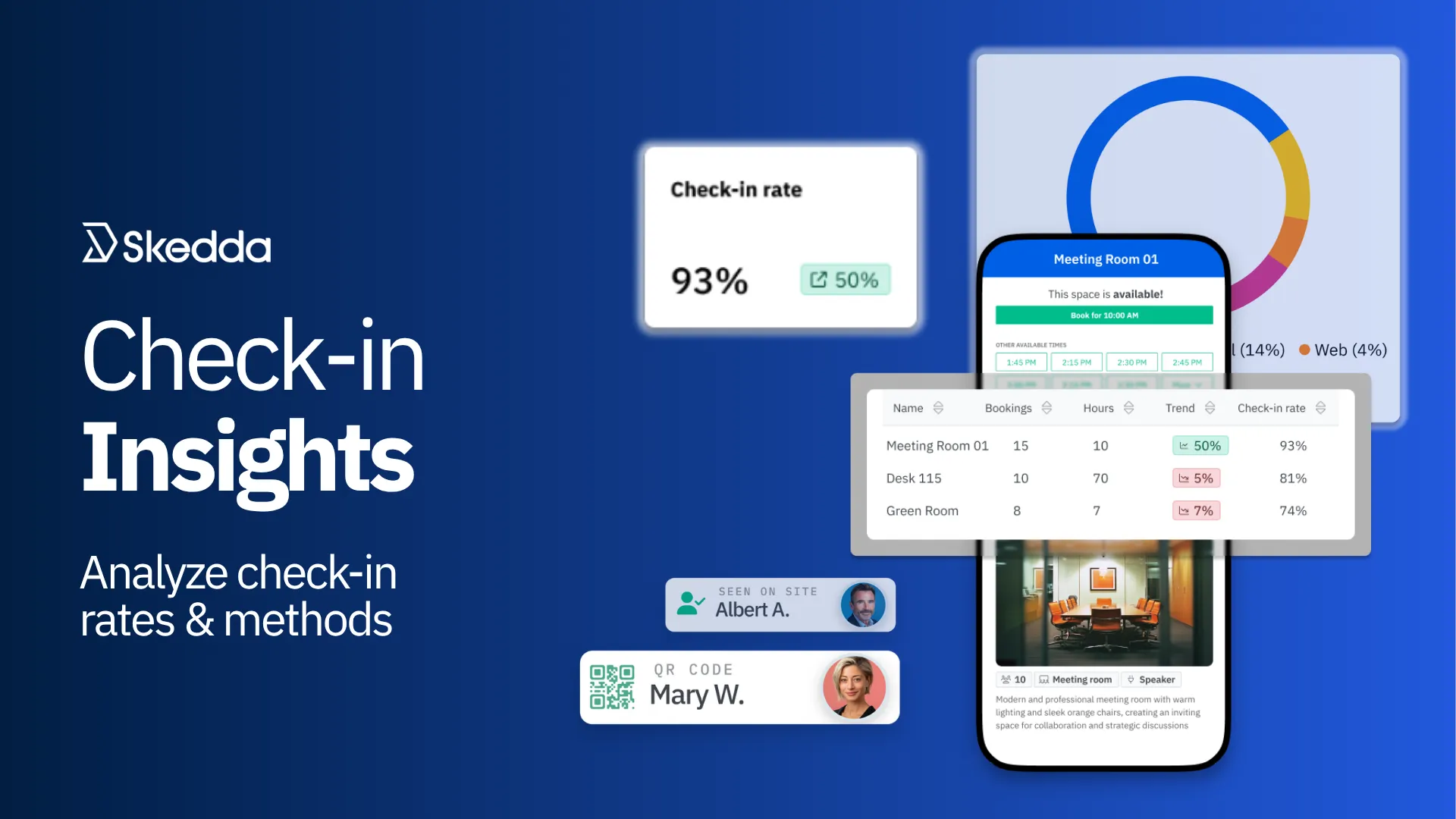
Check-in Insights brings that data to the surface.
The Insights tab now includes dedicated check-in analytics for any venue with at least one check-in rule enabled. Three new metrics ship with this release:
Head to the Insights tab to explore your check-in data, or get started by creating your first check-in rule.
Learn more about Check-In Insights →
Booking Approvals launched earlier this year and quickly became one of our most-used features with venues managing high-value spaces like conference rooms and event halls. But for customers running two-way sync with their Outlook calendars, there was a gap: approval workflows didn't carry over to Outlook-synced spaces, which meant teams working primarily in Outlook had to choose between Skedda or Outlook as their source of truth for booking request-first spaces, instead of having both work in harmony.
That gap is now closed.
Booking approval rules now work for spaces that are two-way synced with Microsoft. The workflow is designed to feel native on both sides:
When a user requests to book a two-way synced space from either Skedda or Outlook, the request appears as tentative in their Outlook calendar and surfaces in Skedda's booking request dashboard for the admin to review. Once approved in Skedda, the booking moves to accepted in Outlook. Users can track their request status directly from their calendar without switching tools. Please note that while two-way sync handles requests and status updates, all admin approvals and rejections must come from within Skedda.
Two targeted improvements to the activity feed this month, both aimed at filling gaps in the audit trail for admins managing busy venues.
Space assignment events: the activity feed now tracks all space assignment changes (assignment, reassignment, and unassignment) so admins have a complete log of who assigned what, and when. Previously, changes to space assignments weren't captured, making it difficult to audit seating changes after the fact.
Missed check-in events: when a venue is configured to log a missed check-in (rather than automatically release the booking), the activity feed now shows a dedicated check-in event—"[Holder] missed a check-in (date | time range)"—attributed to the booking holder. Previously, this appeared as a generic cancellation from the Skedda Background Worker, which made missed check-ins hard to distinguish from regular cancellations in the log.
This month was about giving the people who run the office a clearer picture of what's actually happening: who's visiting and why, whether people are showing up to their bookings, what's breaking and where, and a tighter audit trail when something unexpected happens. Operational clarity isn't the flashiest product theme, but it's what makes everything else run better.
More coming in June. Stay tuned.
Have questions or feedback about our recent releases? Contact our team, we’d love to hear from you.
Our team is ready and waiting to talk through your specific desk scheduling requirements and see how Skedda could work for you.

.svg)



