NEW
Booking data, wherever you need it:

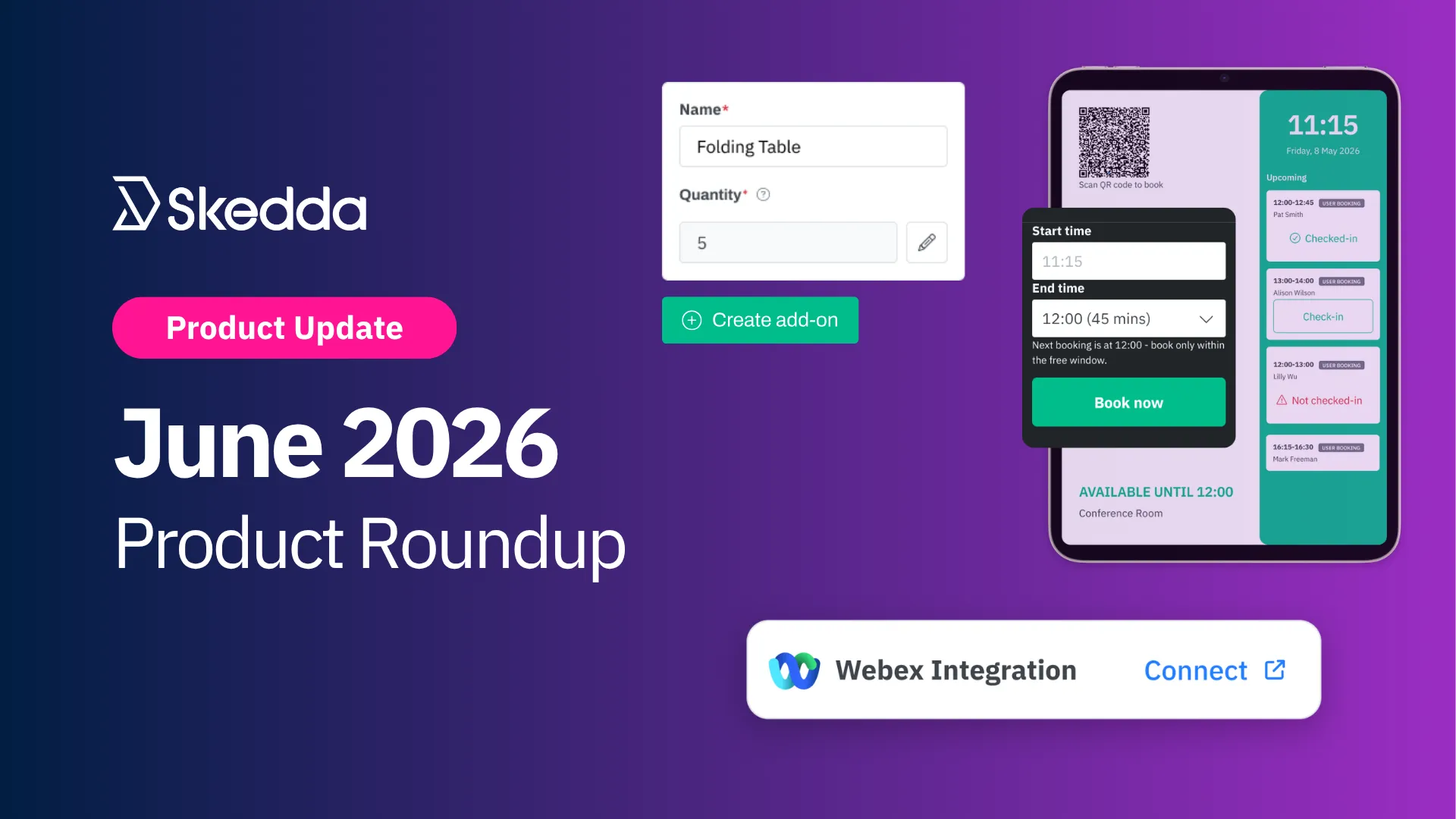
It's been a summer to remember already, and we're just getting started. Over the past month, Scottish World Cup fans have taken over the streets around our Boston office, making in-office days a lot more fun. While we're sad to see them go, there are still two weeks of games left, so here's hoping your team is still in it.
Alright, let's get into this month's releases:
A lot of the friction in shared workspace scheduling isn't making the booking itself. It's the logistics around it: pinging an admin to reserve a projector, finding a room for a last-minute meeting, copying a meeting link into an email. This month's releases are all about ensuring those extra steps and considerations are all handled within Skedda, whether that's from the booking form, the tablet outside a conference room, or a spreadsheet of event guests.
Here's what's new:
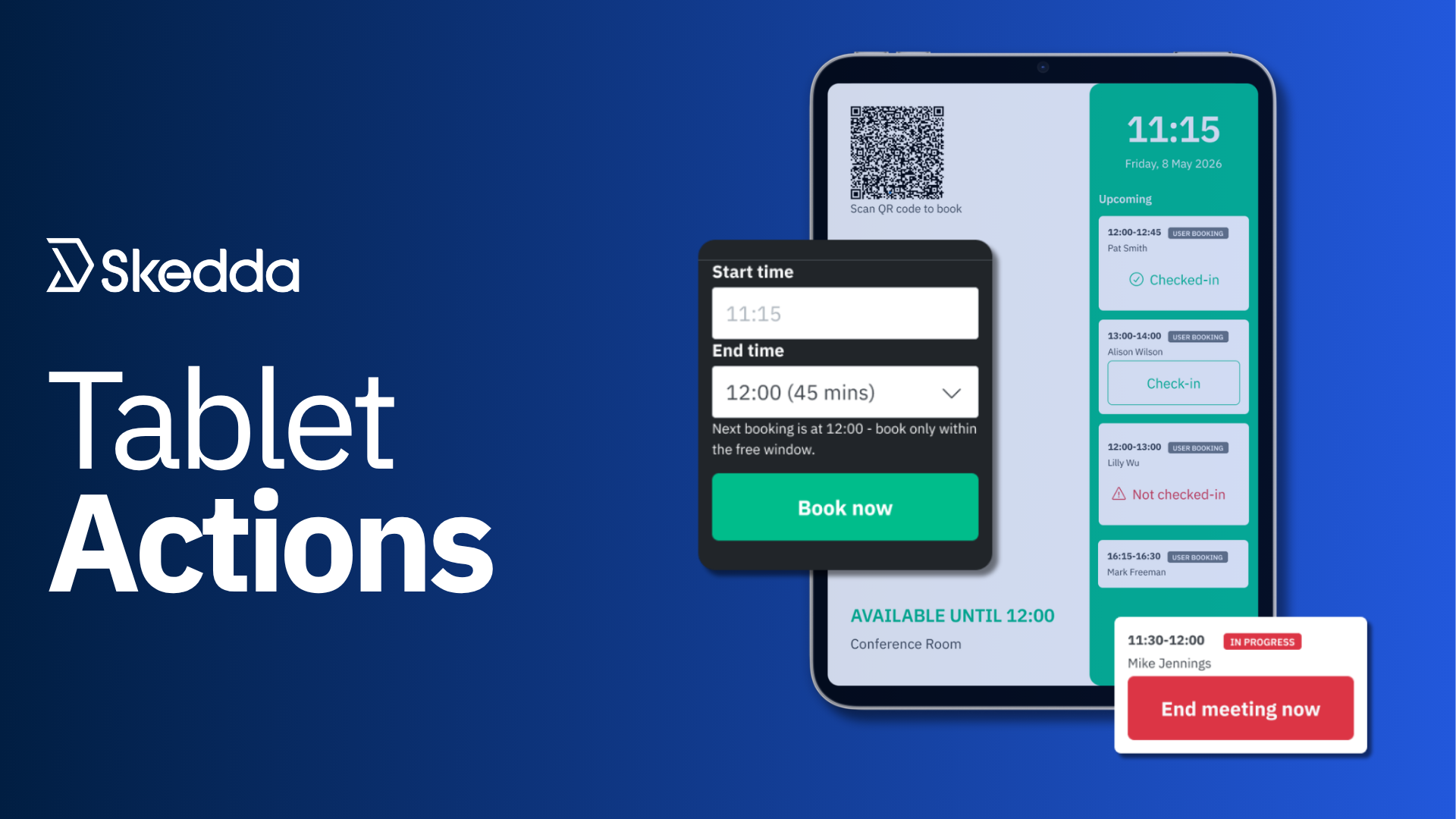
Tablets outside meeting rooms have always been useful for telling you whether a room is free. Actually doing anything about it (reserving the room, checking in, or ending a meeting early) meant opening Skedda separately on a phone or laptop, or even tracking down an office admin.
Now, tablets paired with your Skedda account can be optionally turned into interactive room terminals. By enabling “Tablet Actions” for a paired device, anyone standing at the tablet can:
To turn it on, go to Settings → Tablet displays, start pairing a tablet, and check "Show extended booking information." That reveals a nested "Allow room actions" checkbox. Both need to be checked for room actions to appear.
Room actions are off by default, and existing tablet behavior doesn't change until an admin opts in.
Read the Tablet room actions help guide for setup instructions.
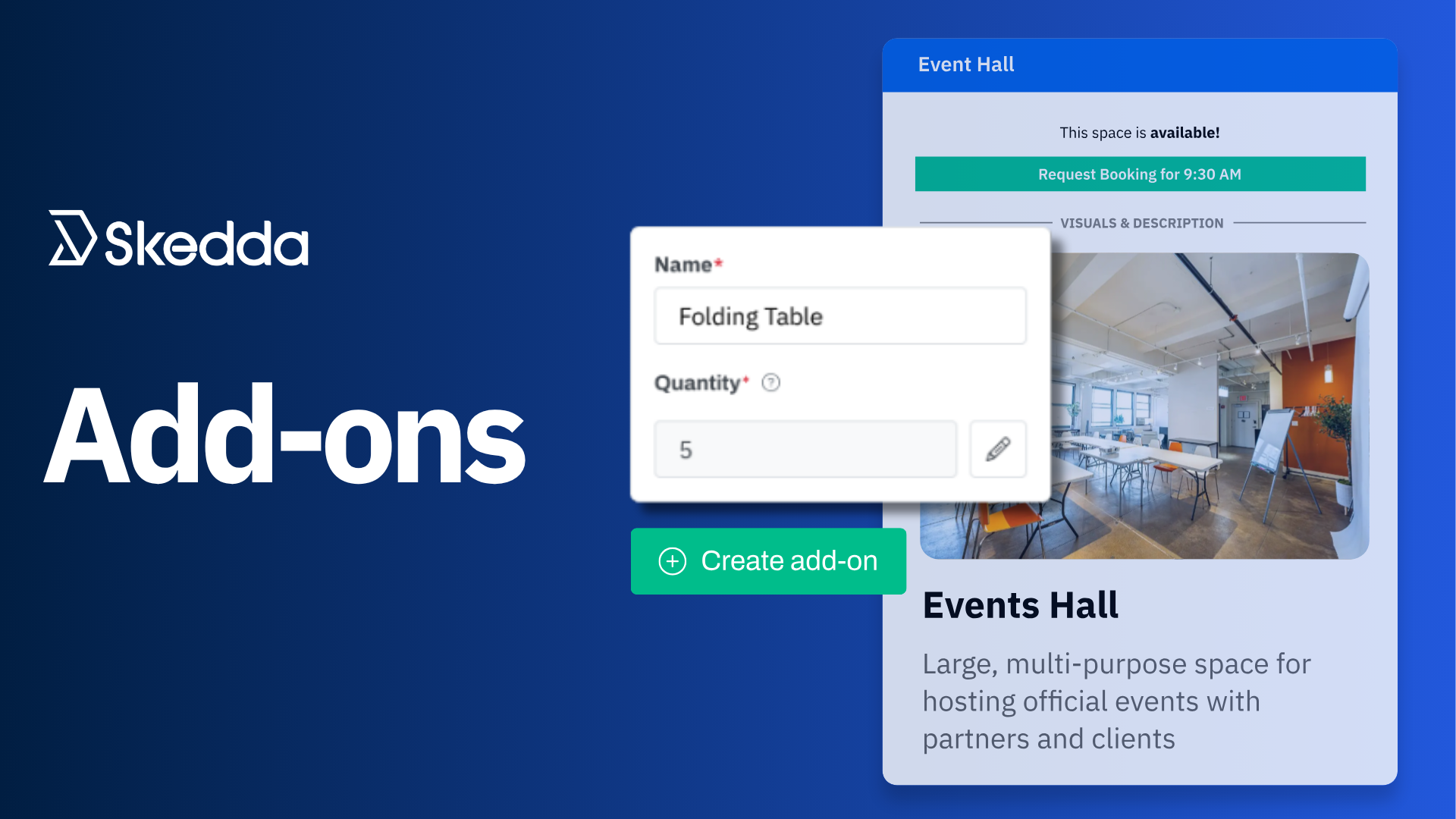
Booking a space to work in is often just step one. Someone reserving a lab bench also needs the centrifuge. Someone booking a hot desk might also need a parking spot for the day. Someone reserving a conference room for an event might need folding tables. Until now, the only way to request that stuff in Skedda was through custom booking fields. These fields weren’t backed by availability logic, meaning three people could book the same piece of equipment at the same time.
Booking Add-Ons are now available on Workplace Premier. Admins create named extras (equipment, amenities, services) under Settings → Add-Ons, and users pick from them directly in the booking form when they reserve an eligible space.
Here's what you can do:
Read the Add-Ons help guide for full setup instructions.
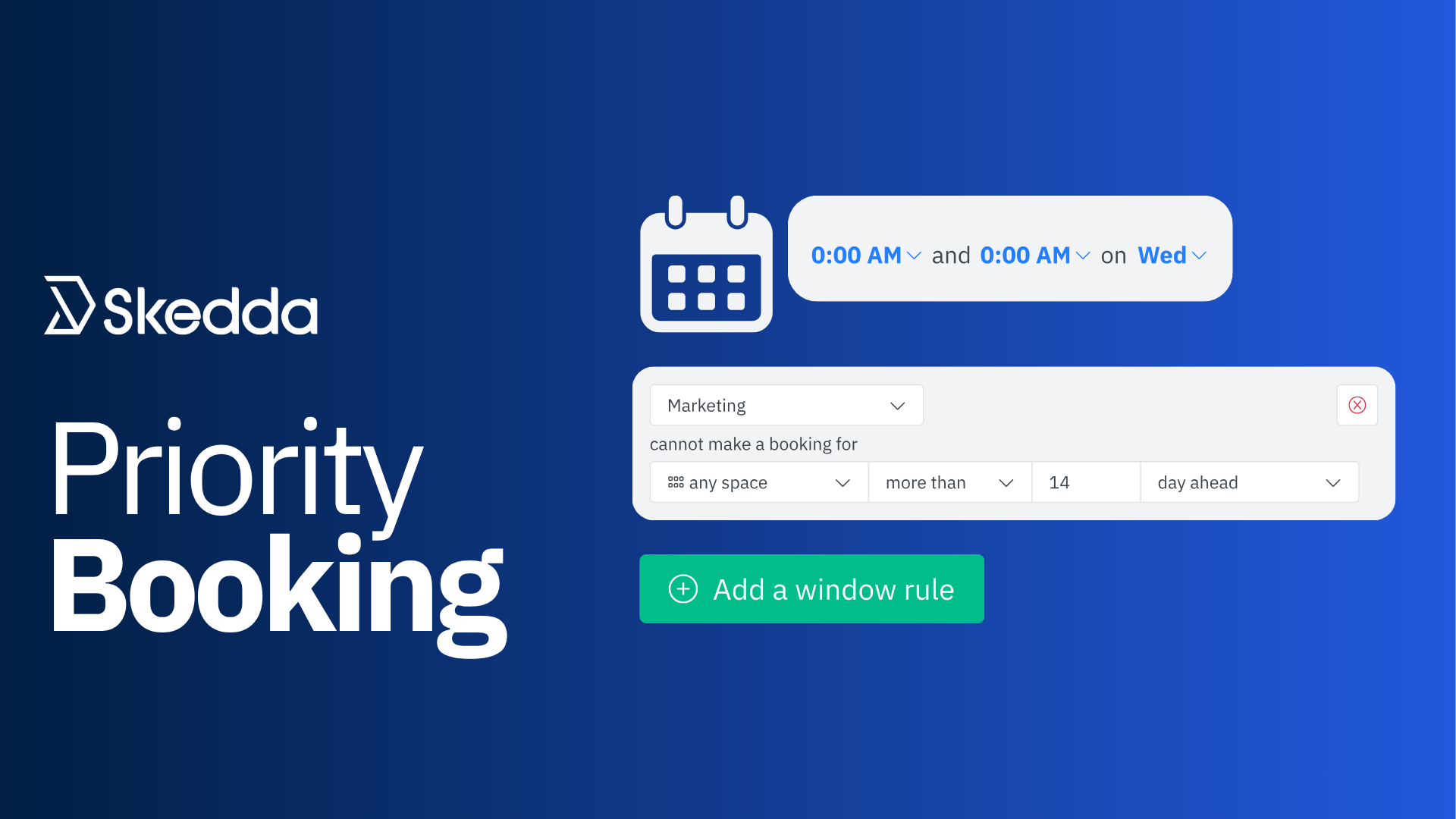
Booking window rules have always been a blunt instrument: the same advance-notice window for every day, every booking, every team. That's a real problem for venues running team-based RTO, where Marketing might come in on Tuesdays and Engineering on Wednesdays, all sharing the same desk pool.
Booking window rules can now be scoped to specific days of the week and time ranges. Admins add or edit a rule, click the "at all times" trigger, and choose "Specify times" to set a day-and-time filter. The rolling booking window then only applies to bookings that fall inside that window.
Read the Booking window help guide for full details.
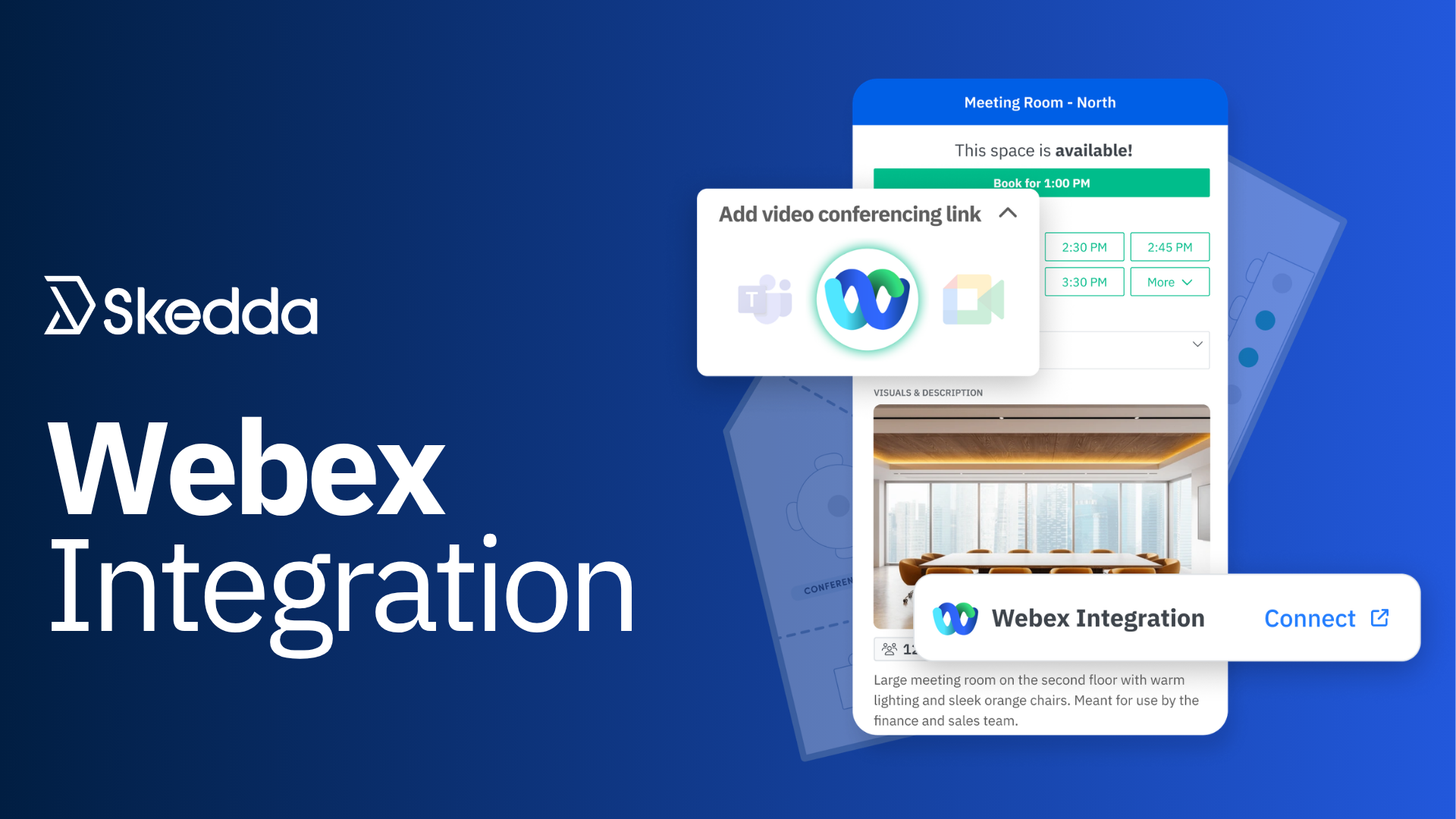
Organizations using Cisco Webex have had to manually create Webex meetings and paste the links into bookings. It's more work, and it's an easy way for links to go stale or missing on recurring meetings.
Skedda now supports Webex as a native conferencing option alongside Zoom, Google Meet, and Teams. Admins connect it under Settings → Integrations → Cisco Webex Meeting with a one-time OAuth setup. From there, users booking a space synced with Google Calendar or Outlook can select Webex from the conferencing dropdown, and Skedda generates the meeting link automatically.
Read the Webex integration help guide for setup instructions.
Invite multiple visitors at once with CSV import: preparing for a big event or a busy day of arrivals no longer means adding guests one by one. Upload a CSV file and invite your full visitor list in a single step. Learn how it works.
New side navigation bar: The lefthand menu in your Skedda account now collapses and expands, so you can get to your favorite settings and booking pages faster. Language selection and support links have moved to the new profile tab, and if you manage multiple venues, a new venue selector at the bottom of the menu makes switching between them quick.
Every one of this month's releases removes a step that used to send someone somewhere else: back to a computer to book a room, over to an admin to request equipment, into an email to paste a meeting link, through a guest list one name at a time. June's updates keep people where they already are and let them get more done from there.
We're heading into Q3 with more exciting things on the roadmap. Keep an eye out.
Our team is ready and waiting to talk through your specific desk scheduling requirements and see how Skedda could work for you.

.svg)