
NEW
Booking data, wherever you need it:

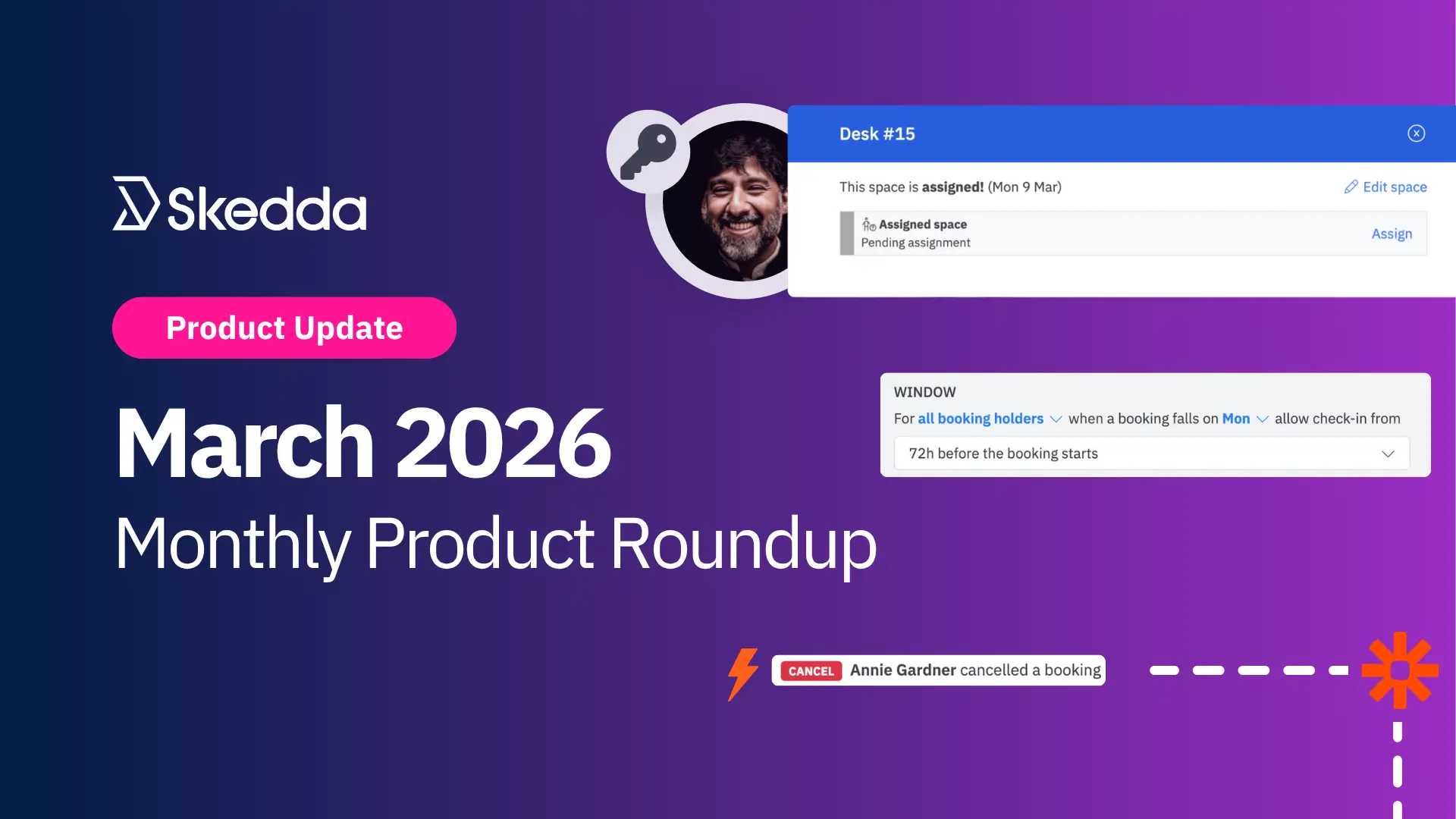
March is that sweet spot where winter starts loosening its grip and Q1 chaos finally slows to a dull roar. It’s got a lot going for it: pints of Guinness on St. Patrick’s Day and nonstop basketball thanks to March Madness.
This month, the Skedda team shipped a few quality-of-life updates to cap off a busy Q1, the kind of improvements that make day-to-day space management feel that much simpler.
This month’s releases focus on giving teams better ways to manage spaces and workflows without jumping through hoops (or handing out full admin access just to get one thing done). Expect smoother handoffs, policies that actually match how workplaces operate, and more automation for the moments when bookings inevitably change.
Here’s what’s new:
Assigned spaces are fantastic… right up until someone needs to update an assignment and suddenly it’s a full system admin or IT problem. Situations like this end up taking too much time to manage, even when you’re just trying to keep seating plans and allocations up to date in certain zones.
Our latest improvement to Custom Admin Roles reduces that friction.
Now, custom admins can assign and reassign the spaces they manage directly from the booking modal, making it easier to manage seating allocations without needing full system access or opening a ticket with IT.
This is one of those small changes that pays dividends immediately:
This update also adds a convenient shortcut for all admins to assign or reassign a space without navigating through space settings, so the whole process is faster even if you do have full admin access.
Simpler workflows, better delegation, fewer “can you please update this one thing” messages. The dream.
Read more: Skedda Introduces Custom Admin Roles
Check-in rules are supposed to help confirm real usage. But if your policy falls apart over a weekend gap, it’s not really a “rule,” it’s more of a suggestion.
With this update, Skedda gives you more control over when bookings are confirmed, with check-in rules that are easier to match to how your workplace actually runs.
This is one of those deceptively simple updates that removes a ton of day-to-day friction:
If you’ve been using Zapier to automate workflows off Skedda bookings and thought, “Cool, but I need more than new booking,” congratulations: you’re correct, and we agree.
This month, we expanded our Zapier integration to support more of the booking lifecycle, so your automations don’t fall apart the second someone edits or cancels a booking.
You can now build Zaps off these events:
Previously, Zapier only supported New Internal Booking and New User Booking, so this is a solid step forward for richer automation workflows. As always, thank you for the feedback!
More lifecycle triggers means more reliable automation, like:
This month was all about making admin control more practical and automation more powerful: easier assigned space management (without over-permissioning), check-in policies that can actually survive weekends, and more Zapier triggers so booking workflows don’t die the moment something changes.
See ya, March – we’re onto April, and to an exciting Q2 of new releases. Stay tuned, big things are coming from our team here at Skedda.
Our team is ready and waiting to talk through your specific desk scheduling requirements and see how Skedda could work for you.

.svg)



