
New: Occupancy Insights.
Daily headcount, attendance trends, and RTO reports for your office.

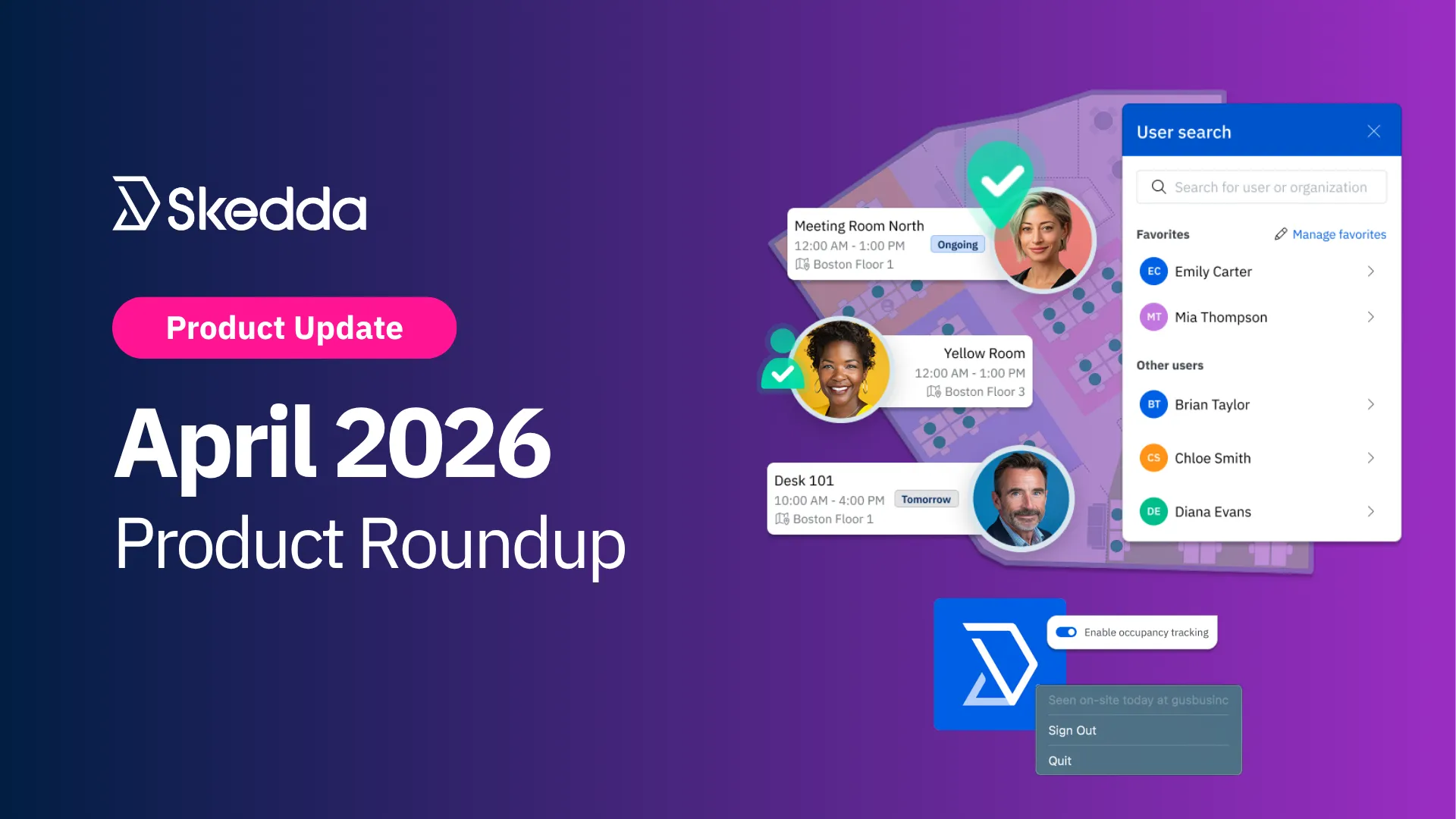
April tends to be the month when things actually start moving. Q1's frantic energy finally settles, the days get longer, and teams get into a proper rhythm. It's also, as it turns out, a pretty good month for shipping features that make daily life in the office a little smoother.
This month, the Skedda team launched three big updates focused on reducing the small moments of manual overhead that quietly chip away at everyone's day: passive presence detection, in-map colleague search, and smarter space sorting.
Working in the office has become more intentional. People choose when to come in, sometimes based on who else will be there. But the tools for that kind of coordination haven't always kept up. This month's releases are about closing that gap: automatically confirming who's on-site, making it easy to see where your teammates are booked, and keeping your spaces organized so the whole experience stays smooth.
Here's what's new:
Hybrid work coordination has a quiet overhead cost that rarely gets talked about: the back-and-forth of figuring out when your teammates are actually in the office, and where they'll be sitting. For most teams, that still means a round of Slack messages before committing to a booking, or just showing up and hoping for the best.
The new User Search feature is built to fix that.
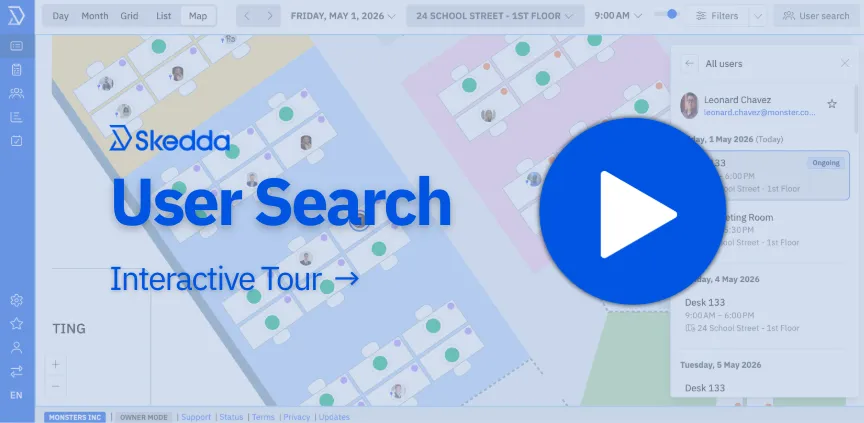
From your interactive map in Skedda, you can now look up any teammate by name and immediately see their booking schedule for the day—what they have coming up, where they're sitting, and whether it's worth booking the desk next to them.
Here's what you can do:
Admins can enable User Search for regular users under Settings → Access & Visibility, and can control visibility rules to determine which user details are shown across the organization.
Read the User Search help guide for full setup instructions.
Most workplace check-in tools rely on people doing something—scanning a QR code, keeping a browser tab open, or remembering to tap a button. Every one of those touchpoints is another chance for a missed check-in, a ghost booking, or occupancy data that doesn't reflect what's actually happening on the floor.
That's why we built the Skedda Companion App.
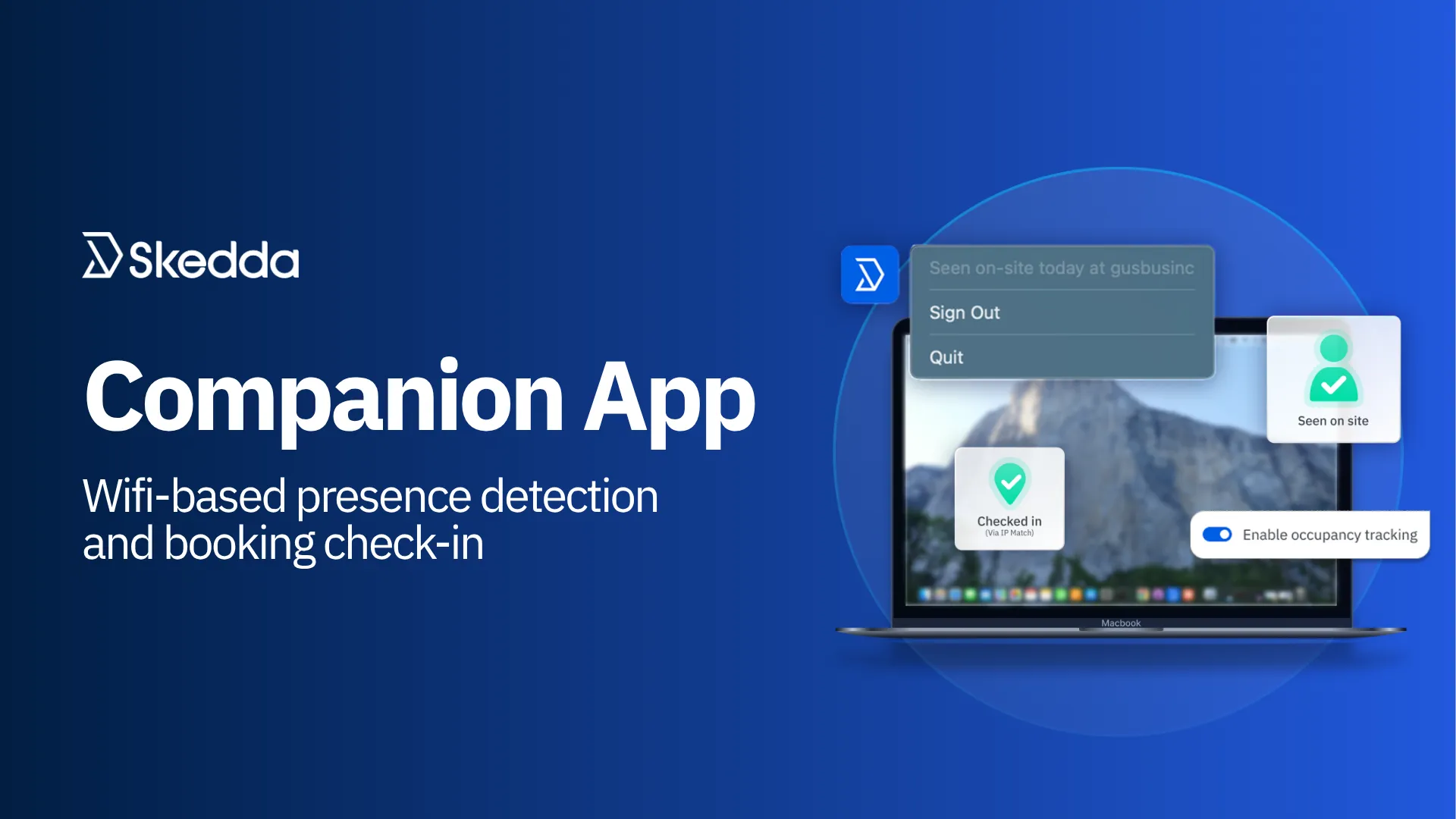
Available for both Mac and Windows, the Companion App is a lightweight desktop app that runs quietly from the Menu Bar or System Tray of your work laptop. When the device connects to your office network, it signals Skedda to mark you as seen on-site for the day—no action required.
When combined with auto check-in rules, the app can also automatically check you into eligible bookings. The result: your team shows up, opens up their laptops, and gets on with the day.
Setup is straightforward. The app uses your existing office network infrastructure without requiring new hardware or sensor installations. IT can distribute it via individual install links or push it across managed devices using an automated deployment system. Users sign in once with their Skedda work email, and that sign-in persists across restarts.
Ready to get started? Read our full Companion App guide for setup instructions.
For venues with many spaces, keeping them organized used to require a lot of manual drag-and-drop work. And if you wanted a clean alphabetical order, you had to do it yourself by hand, one space at a time.
Not anymore.
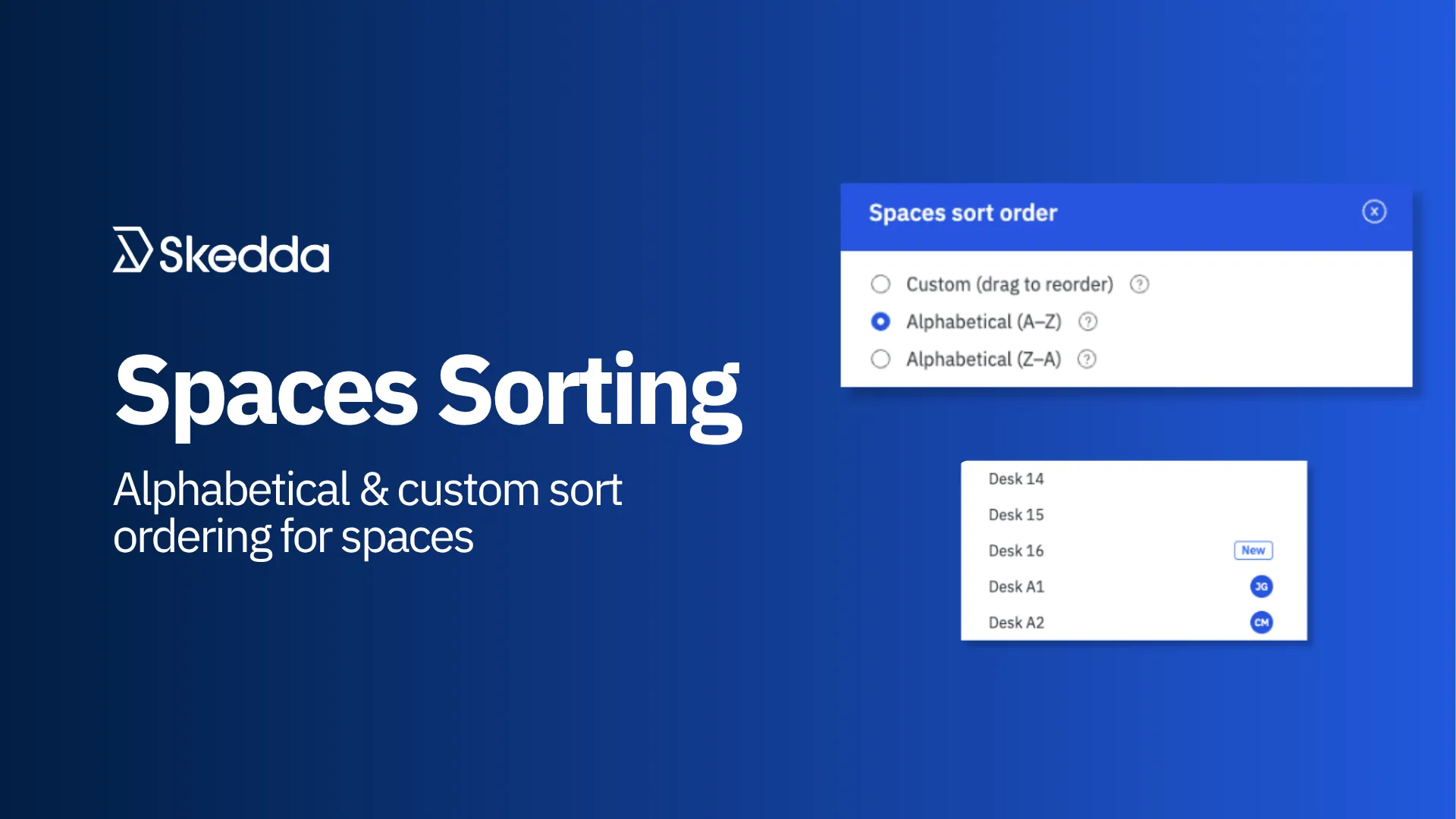
Admins can now sort spaces alphabetically (A–Z or Z–A) directly from Venue Settings → Spaces & Attributes using the new Spaces sort order gear icon. Your chosen sort order is applied consistently across the Day and Grid schedule views and all space dropdowns throughout Skedda.
There's a small bonus here too: newly created spaces are now badged as "New" in your spaces list so they're easy to spot at a glance. When alphabetical sorting is enabled, new spaces slot automatically into the correct alphabetical position.
The best in-office days aren't accidental. They happen when people know who else is coming in, can find their teammates easily, and aren't fighting their tools to make it happen. This month's releases are pointed in that direction: presence that gets confirmed automatically, schedules you can browse before you book, and spaces that stay organized without admin overhead.
We're deep into Q2 now, and there's more coming. Keep an eye out; the next few months have some significant releases on the way.
Our team is ready and waiting to talk through your specific desk scheduling requirements and see how Skedda could work for you.

.svg)



