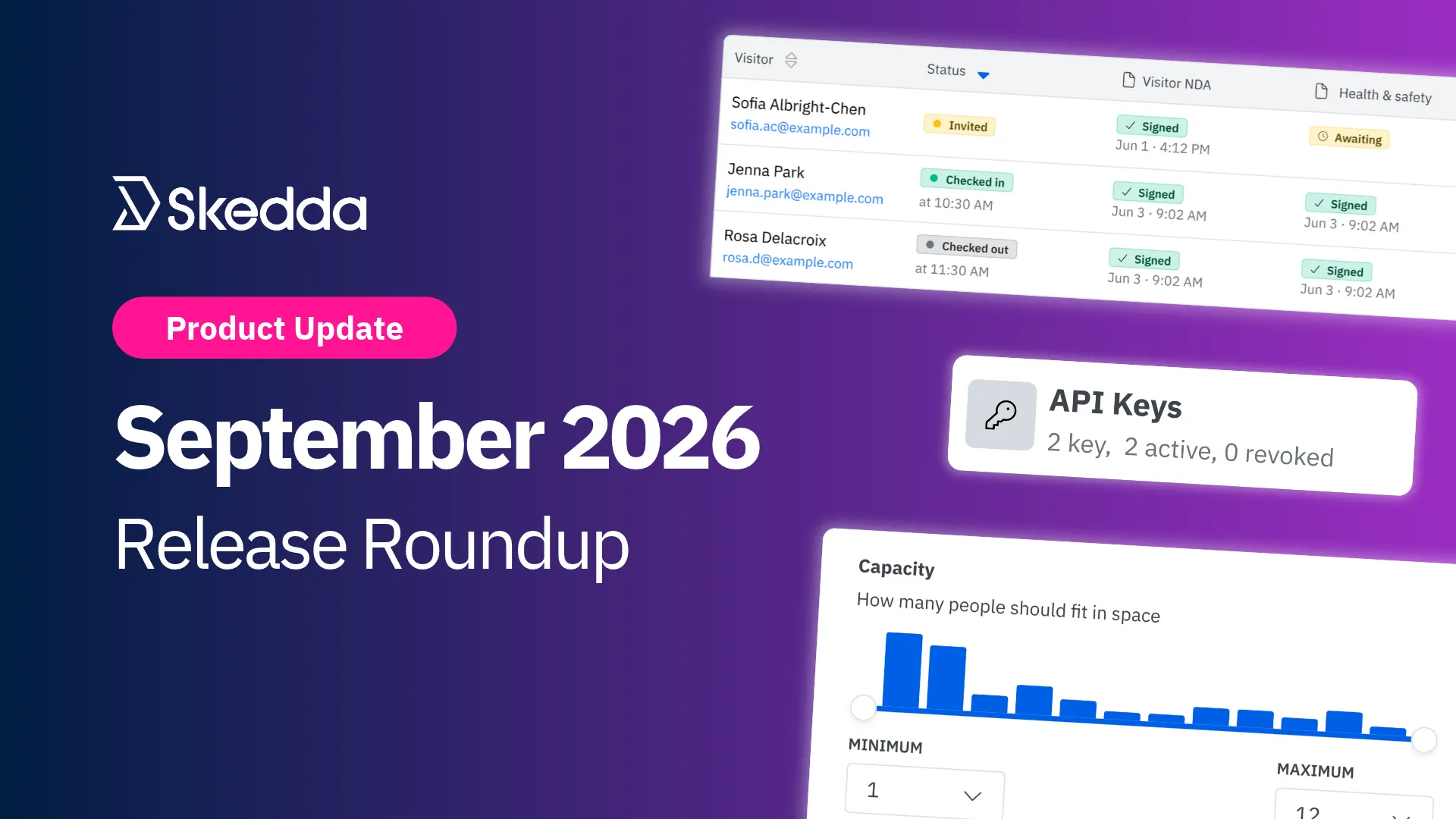
September 2026 Release Roundup

Author Headshot
by
Gus Anderson
October 7, 2026
Updated on
October 7, 2026

TL;DR Article Summary

Our developers shipped some big upgrades to where your data lives and how you use it, along with four everyday fixes for the people booking spaces, managing users, and running the front desk.

  • Skedda API (Beta): pull Skedda’s booking data straight into your own BI tools, warehouses, and internal systems with self-serve API keys
  • EU and Canada data residency: In addition to the US and Australia, new Skedda customers can now host their venue data entirely within the EU or Canada (Early Access)
  • Space type and capacity filters: narrow any booking view to the spaces that fit your group size and use case
  • Favorite home venue: choose the venue Skedda opens to when you work across more than one office
  • User list filters: filter the users page by admin role and user tag
  • Visits page redesign: a cleaner visits list built for large groups, check-in custom fields, and smaller screens

Q3 is in the books, and New England fall is in full swing here at our Boston office. For many IT and workplace experience teams, that means budget season, security reviews, and a hard look at which tools earn their spot in the stack. September's releases are built for those conversations.

September's theme: get to the answer faster

Sometimes the answer is a utilization number for a leadership dashboard. Sometimes it's a yes in a vendor security review. Sometimes it's just the right meeting room for eight people. This month's releases cut the steps between you and all three. Two of them change how Skedda handles your data. The other four change how fast you find what you need inside the app.

Here's what's new:
Skedda API

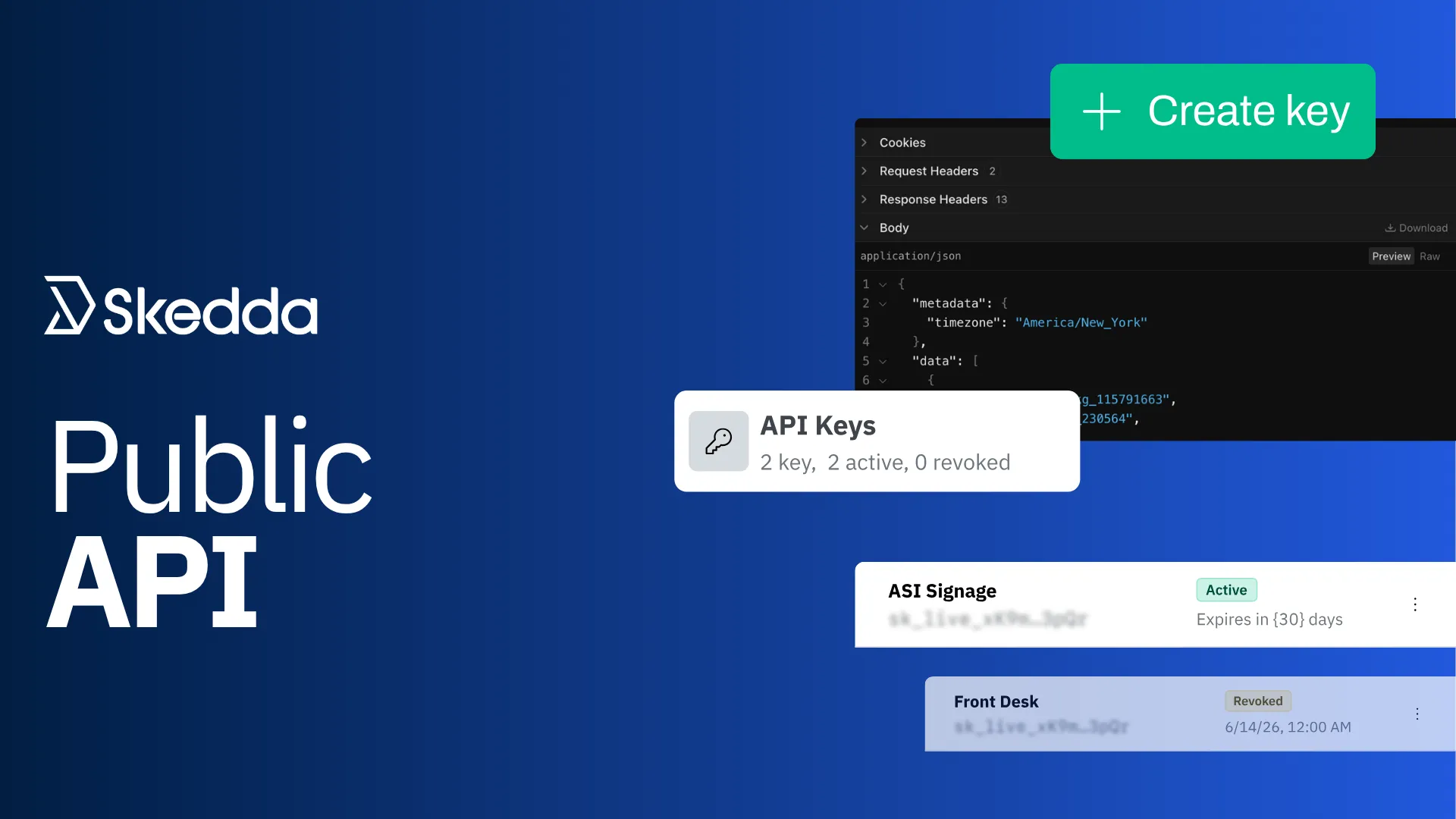
Skedda Public API

Stop Exporting. Start Building: Meet the Skedda API

Your Skedda booking data now goes wherever your team does its reporting. Power BI, Tableau, Snowflake, BigQuery, or the internal dashboard your ops team swears by. If it can call an API, it can pull from Skedda.

The Skedda API, now in beta, lets your developers build integrations that bring booking data into the systems you already use, right next to your HR, finance, and facilities numbers. Centralize it, visualize it, and act on it, on whatever schedule you set.

What's new

  • Two REST endpoints: booking-occurrences returns one entry per booking date, filterable by date range, space, and booking holder, while assets is a one-time lookup for your space IDs
  • Self-serve API keys: admins create, name, set expiry dates on, and revoke keys from Integrations → Developer, with no support ticket required
  • Filter by date, space, and holder: pull exactly the bookings you need, up to a month per request.

Available now in beta on the Skedda Premier plan.

In practice

  • Feed the leadership dashboard: send booking data to Power BI, Tableau, or Looker on a schedule, right next to your HR and facilities numbers
  • Make Skedda one more source in your warehouse: pipe bookings into Snowflake, BigQuery, or the SQL Server your team already reports out of
  • Check bookings before a workflow moves forward: build integrations with external systems that call Skedda to confirm whether someone has an active desk booking

Full endpoint details live in our API documentation. For a step-by-step walkthrough, read the getting started guide.

EU and Canada Data Residency

EU & Canada Data Residency

Last month we launched data residency in Australia. We’ve followed that up this month with the EU and Canada. Skedda now supports data residency in four different regions. 

For organizations in the EU, keeping personal data in-region takes the third-country transfer question off the table in GDPR reviews. For organizations in Canada, it means a straight answer when procurement asks where employee data lives. Either way, it's one less objection standing between your team and a signed contract.

What's new

Skedda now supports data hosting in the EU and Canada. New customers that opt in get their own regional environment, with data staying in that region instead of crossing into the US.

  • Data stays in-region: your venue's data is hosted on Microsoft Azure servers in the EU or Canada, not the US
  • Core workflows are supported: SSO (SAML2 and OAuth2), SCIM, Stripe billing and payments, calendar sync with Microsoft 365 and Google Workspace, Microsoft Teams, and the Skedda mobile apps all work in both regions
  • Regional addresses: EU venues live at yourvenue.eu.skedda.com and Canadian venues at yourvenue.ca.skedda.com
  • More integrations coming soon: Zoom, Webex, Slack, Zapier, and the Skedda Companion aren't supported for EU- or Canada-hosted venues in this Early Access phase, and mobile push notifications are still on the way. If your workflow depends on one of these, talk to your account manager.

This is an Early Access release. If you're a European or Canadian organization with data residency requirements, book a call with our team to learn more.

Space Type and Capacity Filters

Space Type and Capacity Filters

In a big office, finding the right space shouldn't feel like a scavenger hunt. If you need a room for eight, you shouldn't have to scroll past every desk and two-person huddle room to get there. So we added some additional filters that take you straight to the spaces that fit.

What's new

In addition to searching by space tag, two new filters in the filter menu let you narrow your search to spaces that fit your group size and use case:

  • Filter by capacity: set a minimum and maximum headcount, and only spaces in that range stay on screen
  • Filter by space type: show only the kinds of spaces you're looking for (desk, meeting room, parking, etc.)
  • Works wherever tag filters do: Grid, List, Day, Month, and Map views, on web and mobile
  • Stacks with your other filters: combine capacity and type with space tags to build exactly the shortlist you want
  • Easy to share: applied filters stay in the URL, so you can bookmark a filtered view or send it to a colleague

A quick tip for admins: spaces without a capacity value won't show up while a capacity filter is on, so it's worth a quick check of your space settings. Read how to set up space attributes.
In practice

  • Book the right room on the first try: filter to rooms that seat 10 to 12 before planning a team workshop
  • Keep big rooms free for big meetings: steer two-person catch-ups toward smaller spaces and leave the boardroom open
  • Find a desk fast: show only desks on the Map view and skip the meeting rooms entirely

Visits Page Redesign

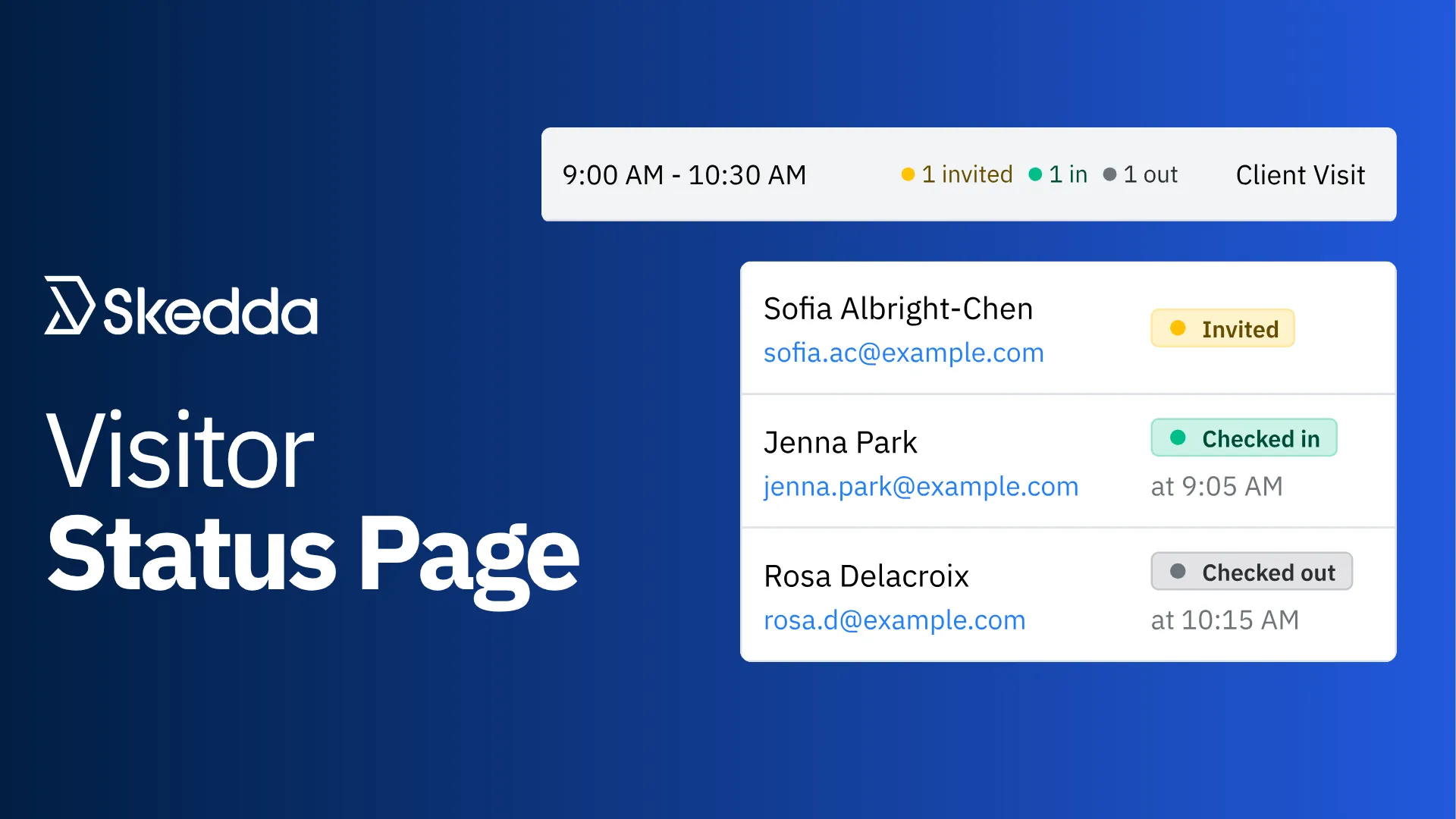
Visitor Status Page

Skedda's new Visits page breaks down every visit by attendee, so you can see who's invited, who's arrived, and who's already left, along with each person's check-in answers. Your front desk always knows who's in the building, without ever leaving Skedda.

What's new

  • Every visitor in one table: click a visit to see each attendee's status, check-in time, and check-out time
  • Check-in answers in the table: responses to your custom check-in fields show up right next to each visitor
  • Works on any screen: on phones, visit details appear as cards, and on tablets and smaller laptops, controls collapse into dropdowns so nothing gets cut off
  • More accessible: proper table structure means screen reader users can move through the list by row and column

What's moved

Visit actions now live in the menu on each visit. Use it to check visitors in or out, edit a visit, or cancel it.

Available now for all Skedda accounts with Visitor Management. Read the Visitor Management help guide for full details.

In practice

  • Run the front desk from a tablet: check a 40-person group's details without scrolling sideways
  • See what visitors told you: hosts can read every visitor's check-in answers right on the visit
  • Manage visits on the go: check visitors in or out from your phone in a layout made for it

Also Shipped This Month:

Filters on the User List:

Admins can now filter the users page by admin role and user tag. Pull up every System admin before an access review, or everyone tagged Contractor, then layer search on top. Tag filters match users with all, any, or none of the tags you pick.

Favorite home page:

If you have access to more than one Skedda venue, now you get to choose which office or building Skedda opens to first. Set a default venue in your profile, and Skedda opens there when you log in on the web (including via SSO), launch the mobile app, or open the official Microsoft Teams app. Bookmarks and shared links still open their own venue.

Go to Profile → Edit profile – Default Venue to choose a home venue. 

That's September

Two releases that change where your data lives and how you get it out. Four more that save clicks every single day. That's a wrap on Q3, and Q4 is already shaping up to be a big one, so stay tuned.

Have questions or feedback for our team? Get in touch.

Article by

Gus Anderson

Article by

Gus Anderson

Gus is a product marketing specialist in the B2B SaaS space. He helps distill the thinking of industry experts into messaging that buyers actually understand — and, most importantly, buy into. As Product Marketing Manager at Skedda, he focuses on workplace experience and hybrid work, translating how teams actually use their offices into clear, practical insights for the Skedda community.

Technology
Data
Security
Visitor Management

Schedule a demo to transform your office today

Our team is ready and waiting to talk through your specific desk scheduling requirements and see how Skedda could work for you.

Book a Demo

Related Articles