Get Your Booking Data Where You Need It
Space booking data is one of the clearest signals you have into how your hybrid workplace actually operates, telling you which rooms and desks get used, how often, and by whom. Those signals feed real decisions, like how much office space you actually need, where to invest in more capacity, whether your hybrid policy is working. It belongs in the same reporting ecosystem as your headcount and facilities numbers, and not sitting off to the side in an isolated environment.
If you've ever needed Skedda booking data somewhere else, you know the drill. Export, open in a spreadsheet, clean it up, paste it into whatever tool actually needed it. Repeat next week.
Not anymore. With Skedda’s API, now in beta, you can build integrations that pull your booking data straight into the tools you already use, on your own schedule, no manual exports required.
What You Can Build
The Skedda API lets your developers build integrations for two kinds of work in particular:
1. Centralized & automated reporting. If you already pull data from multiple systems at your organization into one place for reporting purposes, Skedda bookings can be one more source.
- BI dashboards: Feed booking data on a schedule into Looker, Tableau, or Power BI for a leadership dashboard that sits alongside HR and facilities data.
- Your own database: Pipe it straight into a dedicated warehouse like Snowflake or BigQuery, or just the SQL Server your team already reports out of, so Skedda becomes another source, not another login.
- Spreadsheets: Drop it into Google Sheets or Excel for a quick utilization report.
2. Workflow integrations. Booking data can now be checked against other systems on demand, without repeated exports.
- HR systems: Check for an active desk booking before approving a time-off request, and hold the submission until it's canceled.
- CRM and ERP tools: Send booking activity directly into HubSpot or Odoo, instead of through a manual sync.
- Internal schedulers: Pull Skedda in as one more source for an ops team's internal scheduler or event calendar, right alongside everything else they're already tracking.
Two Endpoints, One Booking Model
The API ships with everything you need to start pulling data from Skedda today.
- booking-occurrences is the main endpoint. It returns individual booking occurrences(one entry per date a booking happens, not one per recurring series) filterable by date range, space, and holder. Responses are expandable, so you can pull related data, like the space or booking holder, up to three levels deep in a single call instead of chaining requests.
- assets is a one-time lookup for space IDs. Call it once, save the IDs, and you're set. You'll only need it again if your spaces change.
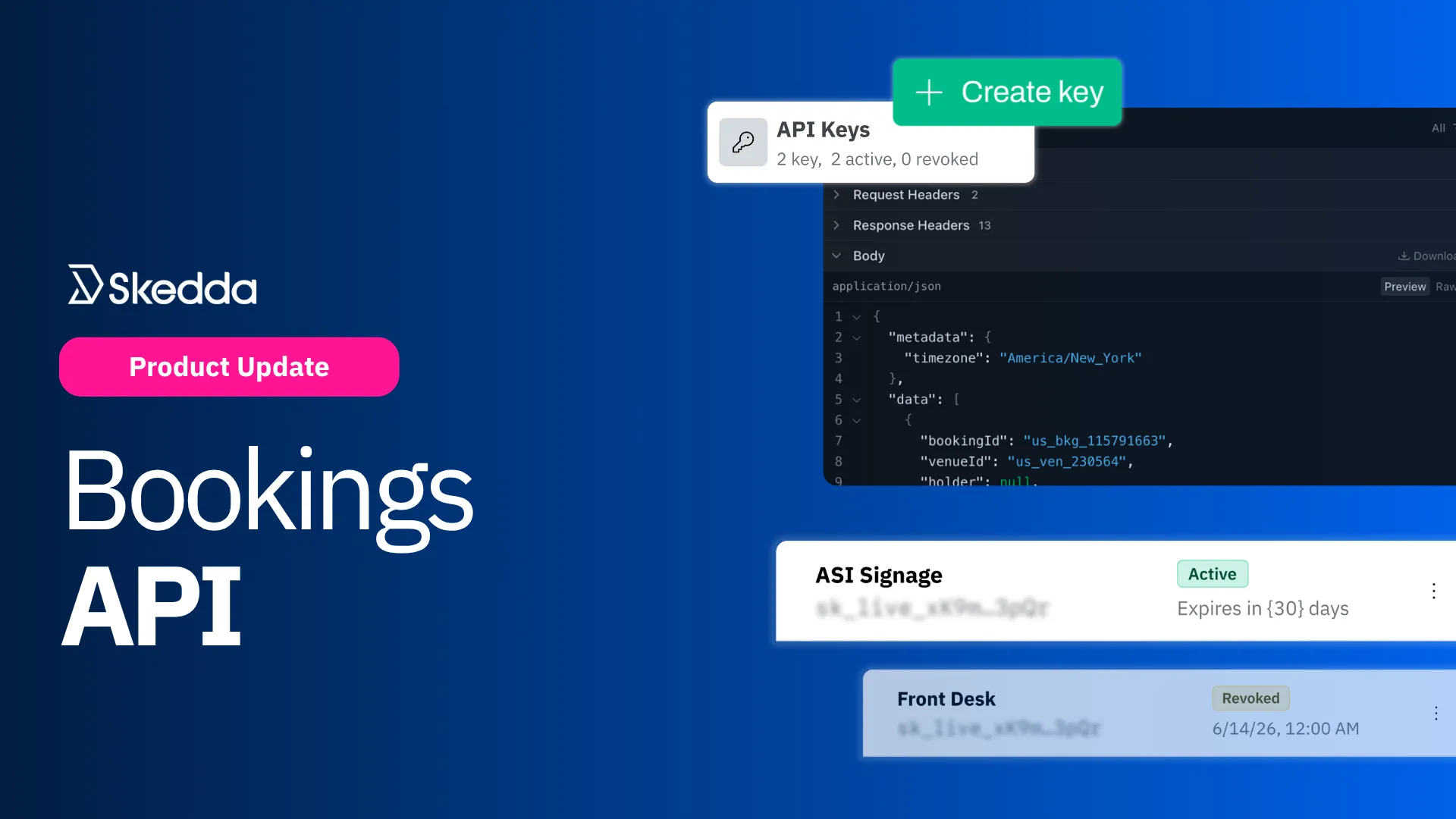
- Self-serve key management. Any admin can create a key from Integrations → Developer: name it, set an expiration date, and save it. Revoking a key is immediate and cuts off every integration using it.
- Built to scale with real usage. Each key is rate-limited, with X-RateLimit-* headers so your integration can back off before it hits the wall. Errors come back with an HTTP status code, a Skedda-specific error type, a readable message, and a request ID, so failures are something your code can actually parse instead of a wall of text.
Getting Started with the Skedda API
Using the API takes three steps:
- Create your API key. Go to Integrations → Developer and click Create key. You'll need a Premier plan on Skedda, or Advanced on AllBooked.
- Look up your space IDs. Call the assets endpoint once to get the IDs and names for every bookable space in your venue.
- Pull your structured booking data. Call the booking-occurrences endpoint with a date range (max one month per request, full ISO 8601 timestamps with a timezone offset), filtered by space ID and/or holder as needed.
- Build your integration. Have your developer team write the logic that takes what the API returns and connects it to where it needs to go, whether that's a scheduled job pushing bookings into your warehouse, or a check against another system before a workflow proceeds.
Full endpoint details, request examples, and authentication live in our API documentation. For a step-by-step walkthrough, check the help article.
Build on Your Booking Data with Skedda
Skedda holds valuable operational data: a real record of how and when your team uses shared space, room by room, day by day. Now you can pull that data out of Skedda and put it to work wherever you need it, feeding a warehouse, powering a dashboard, or wiring up a workflow in another system entirely.
This is also just the start. We're working on adding more endpoints to our API as we work through the beta stage, so stay tuned.
Ready to connect your booking data to the rest of your stack? Head to Integrations → Developer and create your first key, or book a demo with our team.



.svg)