NEW
Booking data, wherever you need it:

.png)
One big new addition to insights, plus two important upgrades to how Skedda handles data and visitor accessibility.
Summer is coming to a close, which for many organizations means a few things: work is about to ramp up, people are coming back from time off, and RTO conversations are about to get louder. Fitting, then, that our biggest release this month gives you the attendance data you need to have those tricky conversations with actual numbers instead of guesses.
Bookings tell you what people planned to do. They don't tell you who showed up, who's really following your RTO policy, or how many people are in the building in the moment. This month's headline release closes that gap directly, and our other two releases make sure the data underneath it, and the people using our public-facing pages, are on solid ground.
Here's what's new:
Bookings Aren't Attendance: Meet Occupancy Insights
Booking history has never been able to fully answer the questions that actually matter for a hybrid office: how many people are in the building right now, is your RTO policy being followed or just written down somewhere, and which teams overlap on which days. Skedda's Wi-Fi-based Occupancy Tracking has long collected presence data to fuel things like auto check-in, but it's stayed mostly invisible. This release finally puts it on a dashboard, turning that data into answers for RTO and attendance instead of just automation.
We've added a brand-new Occupancy tab to the Insights page, turning presence data into clear, actionable reporting. Now you can:
Under the hood, that's nine reports in total: headline KPIs like average daily headcount, unique people seen, and your peak day, plus a searchable, exportable attendance table and composition breakdowns by user tag and weekday.
If you already have Occupancy Tracking enabled, your data is live right now. Just head to Insights → Occupancy. If you haven't turned it on yet, you'll see a preview with sample data and a quick way to get started. Available now for all Skedda accounts on Plus and Premier plans.
Read the Occupancy Insights help guide for full details.
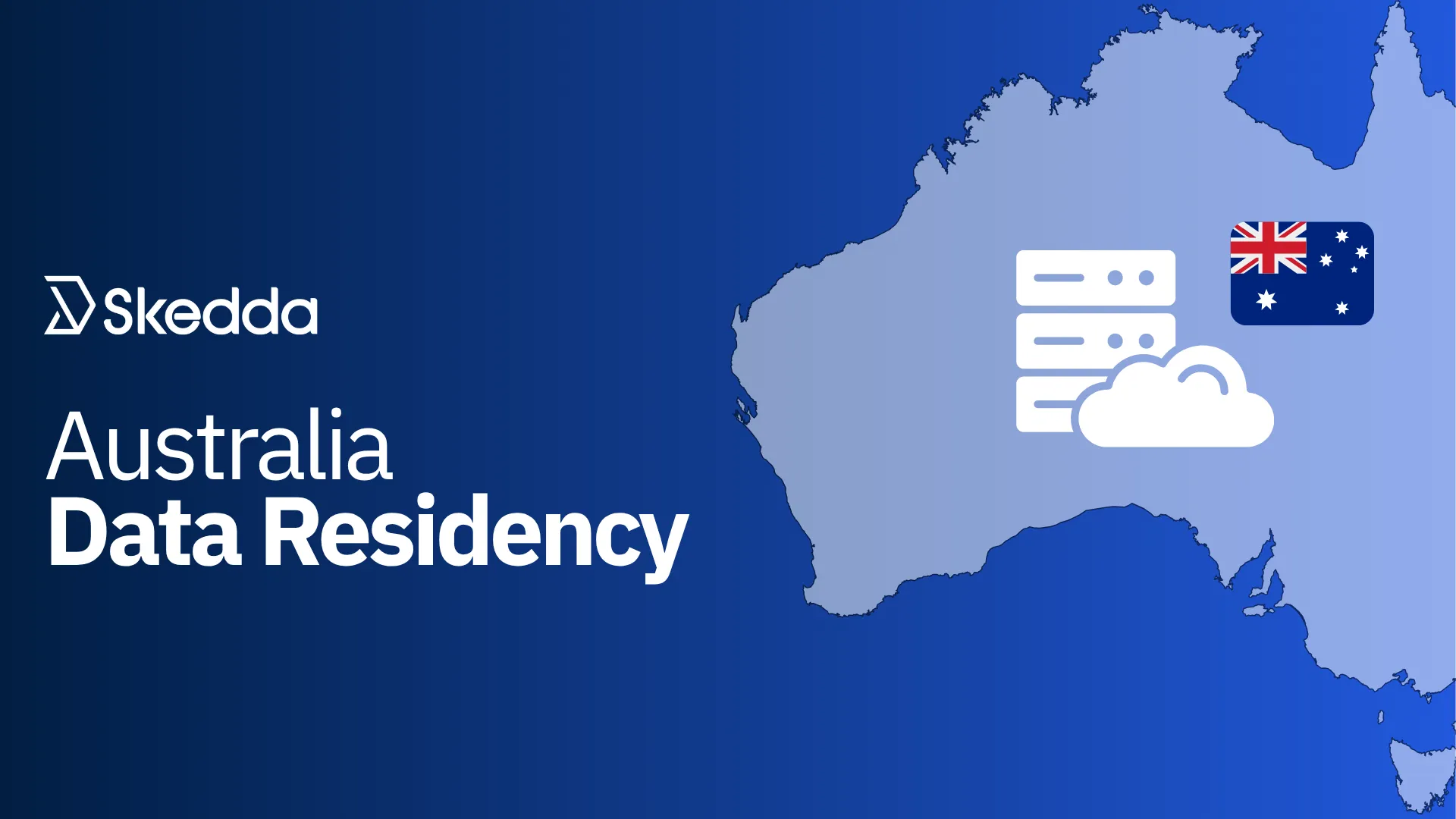
Our team is working hard on supporting data residency beyond US borders.
Hosting your data in the region where your business actually operates is good practice for any organization. It keeps your data under local law, simplifies compliance, and gives your security team a cleaner answer in vendor reviews.
Skedda was founded in Melbourne back in 2013, so Australia felt like the natural place to start. Data residency for the EU and Canada is next on the roadmap!
Skedda now supports data hosting in Australia, meaning Australian-based venues that opt in get their own Australian-hosted environment, with data staying in Australia rather than crossing borders.
This is an Early Access release. If you're an Australian organization with data residency requirements, book a call with our team to learn more.
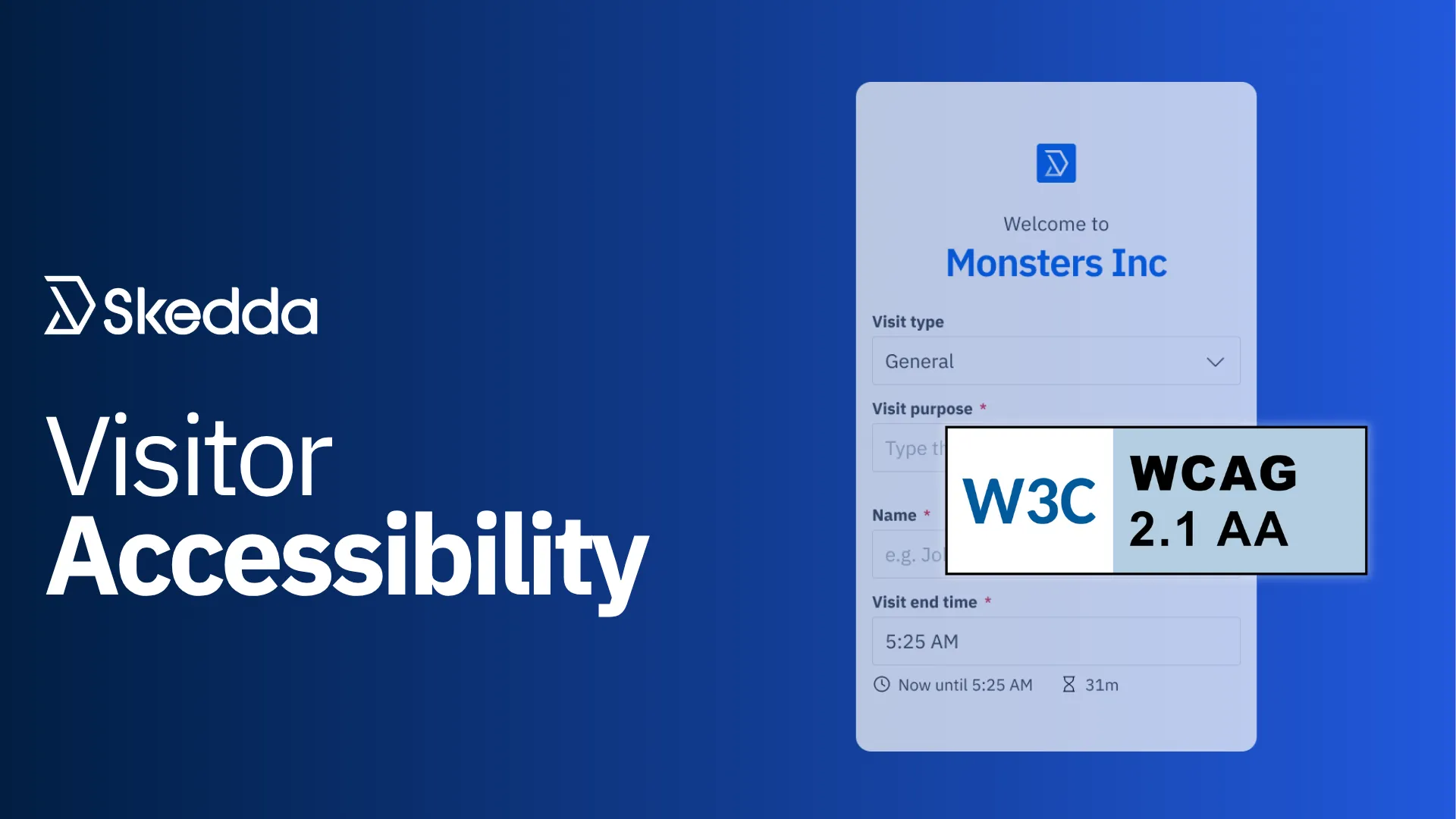
Our Visitor Management portal is often the first thing a visitor, delivery driver, or contractor sees when they arrive at your office. For people who rely on screen readers, are color blind, or have motor impairments, that first impression only works if the page is actually accessible. This release is the first wave of a broader push to bring those pages up to WCAG 2.1 standards.
We audited our public-facing Visitor Management interfaces and shipped a batch of fixes across the visitor invite, check-in, and delivery flows:
This is an ongoing effort. We're triaging issues in batches based on an internal audit, with an external accessibility audit planned to catch what we might have missed.
A big release for anyone managing RTO, and two upgrades underneath it that matter just as much even if they're quieter. We’ll be wrapping up Q3 with a busy September, so stay tuned.
Have questions or feedback for our team? Get in touch.
Our team is ready and waiting to talk through your specific desk scheduling requirements and see how Skedda could work for you.

.svg)