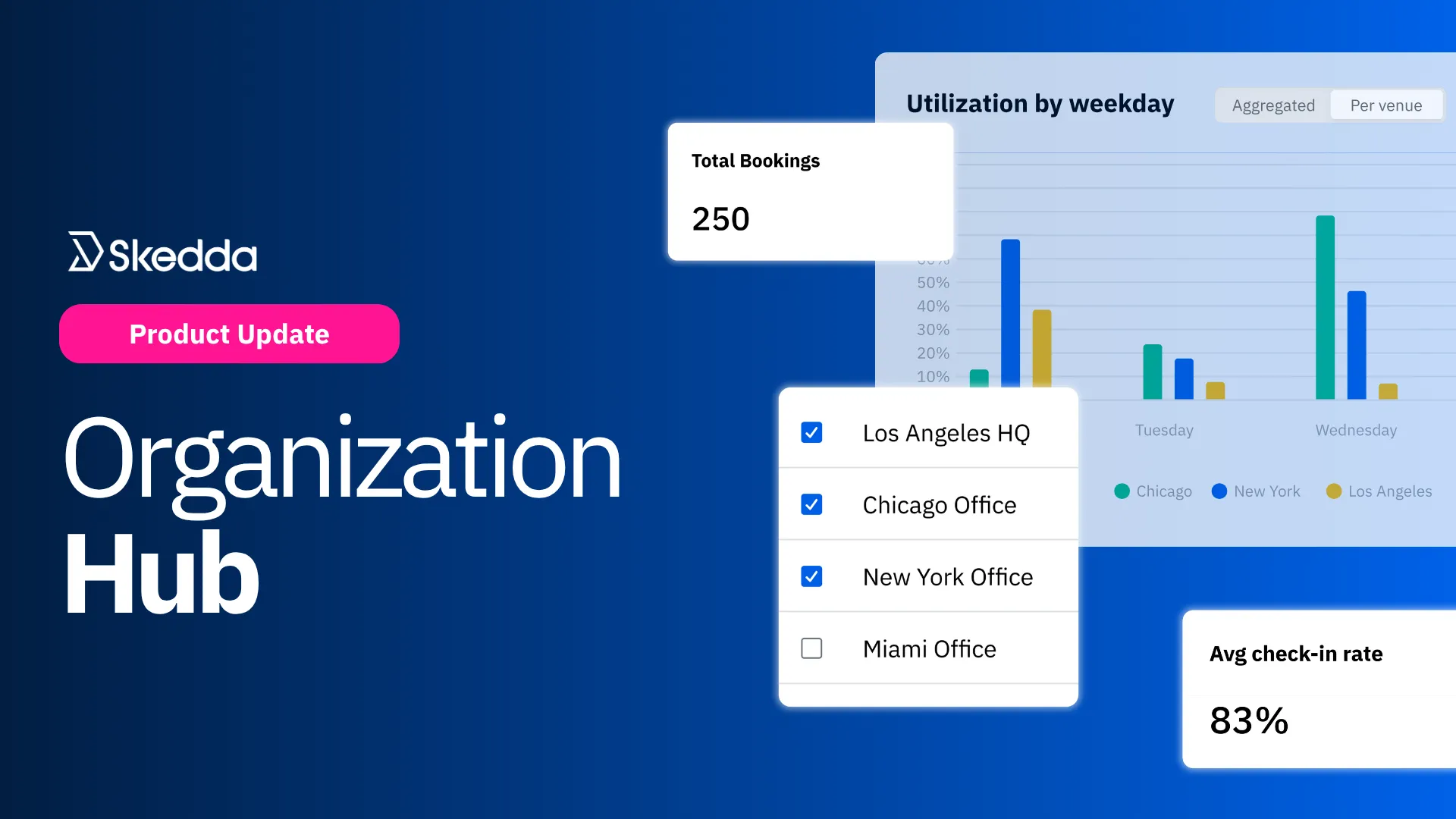
Every Office, One Dashboard: Meet the Organization Hub

Author Headshot
by
Gus Anderson
July 23, 2026
Updated on
July 23, 2026

TL;DR Article Summary

One dashboard for every office you run. With Skedda’s new Organization Hub, you get:

  • Ten built-in reports: covering utilization and space distribution across every office—view and compare them all from a single dashboard.
  • Native data aggregation: utilization, bookings, and space data combined automatically across every office. No exporting to a spreadsheet to piece it together yourself.
  • Effortless navigation: jump from any individual office to a single, unified view of your whole organization with one simple location dropdown.
  • Centralized permissions: one Owner and any number of admins, with access that applies across every office automatically.

A Better Way to Run Multiple Offices

If your company operates out of more than one office, tracking desk and meeting room use can be a nightmare: log into one office's dashboard, write down the numbers, switch to the next, repeat. Multiply that by every location you manage, and getting a real clean look at overall space utilization and efficiency turns into a spreadsheet project.

Admin access isn't any easier. Giving someone oversight across all your offices means adding them individually, location by location, and hoping nobody gets missed along the way.

That's why we built the Organization Hub, a new layer that sits above your individual offices, giving multi-location businesses one home for cross-office reporting and one place to manage who has admin access to what.

Intuitive Reporting without the Spreadsheets

Effortless navigation: Admins can easily switch from individual locations to a high-level view of their entire organization via a simple dropdown menu, with no separate logins or bookmarks for each office.

Native data aggregation and comparison: No more annoying exports or external spreadsheet management; Skedda does the heavy lifting for you. Utilization, bookings, and space data from every office can be compared and combined automatically in Skedda without added work. 

Centralized permissions: Assign an Owner and admins once at the organization level, and that access applies across every office automatically—no granting admin permissions one location at a time. You can still assign admin access for a single office whenever you need to.

10 Different Reports

Every view in the Organization Hub starts with five top-line numbers—Average Utilization, Total Bookings, Average Check-in Rate, Used Hours, and Available Hours—calculated across whichever offices you've selected. From there, ten reports break that picture down further for each location:
Utilization Reports

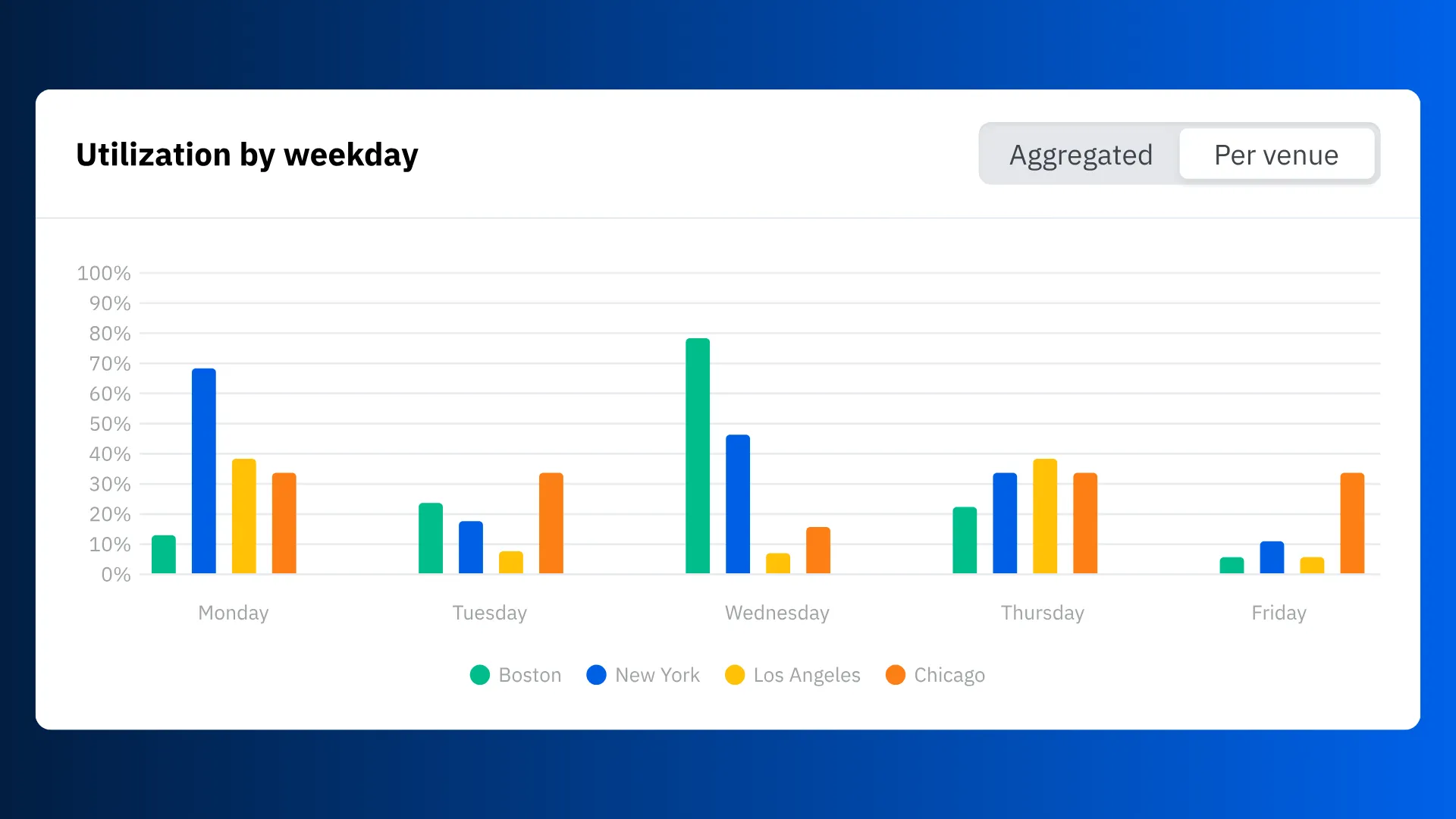
  • Utilization by Weekday — see which days are busiest across your organization, viewed in aggregate or broken out office by office.
  • Utilization Timeline — track usage trends over time, so you can spot a pattern before it becomes a real estate decision. Also available as an aggregate or office-by-office view.
  • Duration Breakdown — see how long bookings typically run, to understand real usage patterns instead of guessing.
  • Check-in Methods — see how people are actually checking in (badge, QR code, automatic, and more) across every office.
  • Top Users — see who's booking the most across your whole organization, with the same person counted once even if they use more than one office.
  • Top Spaces — see which spaces get booked most and how utilized they are, ranked across every office.

Space Reports

  • Total Space Count — see the split between bookable, on-demand spaces, and permanently assigned ones across your entire footprint.
  • Assigned Space Status — track how many assigned desks are actually claimed versus still sitting open.
  • Assigned Spaces by Tag — see space assignments broken down however your team already tags people or spaces.
  • Top Space Tags — see which categories of space get assigned the most, organization-wide.

Two of these (Utilization by Weekday and the Utilization Timeline) can be toggled between one combined view and a side-by-side comparison across offices, so you can zoom out for the big picture or zoom in on a single location without leaving the page.

How to Set Up the Organization Hub

Getting started with the Organization Hub takes a few steps:

  1. Request Organization setup. Contact your account manager at Skedda or get in touch with support to have them link your venues together under one Organization and assign Administrators. 
  2. Find your Organization Hub. Once it's set up, Organization admins will see a link to their new Organization Hub  at the bottom of their venue selector menu.
  3. Explore your Insights. Choose your location(s), apply date/day filters, and toggle key charts between an aggregated and location-by-location view.

Read the guide to learn more about using the Organization Hub.

A Clearer Picture for Multi-Location Teams

The Organization Hub gives multi-location businesses what they've been missing: one place to see how every office is performing, and one way to manage admin access across all of them. No more stitching it together by hand outside of Skedda.

Ready to see it in action? Book a demo with our team today.

Article by

Gus Anderson

Article by

Gus Anderson

Gus is a product marketing specialist in the B2B SaaS space. He helps distill the thinking of industry experts into messaging that buyers actually understand — and, most importantly, buy into. As Product Marketing Manager at Skedda, he focuses on workplace experience and hybrid work, translating how teams actually use their offices into clear, practical insights for the Skedda community.

Facilities
Technology

Schedule a demo to transform your office today

Our team is ready and waiting to talk through your specific desk scheduling requirements and see how Skedda could work for you.

Book a Demo

Related Articles