
Halloween might be over, but here’s one last scare for you: we’re already a month into Q4.
For most workplace teams, that means year-end reports, next year’s budget (shudder), and an IT request queue that never ends. October’s releases are here to make Q4 a little less scary and a lot more sweet.
Here's what's new:
Skedda Companion: Zero-Touch Enrollment
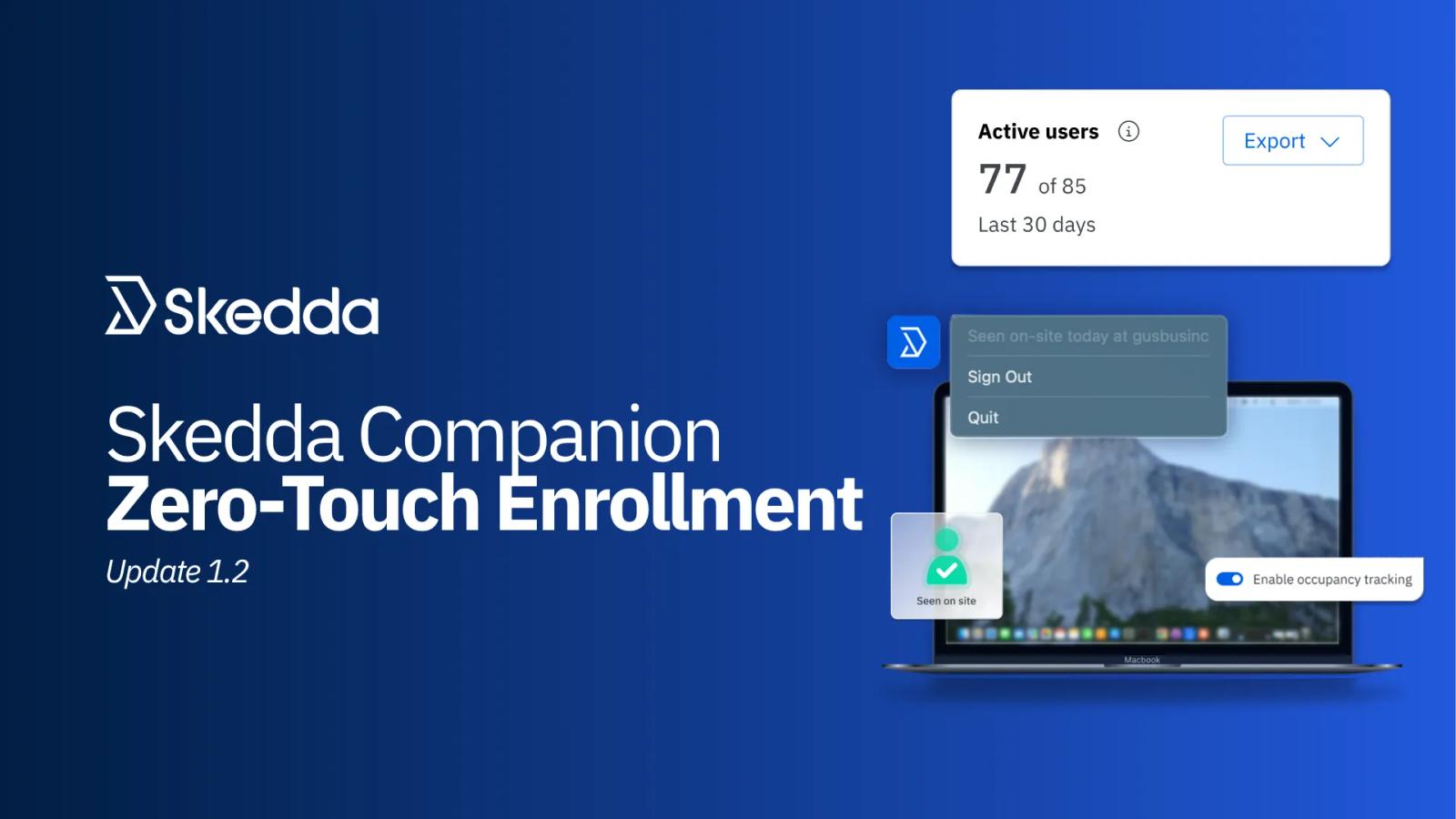
Bookings tell you who planned to come in. The Skedda Companion tells you who actually showed up and makes the booking experience smoother for everyone. With the 1.2 update, getting it on every laptop in your company takes zero effort from your team.
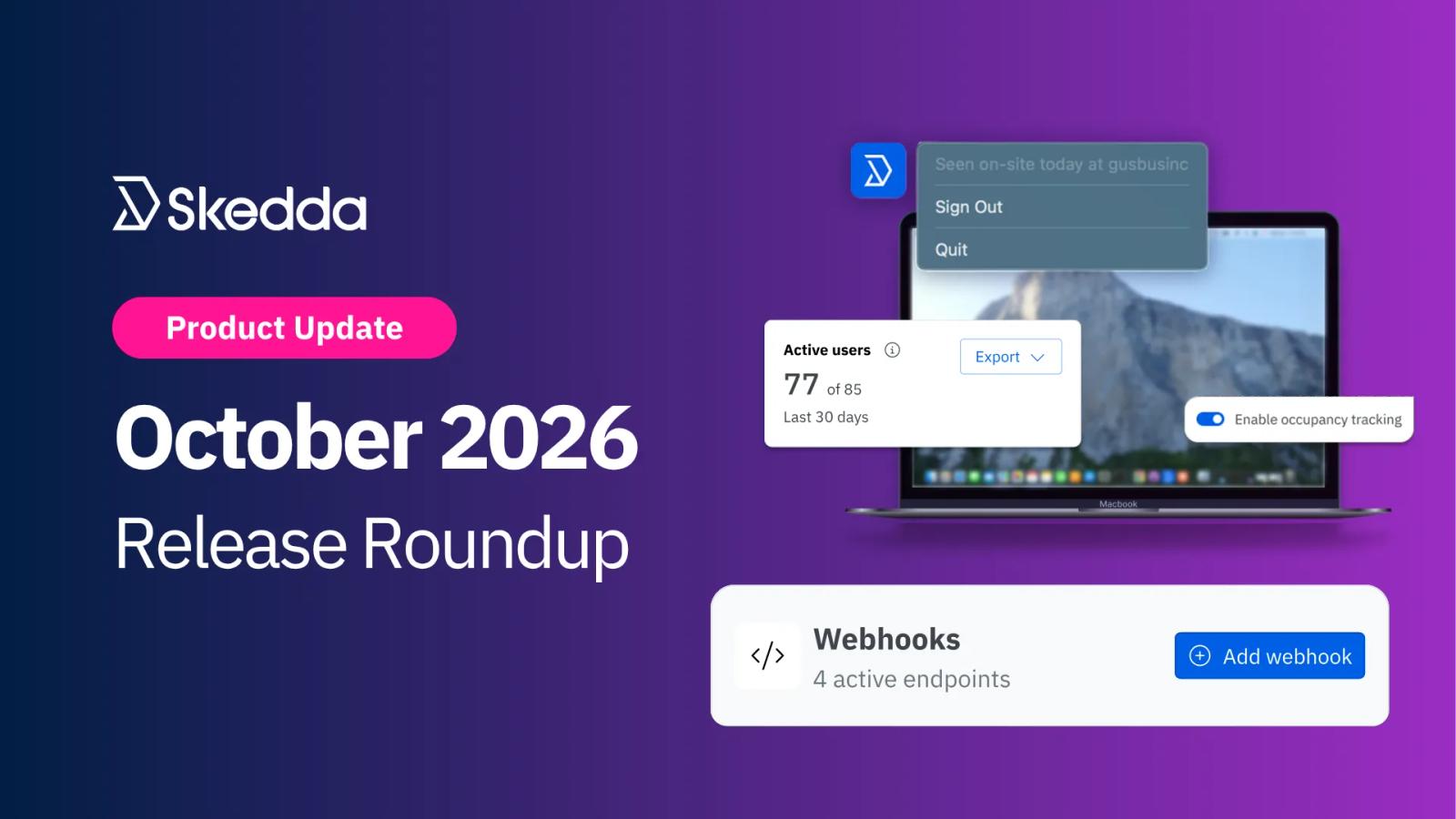
The Skedda Companion is a lightweight Mac and Windows app that sits in the menu bar or system tray and checks people into their bookings the moment their laptop joins your office Wi-Fi, with no QR codes or hardware. Check-ins happen on their own, so your rules only release space that's truly unused. And over time, it builds a record of who's actually on site each day, so you can compare bookings to real attendance before you plan headcount, consolidate floors, or renew a lease.
How it works
Until now, every employee had to sign in to the Companion themselves. That one step kept many organizations from achieving maximum coverage. Now that issue is gone. Here’s how to get started:
- Enable Wifi-based occupancy tracking: Add your office’s public IP to your Skedda account to begin detecting when Skedda users are actually on-site for their bookings
- Deploy Skedda Companion via MDM: IT can automatically push the Skedda Companion to every company-managed laptop through Intune, Jamf, Kandji, or any other MDM
- Automatic enrollment: run a single install command using your venue's enrollment key to sign every user into the Skedda Companion on their device
- In-app adoption metrics: see how many of your users have the Skedda Companion running, right from your account settings, and export a list of active users
Already using Skedda Companion? Get to 100% coverage. Copy your enrollment key from Settings → Occupancy tracking, then run the install command through your MDM. Read the enrollment guide →
Don't have Skedda Companion yet? Level up your occupancy analytics with presence data from every laptop. Get started →
In practice
- Roll out to the whole company in an afternoon: push the Companion to thousands of laptops in one MDM deployment, not one help desk ticket at a time, and actively track adoption
- Trust your attendance numbers: when every laptop reports presence, your occupancy data reflects the whole office, not just the people who remembered to sign in
- Built with privacy in mind: the Companion isn't location tracking. It only checks whether a laptop is on your office network by matching its public IP address, and it never collects or retains personal information like GPS location.
- Set up securely on any network: no static IP, on a VPN, or running network security software? No problem. Talk to your Skedda representative about options like egress IPs.
Connect Skedda to What You Need With Webhooks
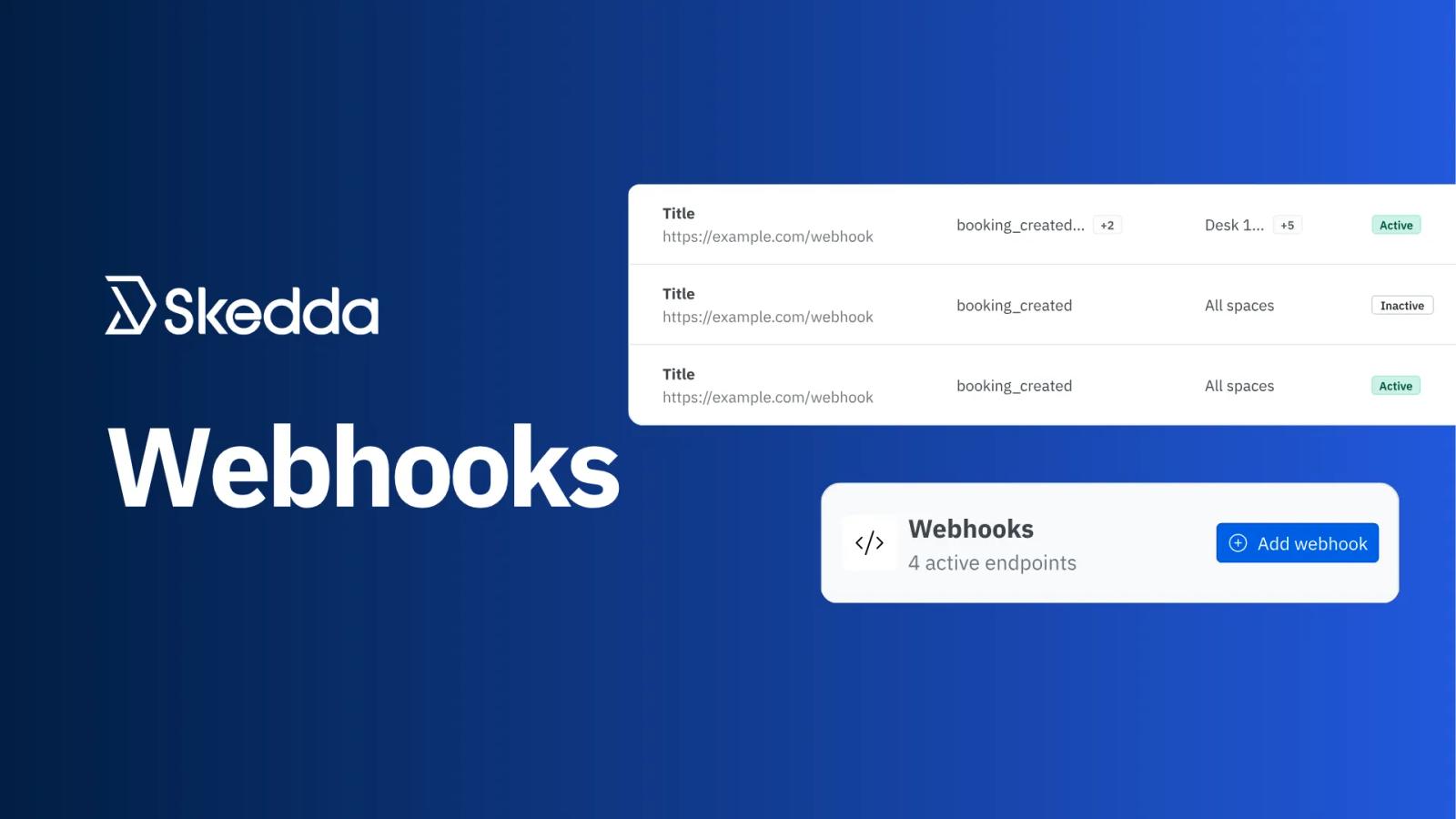
Last month's release of our brand new API let your systems ask Skedda for booking data. Webhooks flip that around. Now Skedda tells your external systems the moment something happens to a booking, so your custom-built integrations no longer need to keep checking the API for changes.
What's new
- Fully self-serve: admins add, edit, disable, and delete webhooks from Integrations → Developer, right below API keys
- Four booking events: subscribe to booking created, booking updated, booking canceled, and check-in
- Space filters: send events only for the spaces a given system cares about
- Custom headers: add up to 10 name/value pairs to every request, like an auth token for your receiving system
Available now on the Skedda Premier plan and the AllBooked Advanced plan, with up to 15 webhooks per venue.
In practice
- Light up desk signage the second a booking lands: push new and canceled bookings straight to the displays or occupancy lights on each desk
- Bill the moment a booking is made: send booking details, including custom fields like cost center, into your invoicing or finance system
- Keep your CRM in sync: update customer records automatically when a booking is created, moved, or canceled
Learn how to set up webhooks →
New Export Options for Skedda Insights
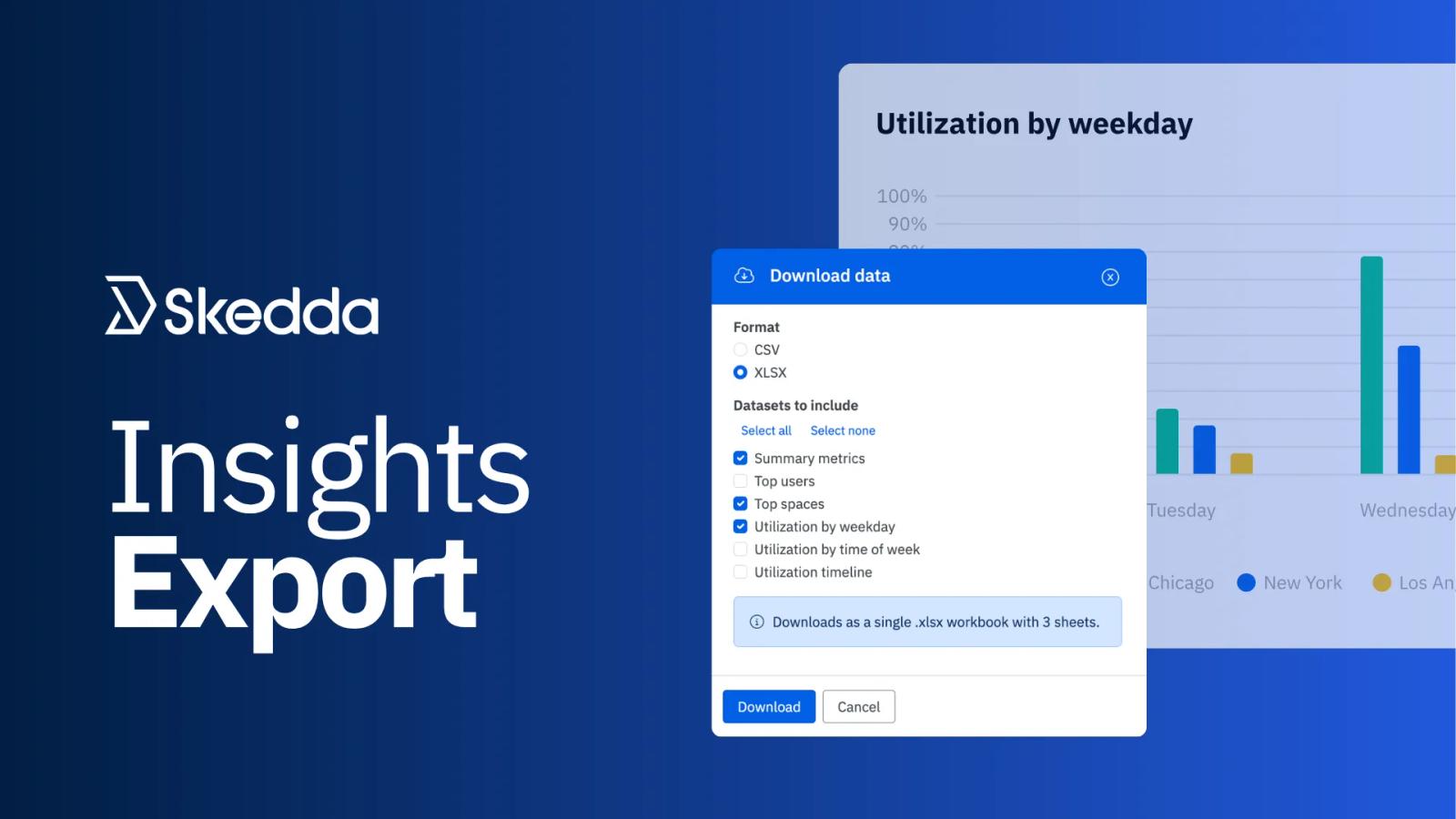
Your Insights Dashboards give you the answers to valuable utilization and attendance questions. Now you have more than one way to export those answers. Download any Insights chart, table, or KPI tile as an XLSX or CSV file, ready for the board deck, the budget model, or the quarterly review.
What's new
- Export from every dashboard: click Export → Download now on the Utilization, Spaces, and Occupancy dashboards
- Pick exactly what you need: choose any mix of charts, tables, and KPI tiles
- Two formats: XLSX gives you one sheet per dataset, while CSV gives you a single file or a .zip when you export more than one
- Your view, exported as is: the current date range and filters carry over, and each file lists them at the top so nobody has to guess what they're looking at
- Full tables: tables export every row, not just what fits on screen
Available now for all venues.
In practice
- Build the quarterly review in minutes: pull utilization and occupancy numbers into Excel and drop them straight into your deck
- Back up a real estate decision: share a filtered export of booking trends by space or by day of the week to share with finance before the lease conversation, without including charts you don’t need
- Model next year's space: bring full space tables into your budget spreadsheet and plan from real usage, not estimates
That's October
One update that puts the Skedda Companion on every laptop and signs users in automatically. One that pushes booking data to your systems in real time. One that gets your Insights numbers out of Skedda and into your reports. Q4 is off to a strong start, and there's more on the way.
Not using the Skedda Companion yet? Now is the easiest time to start. Read the Companion guide or reach out to your account manager.
Have questions or feedback for our team? Get in touch.