
Every booking in Skedda answers a few useful questions: who's coming in, which space they need, when, and what they need when they get there. Until now, those answers mostly stayed inside Skedda. If another team needed them, someone ran an export.
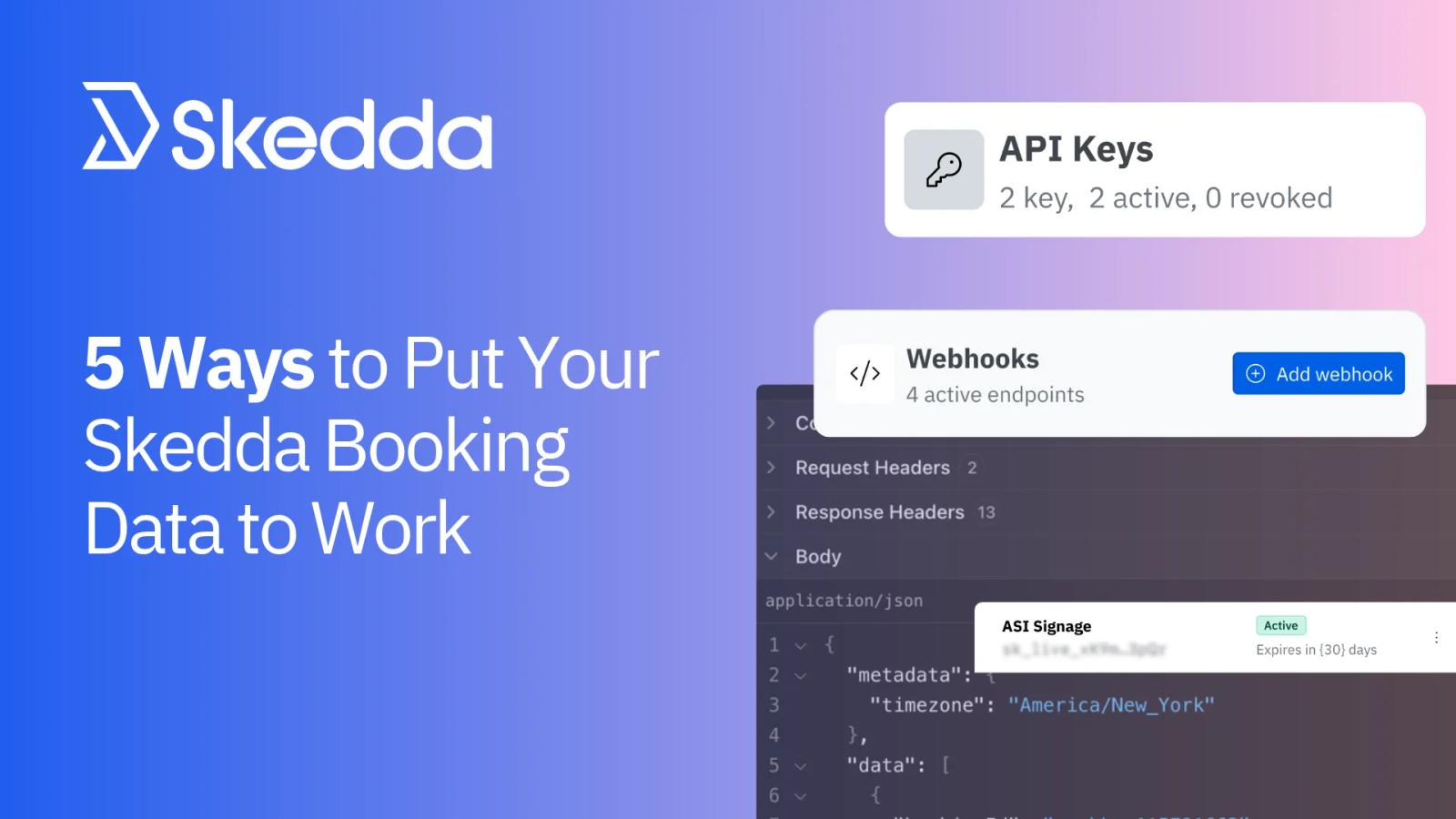
That changes with two new tools for Skedda Premier customers: the Skedda API and webhooks. Together they let booking data flow into the systems your organization already runs on, from BI dashboards to facilities ticketing to building access.
Here's how each one works, and five ways workplace teams can put them to use by building custom integrations.
API vs Webhooks: Pull vs Push
- The API pulls. Your systems ask Skedda for booking data whenever they need it: every night, every hour, or on demand. Best for reporting and anything that runs on a schedule.
- Webhooks push. Skedda tells your systems the moment a booking is created, changed, cancelled, or checked into. Best for anything that should react right away.
Many integrations use both: webhooks to trigger an action, the API to fill in the rest.
1. Reporting and Space Planning
Real estate decisions run on booking data, but that data usually lives in Skedda while headcount, lease, and cost data live somewhere else. Our API brings them into one view.
What you can build:
- Bookings in your BI tool (API). Feed booking data into Power BI, Tableau, or Looker, refreshed nightly, next to HR and lease data.
- Demand trends by building (API). Track bookings by building, floor, or space type month over month to plan consolidations or expansions.
- A warehouse that stays current (webhooks). Send new and changed bookings to your data warehouse as they happen, so dashboards don't wait for the overnight load.
Who it's for: Real estate, workplace strategy, and IT data teams.
Skedda's built-in Insights still cover day-to-day trends. Use the API when booking data needs to sit beside your other sources.
2. Facilities Systems That Stay in Sync
If your team just needs to know about bookings with specific A/V needs or service requests, Skedda's native Notification Rules already email the information to the right inbox. Webhooks take things a step further: they send the raw booking data directly into another system as a record that updates whenever the booking does.
That matters when your facilities team runs on a CAFM or work-order system. Email-to-ticket setups open a new ticket every time a booking changes, so nobody knows which one is current.
What you can build:
- One work order per booking (webhooks). Create a work order in ServiceNow or your CAFM when a booking needs setup, then update or close that same order when the booking changes or is cancelled.
- Cleaning that follows check-ins (webhooks). Add a space to the cleaning or turnover queue only when someone checks in, so crews skip rooms nobody used.
- A daily run sheet (API). Pull tomorrow's bookings and setup needs into the format your facilities team already works from.
Who it's for: Facilities teams running a CAFM, IWMS, or work-order system.
3. Cost Allocation by Department
When departments share space, finance rarely sees who used what. Because of this, costs end up split evenly or not tracked at all.
Picture a university where three departments share a floor of meeting rooms and labs. The space costs sit on one budget line, so at year end facilities either splits the bill three ways or absorbs it. One department might book 60% of the hours, but nobody can prove it without exporting months of bookings and cleaning them up in a spreadsheet. With the API, each department's booked hours land in finance's tools every month.
What you can build:
- Hours by department (API). Pull a month of bookings, group the hours by each person's department tag, and send the totals to Workday, NetSuite, or finance's spreadsheet.
- Fair cost splits (API). Finance multiplies each department's share of hours by the cost of the space in a tool like Anaplan or Workday Adaptive Planning, instead of splitting it evenly.
- Allocation checks (API). Compare each department's booked hours against the space it's been allocated, in Power BI or an IWMS like Planon or Archibus.
Who it's for: Finance, department heads, and campus operations.
4. Access and Building Security
Access systems are good at one thing: letting the right badges through the right doors. What they can't see is the schedule. They don't know someone just booked a lab bench for Tuesday afternoon or a parking spot for tomorrow morning. Skedda knows every booking, but it can't open a door. So admins bridge the gap by hand, adding and removing access one booking at a time, or leave spaces open and hope for the best. The API and webhooks connect the two, so access follows the booking.
What you can build:
- Access for the booked window (API). Grant gate, door, or parking access only for the time someone has booked.
- Instant revocation (webhooks). Remove access the moment a booking is cancelled or moved.
- A daily expected list (API). Give security a list of today's bookings for restricted spaces.
Who it's for: IT, security, and campus or lab facilities teams.
These integrations are usually built with your access control provider or an integration partner.
5. People, Safety, and HR Workflows
HR and safety teams need to know who plans to be on site, and the booking schedule is the best record of that. But it lives in Skedda, not in your HRIS or safety alert system. When these systems aren't in sync, safety teams are left guessing who's in the building, and HR can approve time off for employees without checking for, or cancelling, their upcoming space bookings.
What you can build:
- Time-off conflict checks (API). Have your HR system check for an active desk booking before it approves a time-off request.
- Emergency alert lists (webhooks). When someone checks in to a booking, add them to a list in your emergency alerting tool, so safety teams know who’s in the office that day.
Who it's for: HR, environmental health, and safety, and security teams.
Zapier, API, or Webhooks?
Skedda's Zapier integration is still the fastest route when the app you use is already on Zapier. Here's how to choose:
You want to… | Use |
|---|---|
Connect a popular app without writing code | Zapier |
Pull booking data on a schedule or on demand | API |
React the moment a booking changes | Webhooks |
What It Takes To Get Started
The API and webhooks are available on Skedda Premier plans. Skedda supplies the building blocks: API keys and webhooks your admins can create in a few clicks under Integrations › Developer, plus documentation for every endpoint and event.
From there, the build is yours. Your developers or IT team decide which data matters, where it should go, and how the integration should work, and they own it once it's live. Connect Skedda's booking data to your BI stack, your ticketing tool, your access system, or something nobody has thought of yet.
Ready to build? Start with our guide to getting started with the Skedda API and the webhooks help article, then dig into Skedda's API documentation.
Put Your Booking Data To Work
Already on Skedda Premier? Open the Developer tab and share the docs with your IT team.
Evaluating Skedda? Talk to our team about the systems you need Skedda to connect with.