

Webex <> Skedda
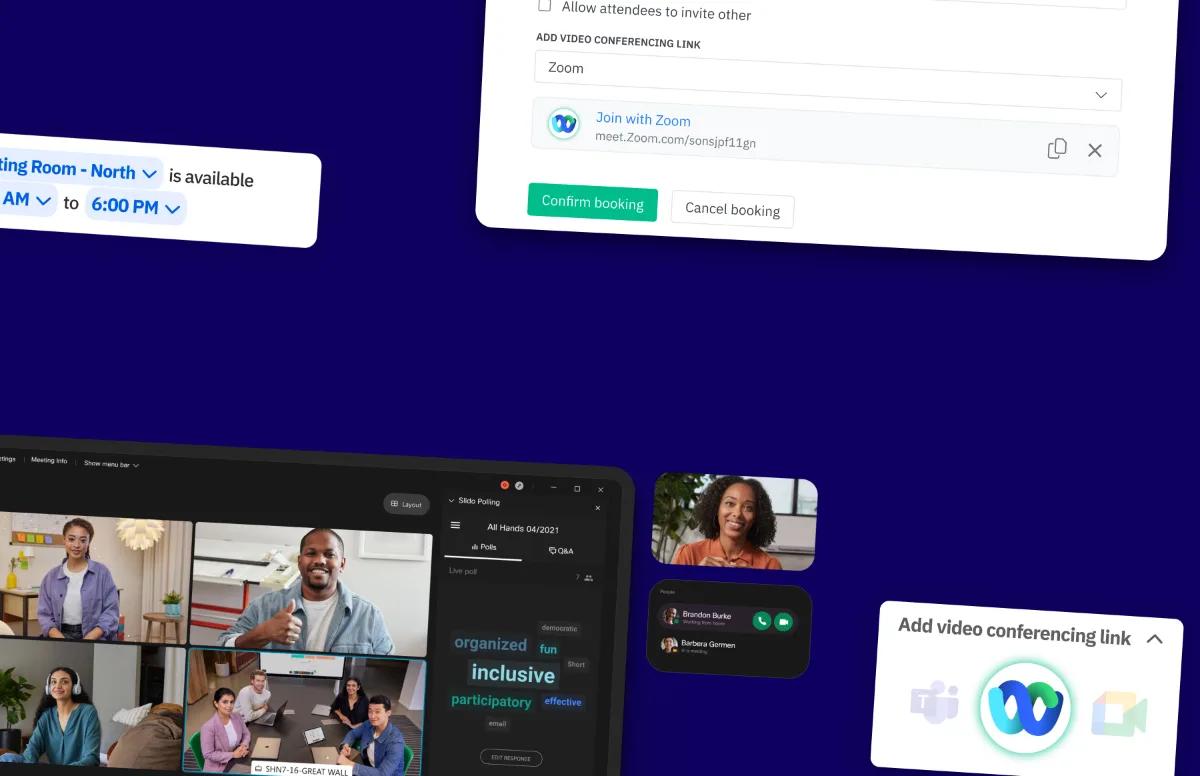
Make meeting room bookings in Skedda instantly video-ready. Connect your organization’s Webex account to Skedda at the admin level, with no individual sign-ins required. Anyone booking a Skedda space that's synced with Google or Microsoft Calendar can then add a Webex video conferencing link to their booking. Skedda automatically creates the meeting and puts the join link everywhere it should be: in the booking details, the synced calendar event, and your booking notifications.
Create Webex links automatically
Once Webex is connected to your Skedda venue, users booking a calendar-synced resource can simply choose Webex as their video conferencing option. Skedda then:
- Creates a Webex meeting for the booking holder (matched by email in your connected Webex organization)
- Adds the join link to the booking details
- Injects the link into the synced Google/Microsoft calendar event
- Includes the join link in booking confirmation and reminder emails
- Reuses the same join link across every occurrence of a recurring booking, and updates it automatically if the booking changes
Works alongside Google Meet, Microsoft Teams, and Zoom
For every booking, choose the video conferencing option that best suits your ecosystem. Available conferencing options depend on the type of synced resource:
- Google-synced resources: Google Meet, Zoom, or Webex
- Microsoft-synced resources: Microsoft Teams, Zoom, or Webex