
New: Occupancy Insights.
Daily headcount, attendance trends, and RTO reports for your office.

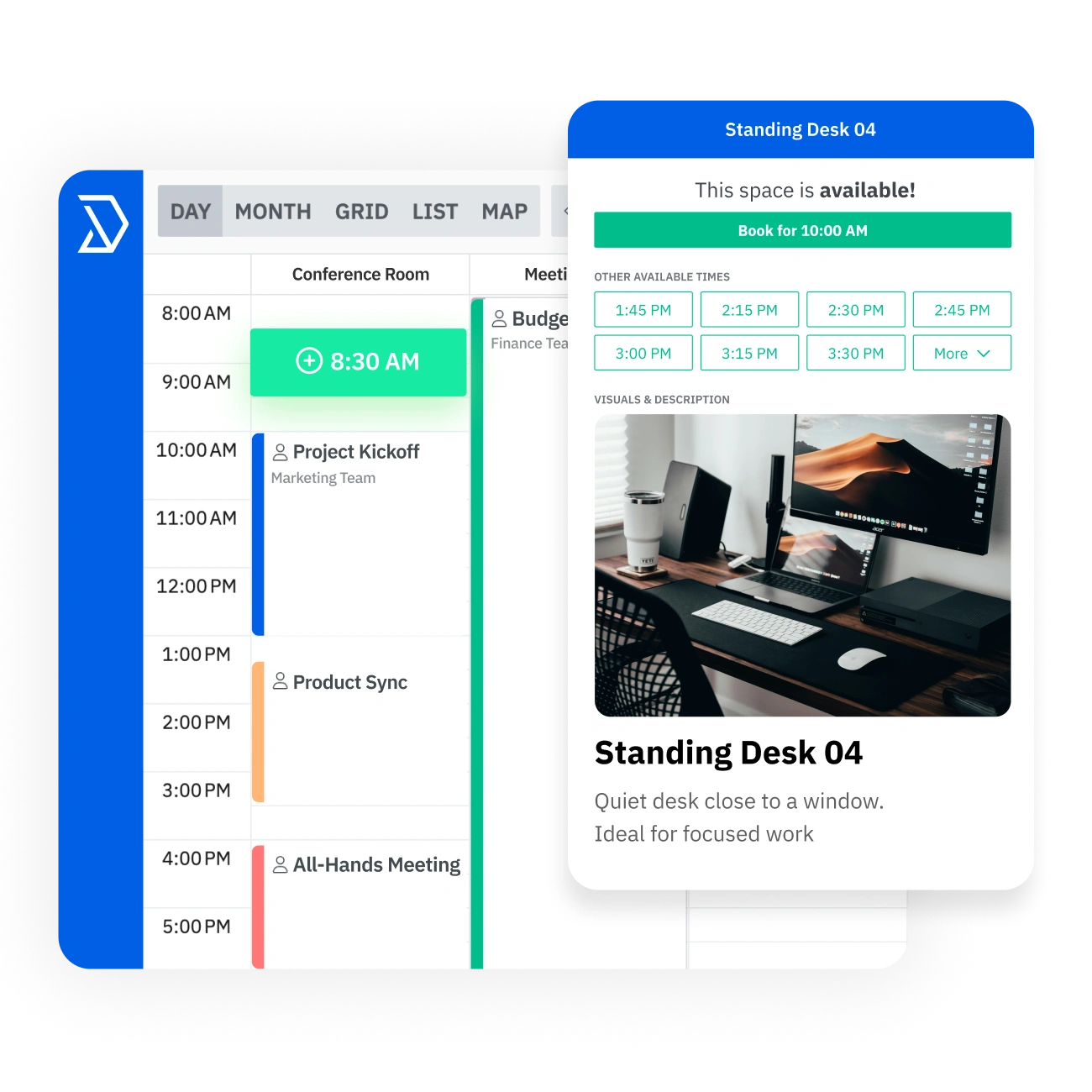
Easily manage reservations for conference rooms, meeting spaces, offices, and team resources.

















.svg)
Submit any layout file — architectural PDF, CAD drawing, PNG, or a hand-drawn sketch. Skedda’s design team builds your custom interactive map and hands it off ready to book within 24 hours. As your layout changes, get your map redesigned at no extra cost.
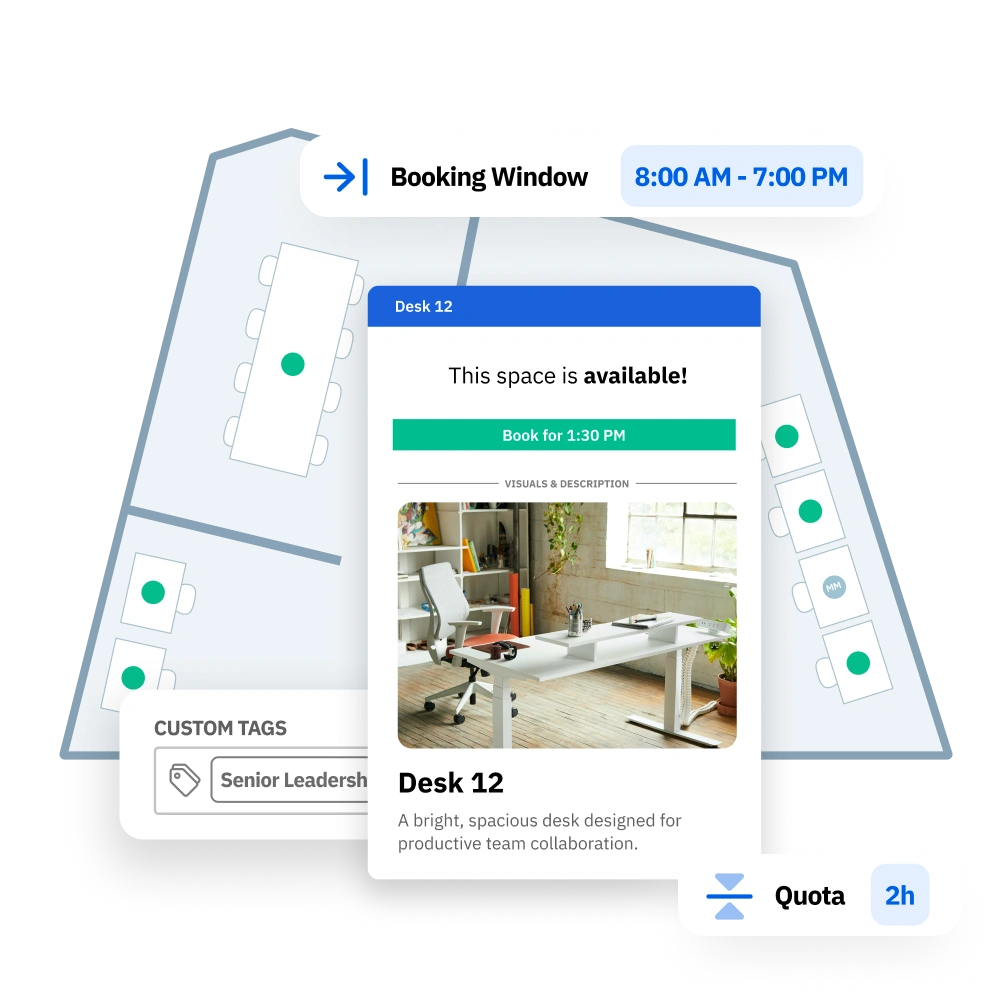

Add hot desks, rooms, assigned seats, and more to your interactive map. Assigned desks continuously show the occupant’s name for easy wayfinding. Bookable spaces display live availability. Both coexist on one map, so you have the full picture of your hybrid office in one place.
Employees open the floor plan and see every desk and room in real time: which are available, which are booked, and which colleagues are already coming in. They select a space directly on the map and confirm the booking using Skedda’s desk booking software from a browser, the mobile app, or Microsoft Teams.
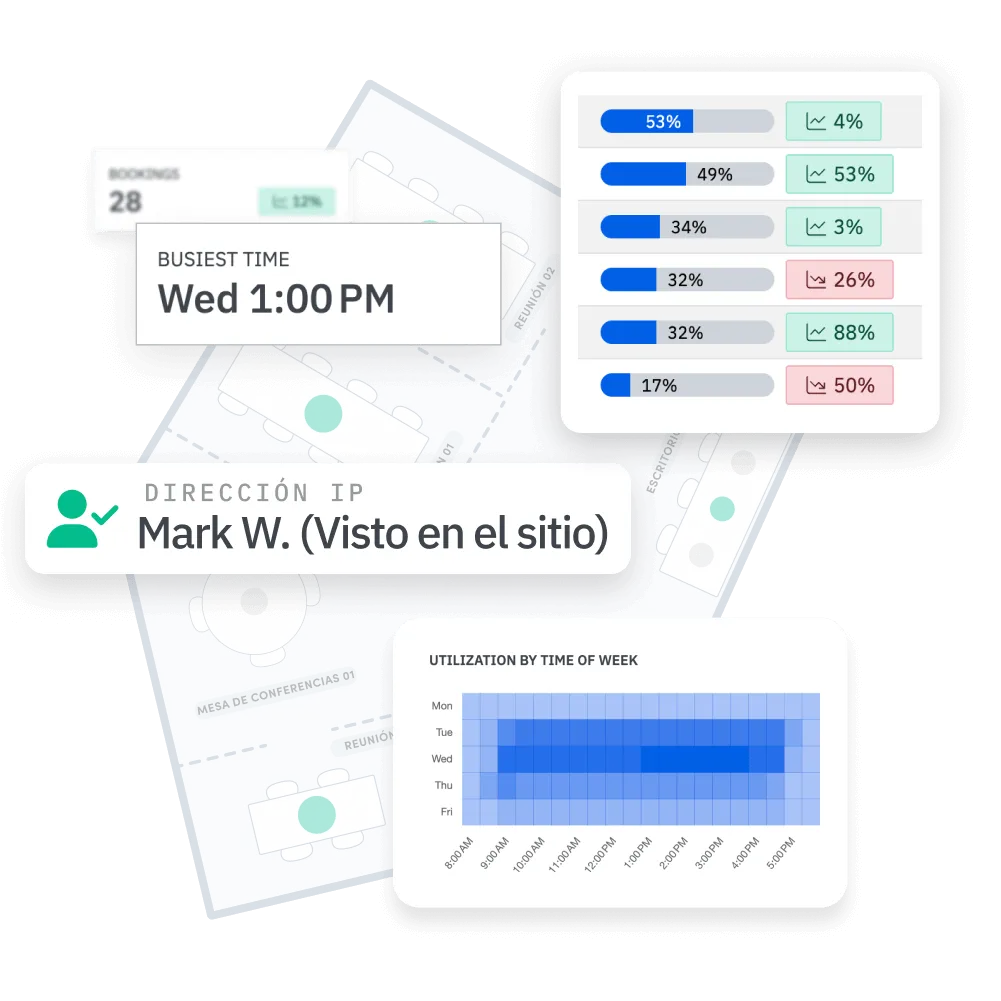

The Insights dashboard shows which zones and floors hit capacity on peak days and which go persistently unused. Compare bookings against actual occupancy via WiFi detection or QR code check-in, and get the evidence to justify a layout change, retire underused spaces, or negotiate a lease renewal with data behind you.

Boost engagement with interactive booking experiences and full layout of your location.


Gain actionable insights and analytics for space utilization and employee workspace usage.

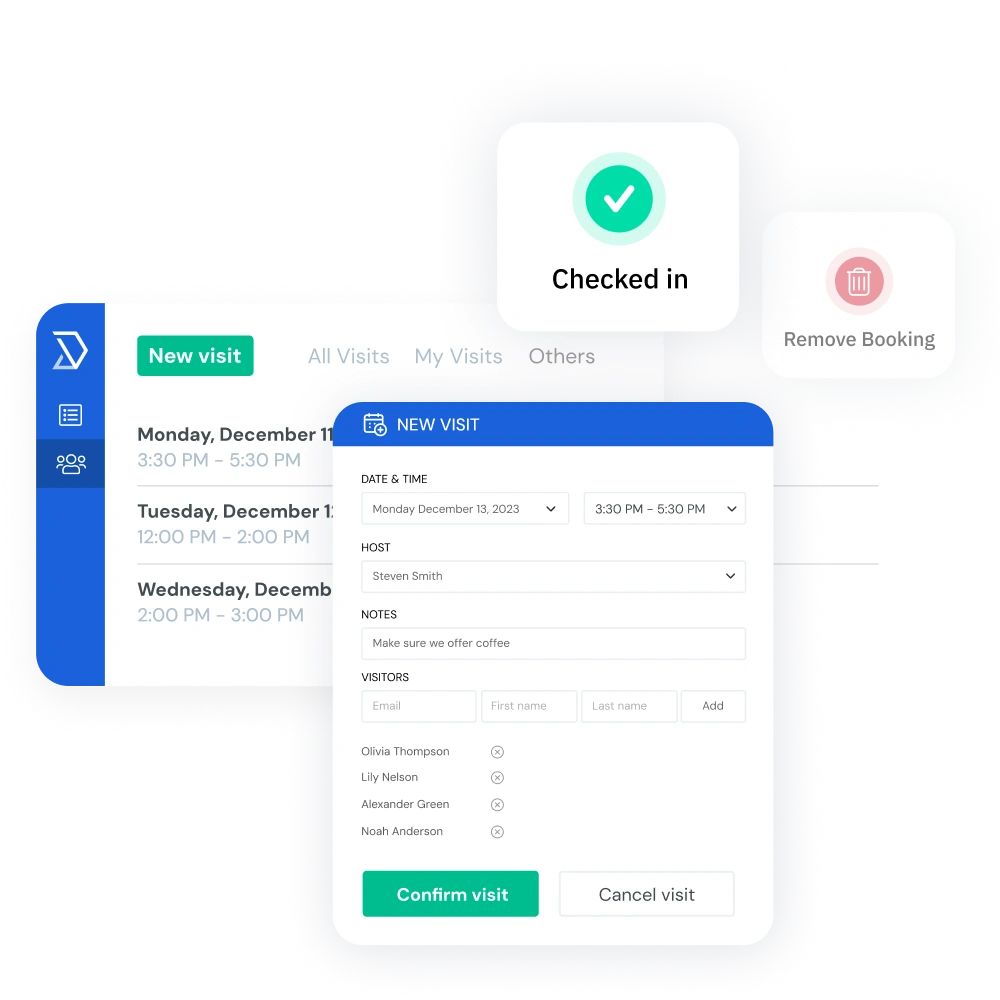
Seamless visitor check-in and check-out, with admin notifications.

Streamline when and where people can book spaces with tailored rules and quotas.

Seamlessly connect with all your project, employee experience, and collaboration tools.

Foster productivity with interconnected spaces designed for work and social interaction.

Top-rated 24/7 support renowned for speed, friendliness, and expertise.

Simplify access with SAML SSO through Google, Microsoft, and more.


Skedda has been recognized as a Leader for the 3rd year in a row in the 2025 G2 Grid® Report for Workplace Management Software
Read the Report

Skedda prices per space, not per user, which makes it significantly more cost-effective for larger teams. The Plus plan starts at $149/month for up to 20 spaces. Premier starts at $199/month and adds SAML SSO, SCIM provisioning, the Microsoft Teams app, and up to 7 years of data retention. Visitor Management is available as a $99/month add-on. A free trial is available with no credit card required, and there is no per-user fee regardless of how many employees access the platform.
Most teams are live within one to two business days. Skedda builds a custom floor plan within 24 hours of receiving your office layout. SSO, calendar sync, and integrations typically take a few hours to configure with IT. The experience is intuitive enough that most employees book their first space without any training. Multiple customers report receiving booking notifications before they sent the official launch announcement.
Yes. Skedda has native two-way sync with Microsoft 365 and Google Workspace. Bookings made in Skedda appear in Outlook or Google Calendar automatically, and accepted meeting invites can trigger room bookings in Skedda. You can also connect Skedda to Microsoft Teams, Slack, and Zoom so employees never have to leave their existing tools to find and book a space.
Skedda supports full two-way calendar sync with Microsoft 365 and Outlook. A booking made in Skedda creates the corresponding event in Outlook, and an Outlook booking can reserve the space in Skedda. Skedda also offers a native Microsoft Teams app so employees can check availability and book spaces without switching tools. SAML SSO and SCIM provisioning via Microsoft Entra ID are included on the Premier plan.
Skedda’s Check-in rules require employees to confirm arrival to hold their booking. A QR code at the desk or room, Wi-Fi detection, or an email confirmation serves as the check-in trigger. If no check-in happens within a configurable window — say 15 or 30 minutes after start time — the space auto-releases for rebooking. Lighthouse Credit Union used this feature to reduce orphaned bookings to near zero across their new headquarters, eliminating a daily admin headache for their facilities team.
Skedda’s Access & Visibility rules restrict specific spaces to defined user groups by department, role, or custom tag. Executive suites, client-facing rooms, or restricted areas stay invisible to employees without the right access level. Booking Conditions add a second layer, requiring eligibility criteria such as a completed induction or an approved visitor form before a booking can go through. You define the policy; Skedda enforces it without any manual checking.
Skedda’s Workplace Intelligence dashboard shows utilization by space type, floor, and time period. You can see what percentage of desks are occupied on peak days versus slow days, which rooms are consistently overbooked, and whether your meeting room inventory matches how your team actually works. Trent & Dove’s IT team used Skedda’s utilization data to defend a meeting room that leadership had flagged for removal. The data showed it was in high demand, not underused as assumed.
Outlook and Google Calendar record bookings but they don’t govern them. They can’t restrict access by role, enforce check-ins to prevent no-shows, display a live floor plan, cap how often a team can book a space per week, or produce space utilization reports. Skedda adds the governance layer your office needs to run fairly and the intelligence layer your leadership needs to make confident real estate decisions. It integrates with Outlook and Google Calendar so employees keep the tools they know and get a system that enforces the rules underneath.
Yes. Skedda supports unlimited locations under a single admin account, each with their own floor plans, booking rules, and access policies. Utilization data rolls up across all sites in the Insights dashboard, so your operations team can compare office performance without chasing spreadsheets. Autovista Group expanded Skedda from one office to five international locations after using occupancy data to reduce energy costs through automated minimum-occupancy policies.
Yes. Skedda’s interactive floor plan shows colleague avatars on the map in real time, so employees can see who has booked a desk before making their own reservation. Skedda also integrates with Slack and Microsoft Teams to surface daily “Who’s In” updates directly in team channels, giving employees the social context they need to plan their commute and encouraging in-person collaboration without requiring any mandate.



