
NEW
Booking data, wherever you need it:

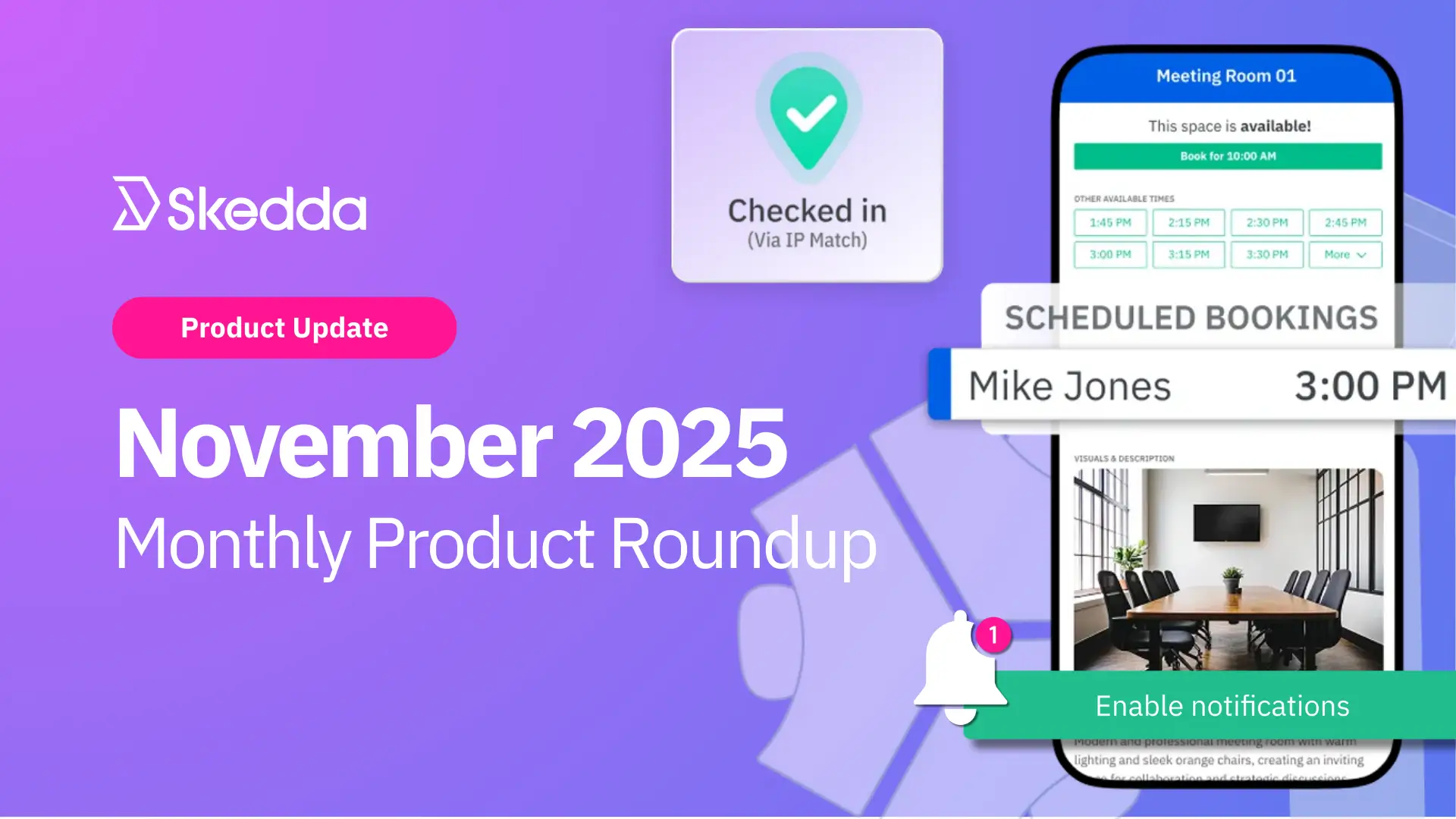
Eh bien, c'est terminé pour novembre 2025. C'est fou de penser que le mois de décembre est à nos portes. Il est temps de commencer à penser à offrir des cadeaux, les gars : ces bougies parfumées pour vos étranges collègues ne s'achèteront pas toutes seules.
Ce mois a été productif pour notre équipe de Skedda, et nous aimerions partager ce sur quoi nous avons travaillé récemment. Alors prenez un thé, un café, peut-être même du lait si vous préférez, et entrons dans les détails.
Le thème de ce mois-ci était ✨ une communication saine ✨. Nous savons que vos équipes ont des journées de travail chargées et ne peuvent pas toujours se tenir au courant de ce qui se passe sur votre site de Skedda. Les réservations peuvent être oubliées, les enregistrements peuvent être manqués et des informations importantes peuvent être perdues lors de la traduction. C'est tout à fait normal. Nous avons donc apporté quelques améliorations utiles à la fonctionnalité de notification de Skedda. Nous voulons aider votre équipe à rester au courant de tout ce qui concerne les réservations afin que les opérations quotidiennes se déroulent sans heurts.
Voici ce que nous avons construit !
Sur la base de vos commentaires, nous avons rendu notre processus d'enregistrement encore plus fluide et fiable.
Désormais, lorsqu'une fenêtre de réservation s'ouvre, les utilisateurs peuvent accéder instantanément à leur réservation grâce à une notification push dans l'application mobile Skedda. Pas de recherche de liens ni de recherches dans les e-mails. Il vous suffit de toucher, de confirmer, c'est fait.
L'activation des notifications push est simple. Une fois le prochain enregistrement mobile réussi, l'utilisateur sera invité à activer les notifications push dans les paramètres de son téléphone. Une fois cette option activée, Skedda enverra un petit coup de pouce dès que la fenêtre d'enregistrement s'ouvrira, pour les aider à rester au courant des réservations et à ne rien rater.
Si vous préférez ne pas attendre l'invite, vous pouvez également activer les notifications directement dans les paramètres de l'application de votre téléphone.
Pour que les notifications push fonctionnent, vous devez vous assurer que l'application Skedda est à jour sur votre téléphone.
Pour plus d'informations sur la configuration des règles d'enregistrement et des notifications push, consultez notre guide d'aide.
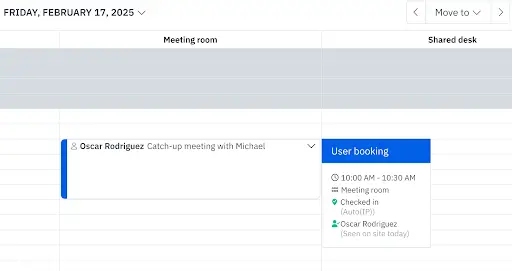
L'introduction des notifications push mobiles ce mois-ci nous a également aidés à améliorer notre fonctionnalité d'enregistrement automatique, en la liant plus étroitement à notre données et rapports sur l'occupation.
Lorsqu'une fenêtre d'enregistrement s'ouvre, l'application mobile Skedda reçoit désormais un rappel d'enregistrement précis qui la réveille sur place. Cela garantit que l'application est active au moment précis où elle doit être pour confirmer le statut sur site d'un utilisateur via une correspondance IP sur le réseau de votre organisation. Lorsque l'application est activée au bon moment, les correspondances IP apparaissent de manière plus régulière, les présences sont enregistrées avec précision et les enregistrements automatiques se déclenchent sans problème.
Vous souhaitez en savoir plus sur le fonctionnement de l'enregistrement automatique de Skedda ? Lisez à ce sujet dans le billet de blog ci-dessous.
Lire : Enregistrement automatique basé sur le WiFi →
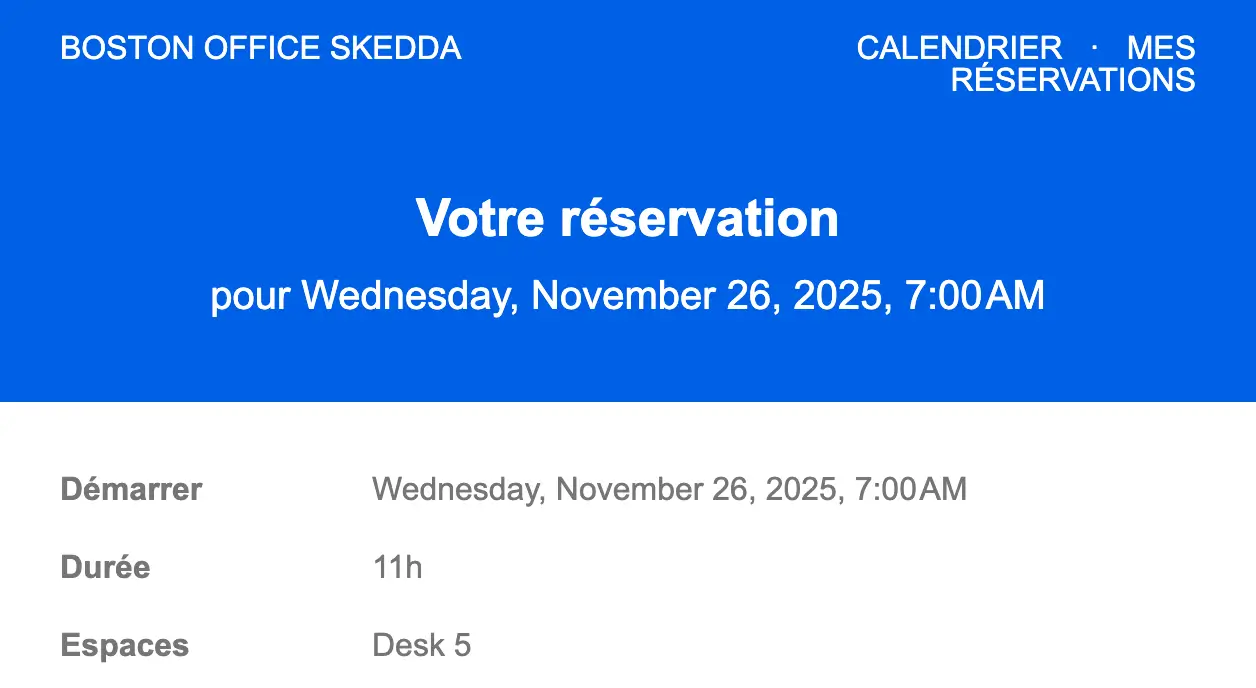
Nous avons également amélioré les notifications par e-mail pour les organisations dont les équipes sont multilingues.
Désormais, toutes les notifications automatiques par e-mail provenant de votre salle Skedda sont envoyées dans la langue préférée de chaque destinataire, indépendamment de la langue par défaut de votre salle.
Les e-mails sont automatiquement traduits en anglais, français, allemand ou espagnol en fonction des paramètres intégrés à l'application du destinataire. Lorsque les préférences linguistiques d'un utilisateur ne sont pas définies ou ne peuvent pas être détectées, Skedda utilise la langue par défaut de la salle.
Nous sommes fiers de celui-ci. Alors que les espaces de travail modernes continuent de s'étendre au-delà des frontières et des cultures, cette mise à jour garantit à chaque utilisateur de Skedda une expérience confortable et personnalisée avec toutes les communications depuis son lieu de travail.
Notre travail sur la traduction des e-mails n'est que la dernière amélioration dans le cadre de nos efforts visant à rendre le Skedda plus accessible dans d'autres langues. Nous avons ajouté la prise en charge de trois nouvelles langues plus tôt cette année, jetez-y un coup d'œil !
Lire la suite : Skedda est désormais disponible en espagnol, français et allemand
C'est tout pour ce mois-ci ! Notre équipe travaille déjà d'arrache-pied sur des mises à jour vraiment intéressantes qui clôtureront cette année et lanceront 2026 en beauté. Pour rester au courant de ce sur quoi nous travaillons, consultez notre page de mises à jour des produits.
Vous avez des questions ou des commentaires à nous faire ? Contactez-nous dès aujourd'hui — nous aimerions avoir de vos nouvelles.
Notre équipe est prête à discuter de vos besoins spécifiques en matière de planification de bureau et de voir comment Skedda pourrait vous aider.

.svg)



