Webinar On-Demand:
Is Anyone Actually in the Office? A Modern Guide to Occupancy Tracking
Réservez facilement des bureaux, optimisez l'utilisation de l'espace de travail et favorisez des modalités de travail flexibles grâce à des outils de réservation intuitifs.















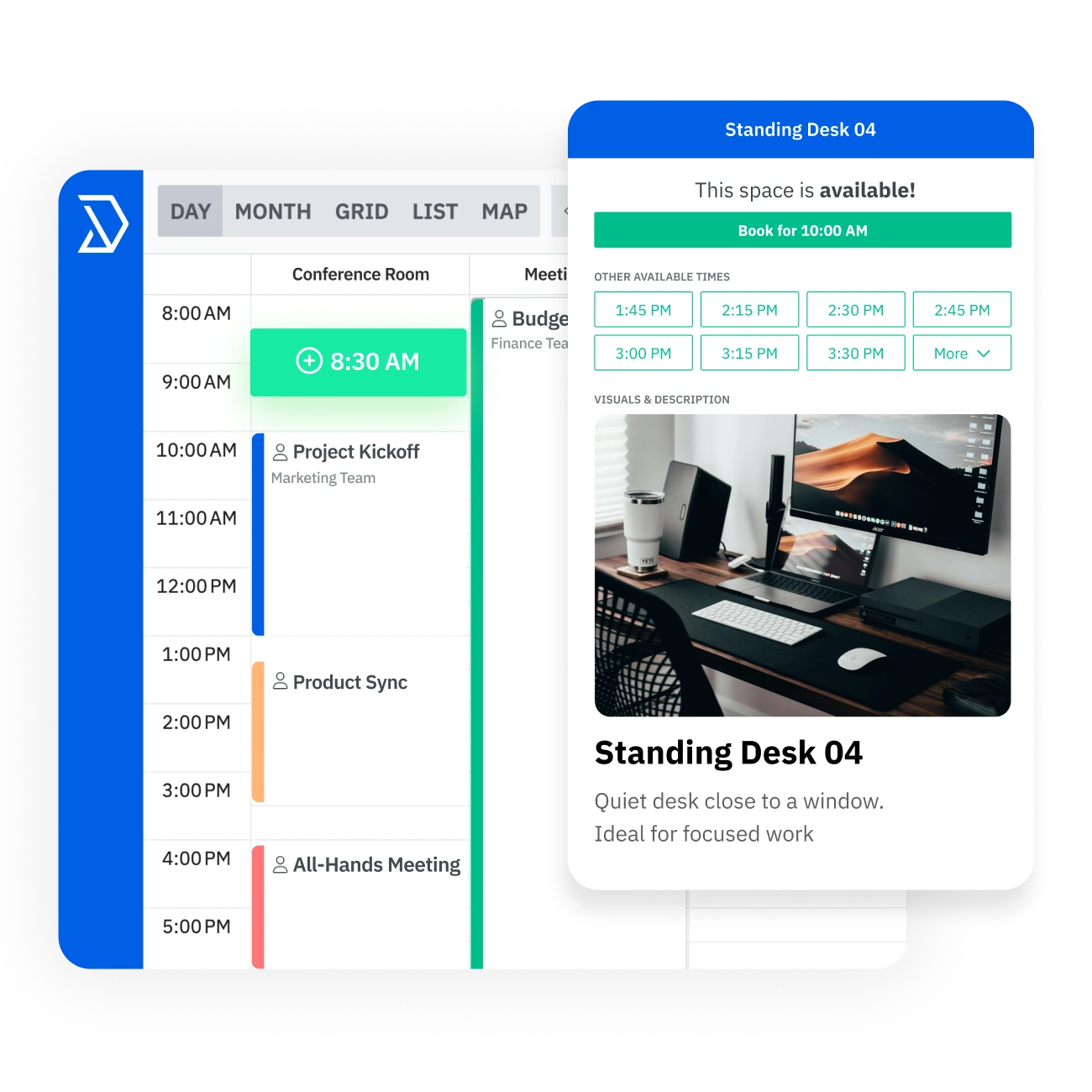
Trouvez les bureaux disponibles, réservez votre espace de travail en quelques secondes, enregistrez-vous à votre arrivée et suivez l'utilisation pour optimiser votre espace de travail.desk booking software has everything teams need to find available desks, reserve workspace in seconds, check in on arrival, and track usage to optimize the workplace.

.svg)
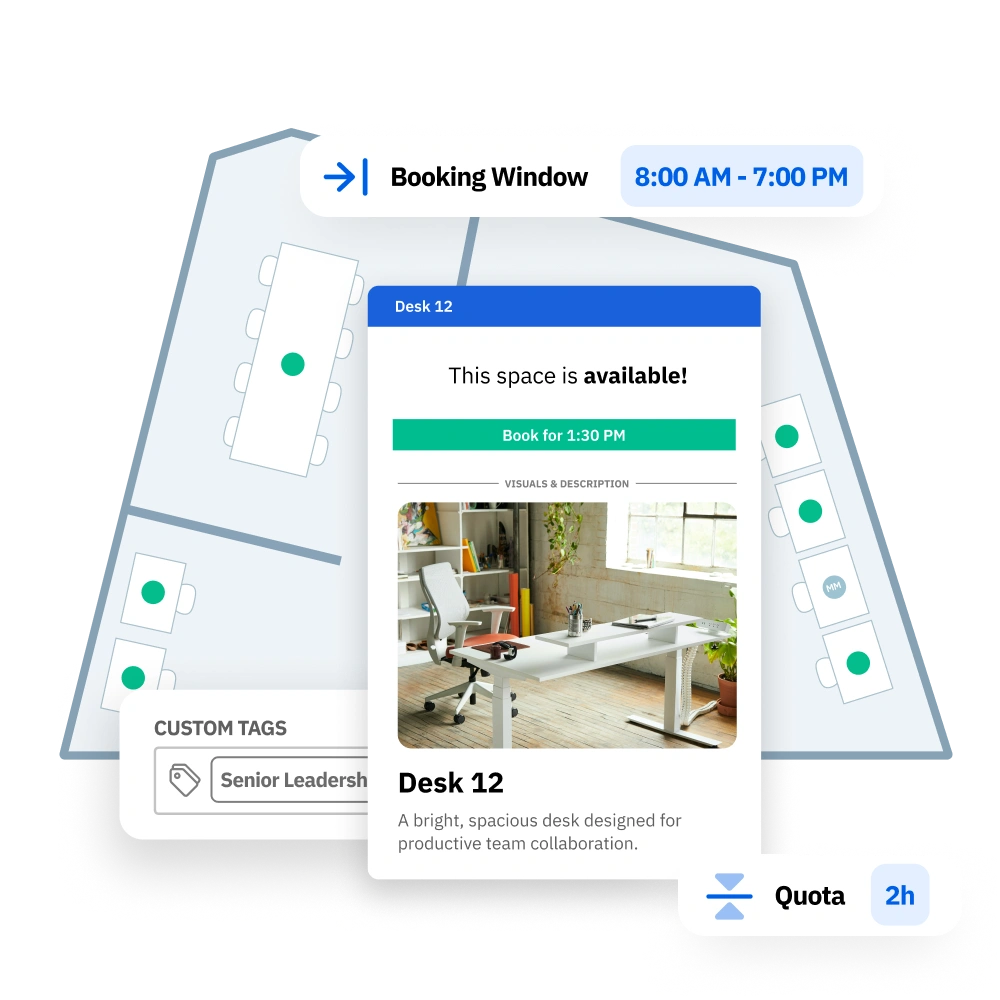



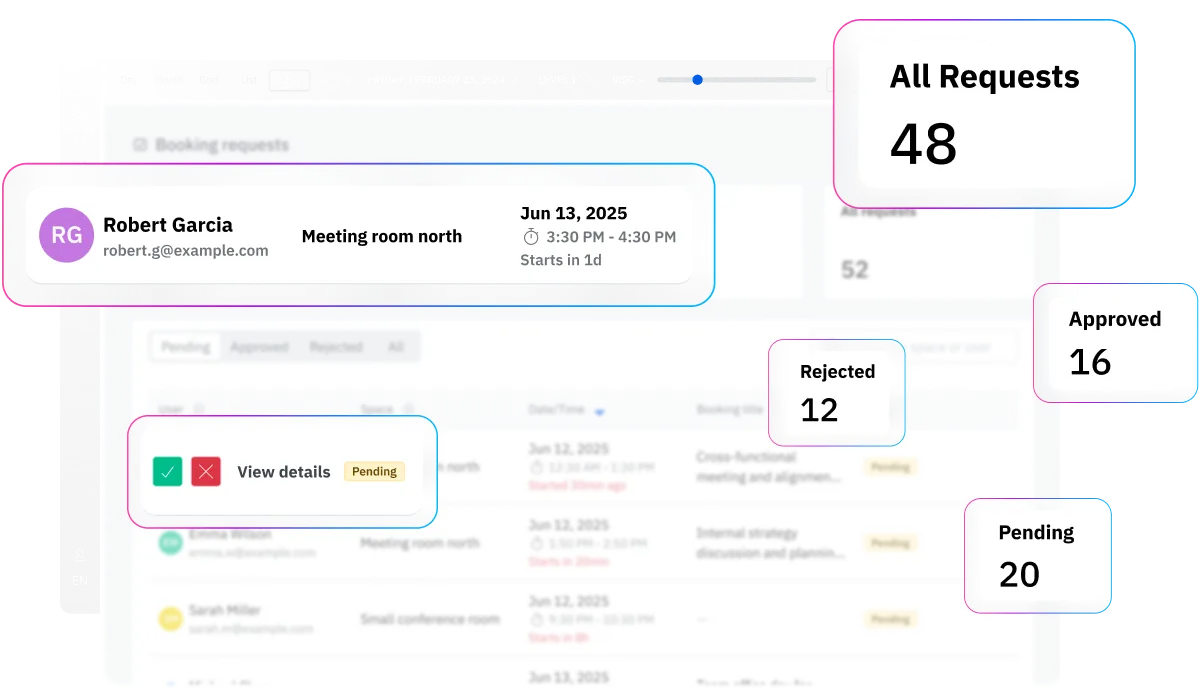
En l'absence de règles claires, les sièges de bureau deviennent gratuits pour tous et les administrateurs se retrouvent dans l'incapacité de résoudre les conflits. Skedda applique automatiquement vos politiques de réservation avec des autorisations, des approbations, des limites, des fenêtres de réservation, des buffers et des règles d'éligibilité qui garantissent un accès équitable et une disponibilité maîtrisée.
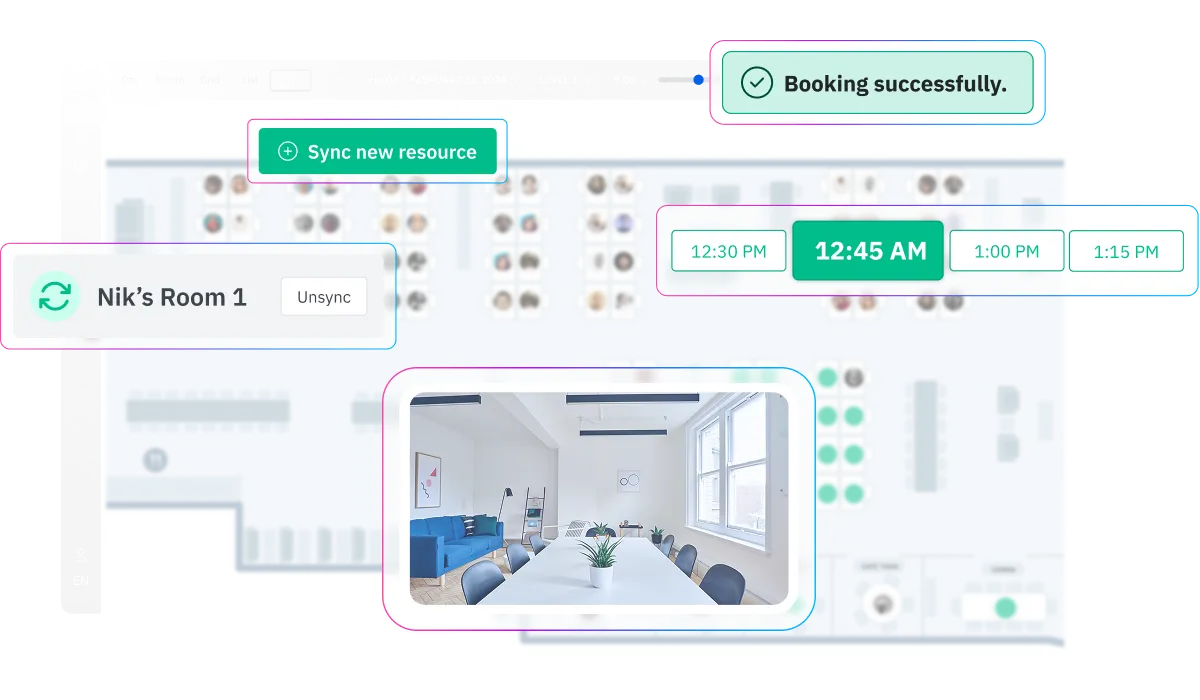
La plupart des outils de réservation isolés échouent parce que les employés les ignorent et reviennent aux chaînes Slack et au bouche-à-oreille. Skedda est rapide, intuitif et s'intègre à vos systèmes existants. Le bon processus est donc maintenu et l'investissement en vaut la peine.
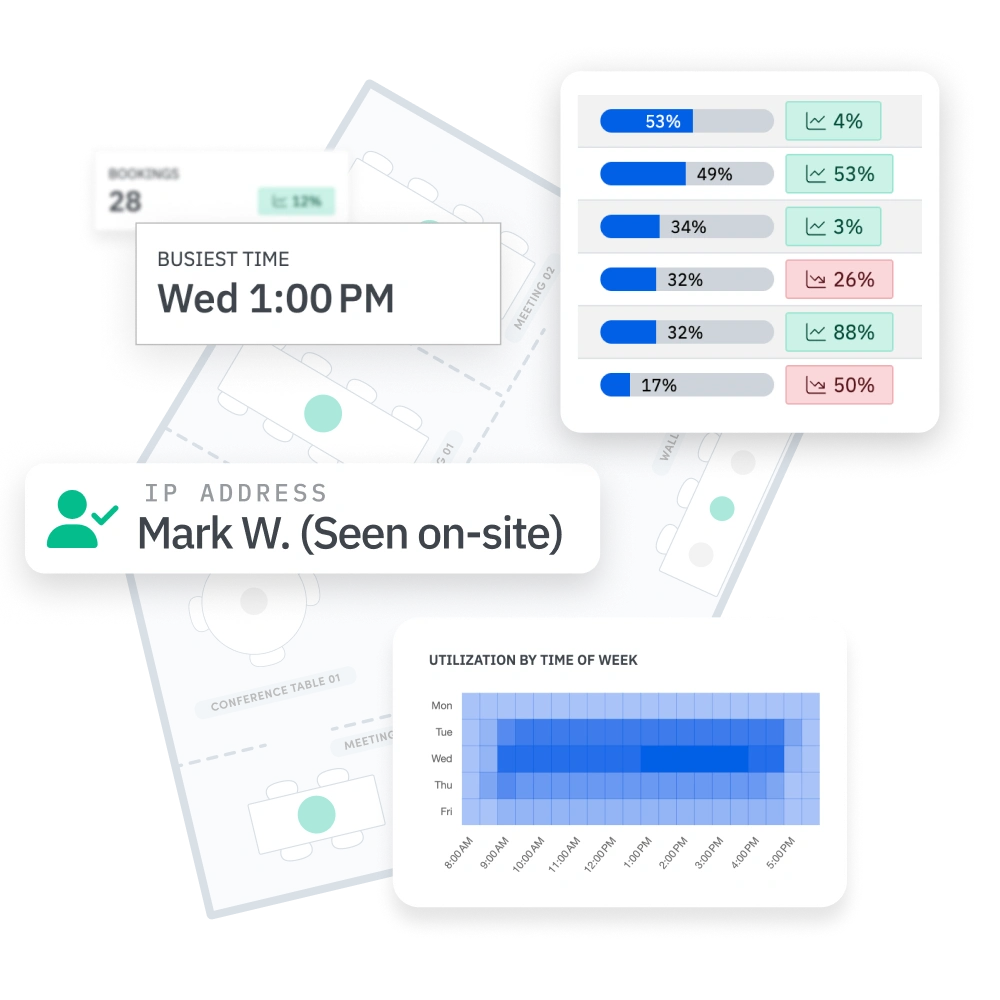
En l'absence de données fiables, les décisions relatives à l'espace et la planification des capacités reposent sur des suppositions. Skedda transforme l'activité de réservation en informations fiables sur l'utilisation, indiquant ce qui est utilisé, quand la demande atteint un pic et où des conflits surviennent, afin que vous puissiez optimiser les politiques et planifier l'amélioration des espaces en toute confiance.

Facilitez votre entrée au bureau grâce à une carte visuelle de l'aménagement de votre bureau. Découvrez rapidement quels bureaux sont ouverts, réservés ou à accès restreint et réservez l'endroit idéal pour travailler à proximité de vos collègues et de commodités spécifiques.


Regroupez les bureaux par quartier sur votre plan d'étage afin que les équipes puissent s'asseoir ensemble pendant leurs journées de travail. Attribuez des zones par département, projet ou fonction, et définissez des règles pour que les bonnes personnes réservent les bons espaces.

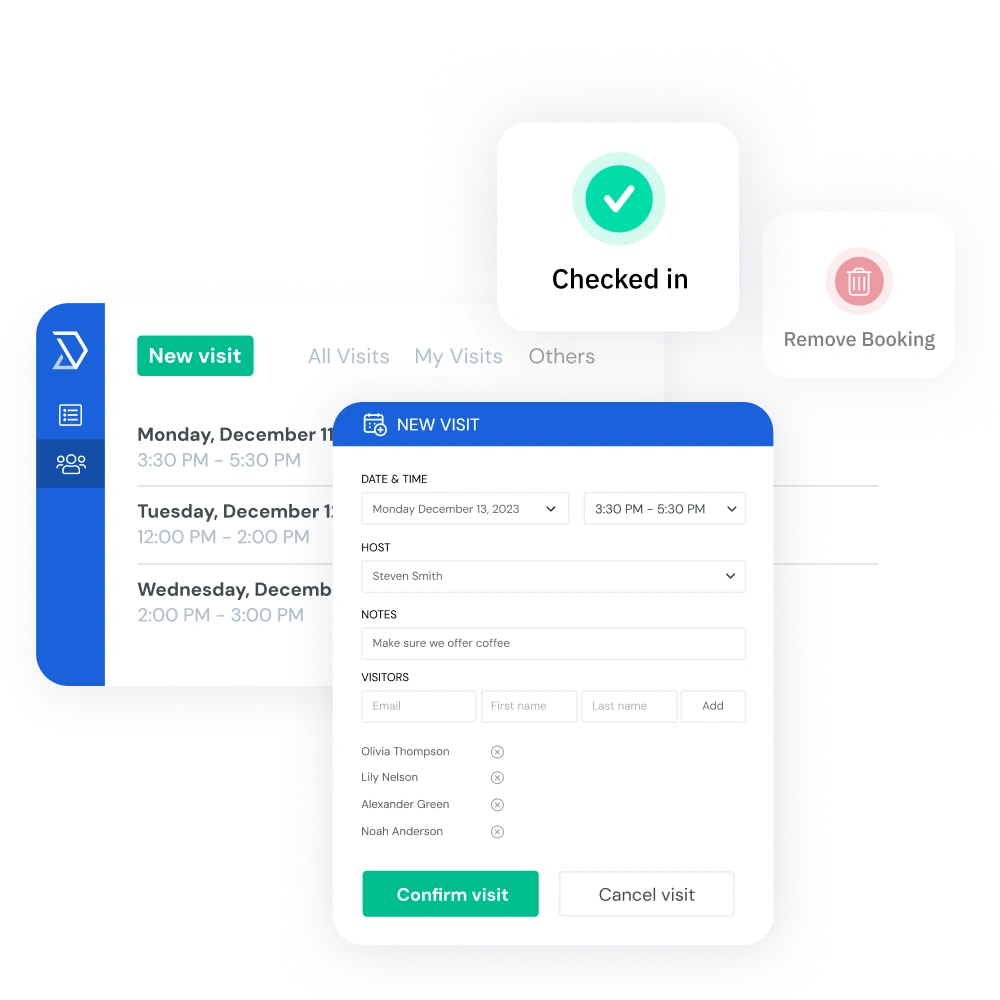
Protégez la disponibilité des bureaux et veillez à ce que le taux d'occupation soit exact grâce à des règles d'enregistrement flexibles pour les réservations. Les employés peuvent s'enregistrer par code QR, confirmation par e-mail ou détection Wi-Fi automatique, et tous les bureaux non réclamés sont automatiquement libérés pour que d'autres puissent réserver.

Découvrez qui est censé entrer et vérifiez qui est réellement sur place grâce à la détection de présence par Wi-Fi. Skedda aide les équipes à organiser des journées hybrides grâce à une visibilité « qui est là » et à des rapports Slack ou Microsoft Teams qui favorisent une collaboration au bureau plus intentionnelle.

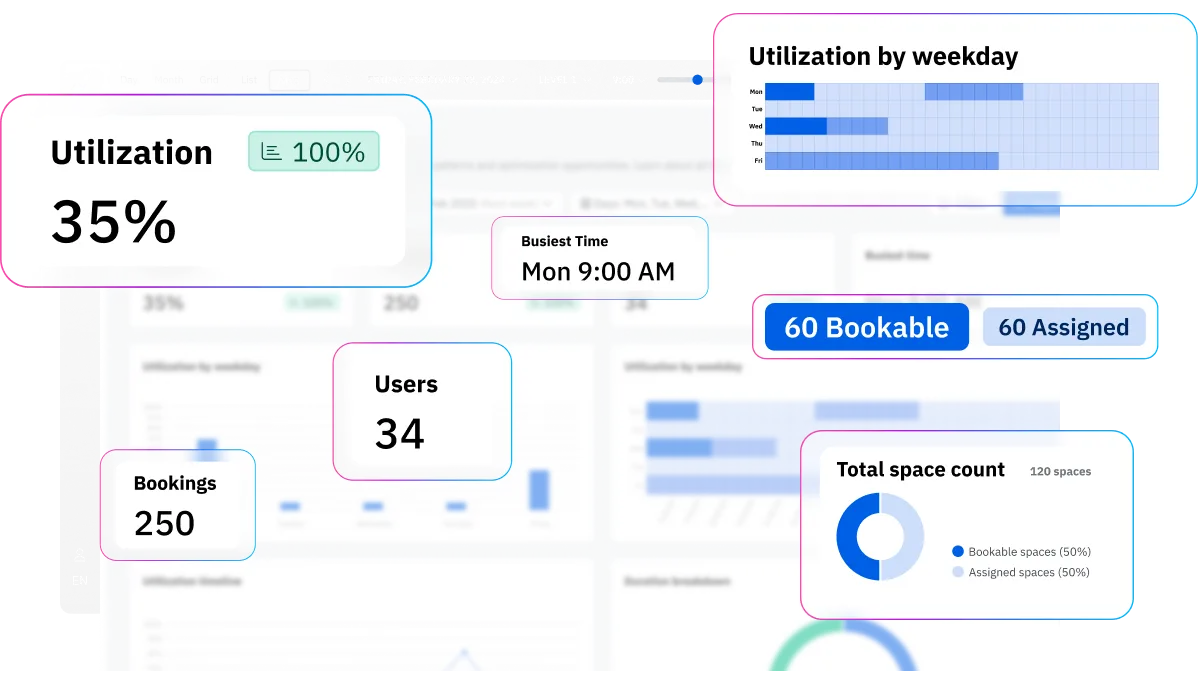
Suivez l'utilisation du bureau par utilisateur, par équipe et par type d'espace, avec des filtres par plage de dates et heure de la journée. Consultez les jours de pointe, l'utilisation moyenne et les taux de non-présentation en un coup d'œil, puis exportez des rapports pour faciliter la planification des espaces et les décisions immobilières.

Aidez les employés à trouver le bureau idéal pour donner le meilleur d'eux-mêmes. Classez les bureaux par type, ajoutez des photos et des descriptions, et étiquetez les équipements disponibles tels que la configuration à deux écrans, la fonctionnalité debout, etc., afin que les utilisateurs sachent exactement à quoi s'attendre avant d'entrer au bureau.
Skedda se connecte parfaitement à votre environnement de travail existant grâce à plus de 1000 intégrations.
Des sièges sociaux aux laboratoires du campus en passant par les espaces de coworking, Skedda adapte la réservation des bureaux au fonctionnement réel de chaque espace de travail.




Skedda is a fantastic reporting tool for our space planning decisions.

Silence is data. The fact that we don't get phone calls and tickets proves how easy Skedda is for our team to use.
Skedda alleviated the stress of not knowing where you’ll sit – now you just click a button and reserve a desk.
Skedda is rated #1 for Space Management on G2 for the third consecutive year and is trusted by organizations including Toyota Connected EU, PVH Corp, Columbia University, Aon, and Pella Windows & Doors.
Il existe une meilleure façon de gérer un bureau qu'avec de simples feuilles de calcul. Le système simple de réservation de bureau de Skedda offre l'automatisation, le contrôle et les informations dont vous avez besoin pour gérer un meilleur environnement de travail.

Les logiciels de réservation de bureau coûtent généralement entre 5 et 8 dollars par utilisateur et par mois, selon les fonctionnalités. Skedda est différent car notre système de réservation de bureaux facture par bureau plutôt que par utilisateur. Vous ne payez donc que pour les bureaux physiques que vous gérez, et non pour les employés qui viennent rarement au bureau. Skedda commence à un tarif de base compétitif qui comprend un nombre défini d'espaces, des plans d'étage interactifs, des règles de gestion des bureaux et des analyses d'utilisation. Les espaces supplémentaires évoluent à un prix abordable au fur et à mesure de votre croissance, et des tarifs d'entreprise sont disponibles pour les déploiements plus importants. Vous pouvez également commencer par un essai Premium gratuit de 14 jours sans carte de crédit. Pour plus de détails, consultez notre page de tarification.
La plupart des équipes sont pleinement opérationnelles en quelques jours, en fonction de la taille des bureaux et des besoins de configuration. Vous vous inscrivez, vous nous envoyez votre plan pour une conception de carte interactive personnalisée, vous invitez votre équipe via le SSO, et nos spécialistes de la mise en œuvre vous aident à configurer vos bureaux et vos politiques de réservation. Aucune installation matérielle n'est requise, ce qui fait de Skedda un système de réservation de bureau simple pour les équipes qui souhaitent agir rapidement. Il s'agit d'un logiciel de bureau conçu pour être facile à déployer sans effort informatique.
Oui L'équipe de Skedda crée un plan d'étage interactif personnalisé à partir de votre aménagement existant sans frais supplémentaires, même pendant la période d'essai. La carte reflète vos bureaux, chambres, quartiers et équipements actuels afin que les employés puissent voir exactement où ils réservent. Cela fait de Skedda un logiciel de bureau pratique pour les entreprises qui souhaitent que leur système de réservation de bureaux corresponde à l'environnement de travail réel.
Oui Vous pouvez configurer les types de bureaux par étage ou par zone, certains bureaux étant attribués à des employés spécifiques et d'autres disponibles sous forme de bureaux partagés ou d'espaces de bureaux hôteliers. Les trois modèles peuvent fonctionner dans le même système de planification des bureaux en utilisant des règles de réservation différentes par zone. Cela permet aux équipes de gérer leur bureau de manière flexible sans avoir besoin d'outils distincts pour les différentes politiques en matière de sièges.
Skedda est conçu pour les équipes hybrides. Les employés peuvent voir qui arrive via Slack ou Microsoft Teams, réserver des bureaux à proximité de leurs collègues en utilisant les quartiers et s'enregistrer à leur arrivée. Les responsables du lieu de travail peuvent utiliser des quotas, des fenêtres de réservation et des analyses d'utilisation pour gérer la fréquentation et ajuster les politiques en fonction du comportement réel. En tant que système de réservation de bureau et solution logicielle de gestion des sièges, Skedda aide le travail hybride à se sentir organisé plutôt qu'improvisé.
La fonction d'enregistrement de Skedda demande aux employés de confirmer leur arrivée. S'ils ne s'enregistrent pas dans le délai de grâce que vous avez défini, le bureau est automatiquement réintégré dans le pool disponible. Cela permet d'éviter les réservations fantômes et de protéger la disponibilité pour les autres employés. Pour les équipes qui recherchent un logiciel de réservation de sièges fiable ou un logiciel de réservation de sièges, il s'agit de l'un des moyens les plus simples de garantir une utilisation précise de l'espace de travail.
Skedda vous permet de définir des quotas de réservation et des fenêtres de réservation afin que les employés ne puissent pas réserver plus de temps de bureau que ne le permet votre politique. Par exemple, vous pouvez limiter le nombre de jours par semaine qu'une personne peut réserver ou limiter les réservations à une période de 48 heures. Ces règles sont appliquées automatiquement, ce qui réduit le travail administratif manuel. Il s'agit d'un moyen pratique d'utiliser un logiciel d'attribution des sièges de bureau sans intervention constante des équipes chargées des installations.
Les analyses d'utilisation de Skedda indiquent l'utilisation des bureaux par jour, par étage et par zone afin que vous puissiez comprendre comment votre lieu de travail est réellement utilisé. Vous pouvez suivre les jours de pointe, le taux d'occupation moyen et les taux de non-présentation pour savoir si vous êtes surapprovisionné ou sous-approvisionné. Cela rend Skedda utile non seulement en tant que logiciel de bureau, mais également en tant que logiciel d'attribution des sièges pour prendre des décisions de planification plus intelligentes.
Oui Skedda s'intègre à Slack et Microsoft Teams pour partager des rapports « qui est là » afin que les employés puissent voir quels collègues ont réservé des bureaux un jour donné. Cela facilite la coordination du temps de bureau en fonction de la collaboration, des réunions ou des journées d'équipe. Pour les espaces de travail hybrides, cette visibilité transforme votre application de bureau en un outil que les utilisateurs utilisent réellement, et pas simplement un autre système qu'ils évitent.
Oui Skedda propose une synchronisation bidirectionnelle avec Microsoft 365, y compris Outlook, et Google Workspace. Les réservations de bureau apparaissent automatiquement sur les calendriers des employés et les modifications peuvent être synchronisées avec Skedda. Skedda s'intègre également à Microsoft Teams, Slack, Zoom et Webex, et prend en charge le SSO et le SAML pour une connexion sécurisée. Cela en fait une solution idéale pour les équipes à la recherche d'un logiciel de bureau compatible avec leurs outils existants.
Pour les petits bureaux, les facteurs les plus importants sont la facilité de configuration, le coût et la facilité d'utilisation. Skedda propose un niveau gratuit avec des fonctionnalités de réservation de base, ce qui en fait une option intéressante pour les équipes qui recherchent un logiciel de réservation de bureau sans frais initiaux élevés. Vous pouvez accéder à des plans d'étage interactifs, à des règles de réservation et à des analyses d'utilisation dans une seule application Easy Desk, sans avoir besoin d'un déploiement complexe. Pour les petites équipes, il peut fonctionner comme un simple système de réservation de bureau qui évolue au fur et à mesure de l'évolution de votre lieu de travail.desk booking software without heavy upfront cost. You get interactive floor plans, booking rules, and utilization analytics in one easy desk app, without needing a complex rollout. For larger teams, it can function as a powerful desk booking system that scales as your workplace grows.
La réservation de bureaux est la catégorie générale de tout système permettant aux employés de réserver un espace de travail. Le hot desking fait généralement référence à des bureaux non attribués réservés de manière flexible, souvent pour le jour même, tandis que l'hôtellerie de bureau consiste généralement à réserver des bureaux à l'avance, parfois pour plusieurs jours. Skedda prend en charge les trois modèles sur une seule plateforme, offrant aux équipes un système de planification de bureau unique pour toute une gamme de politiques relatives au lieu de travail. Il peut également répondre à des besoins plus larges tels que les flux de travail du système de réservation de sièges de bureau et la gestion quotidienne des bureaux.