NEW
Booking data, wherever you need it:
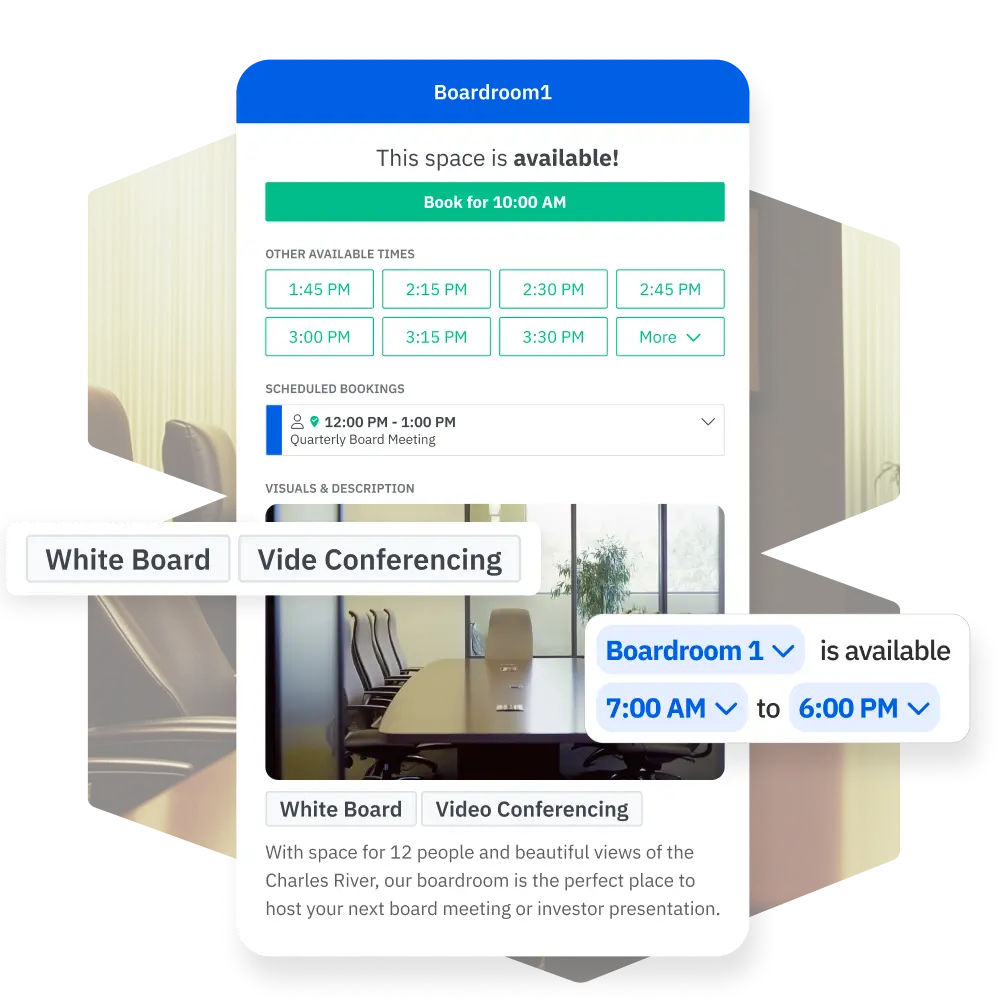
Facilitez la réservation de salles de réunion pour tous. Skedda aide les équipes à trouver plus rapidement le bon espace, à éviter les conflits d'horaires et à mieux utiliser les chambres partagées grâce à la disponibilité en temps réel, à la synchronisation bidirectionnelle du calendrier, à des règles de réservation automatisées et à des plans d'étage interactifs.













.svg)



Dans la plupart des bureaux, les mêmes équipes monopolisent les meilleures chambres, les réservations de dernière minute créent des tensions et les administrateurs passent des heures à jouer à l'arbitre. Skedda supprime toutes ces frictions. Vous définissez les règles de réservation une seule fois et Skedda fait le travail, automatiquement. Pas de feuilles de calcul, pas d'arguments, pas de remplacements manuels.
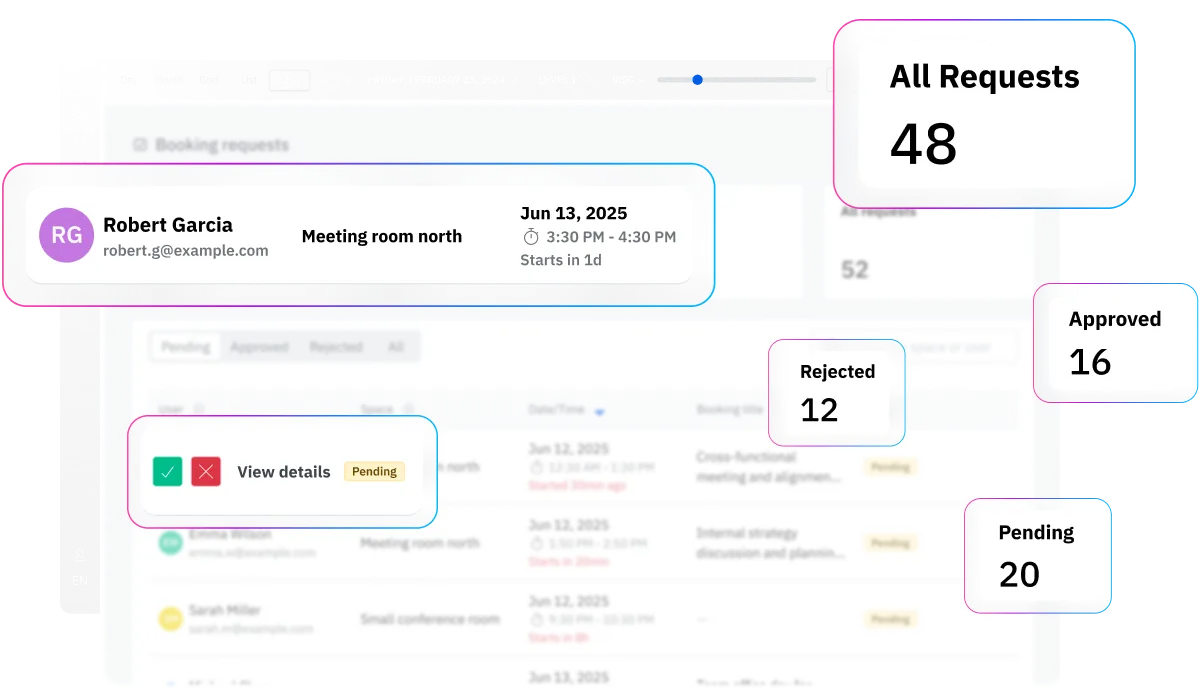
Le plus grand risque associé à tout outil de réservation de chambres est que les gens l'ignorent. Skedda évite ce sort car il se connecte directement aux outils que votre équipe utilise déjà : MS365, Google, Slack, etc. Lorsqu'il est plus facile de réserver une chambre que de ne pas en réserver une, l'adoption se fait toute seule.
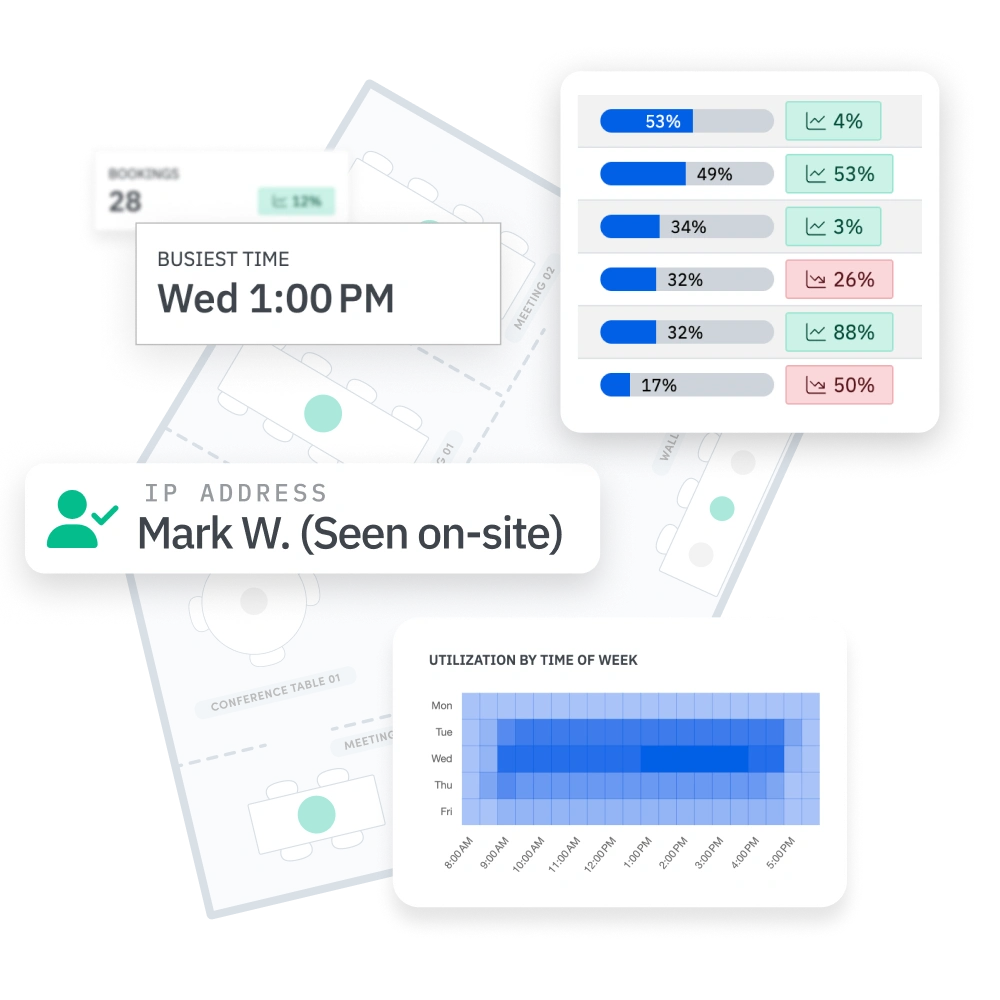
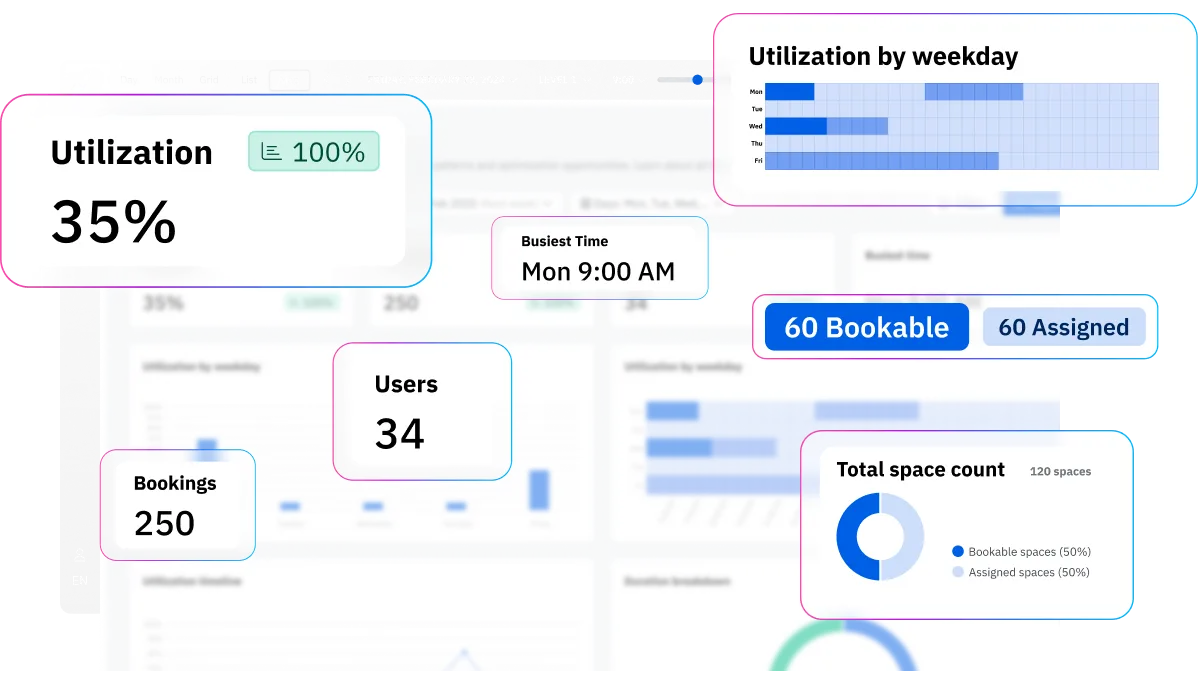
Skedda transforme chaque réservation en données d'utilisation structurées. Vous pouvez constater que votre salle de conférence de 12 personnes fonctionne à 85 % de sa capacité le mardi, ou que les cabines téléphoniques sont réservées 3 fois plus souvent que les salles de réunion. C'est le genre d'information qui permet d'obtenir du financement pour une proposition d'installations.

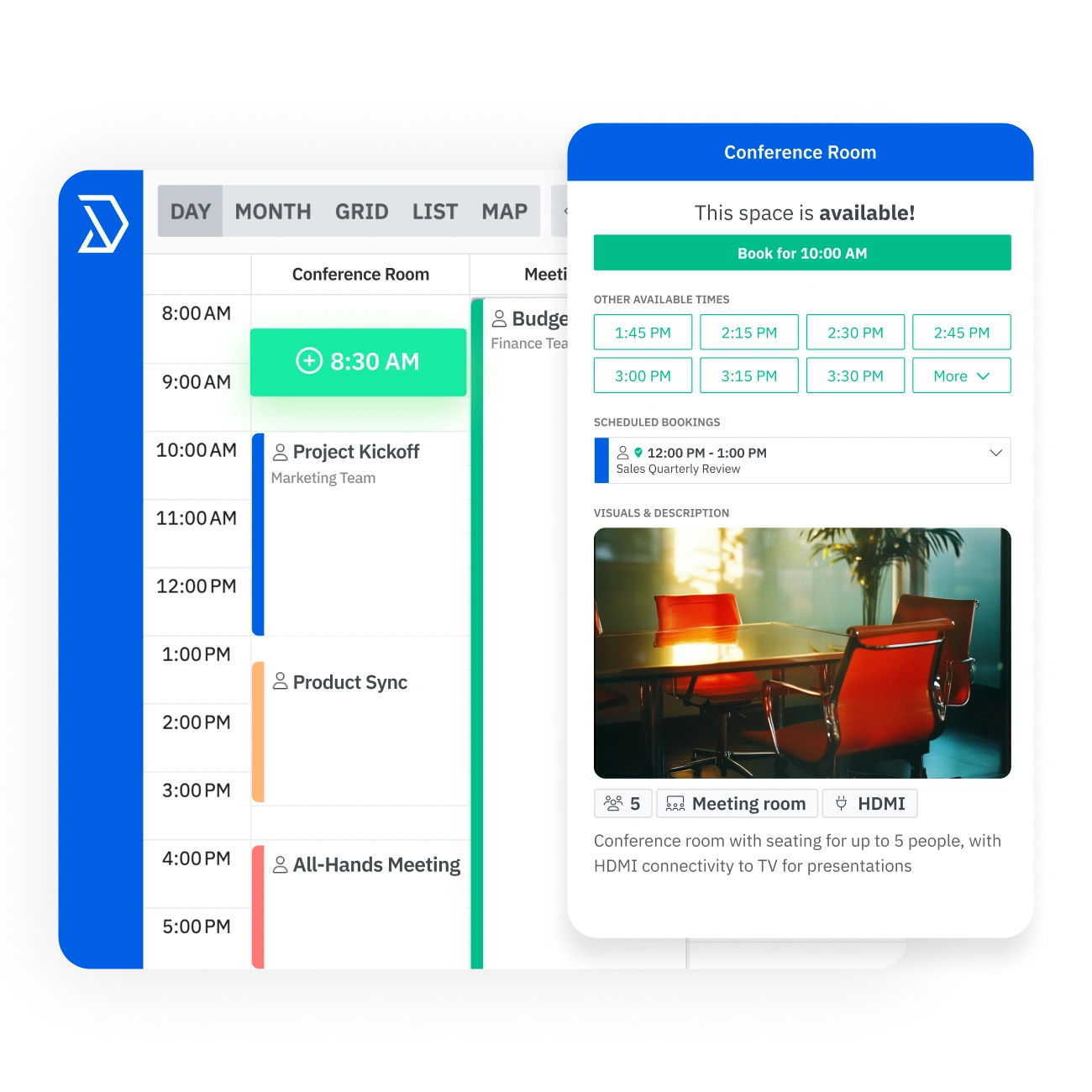
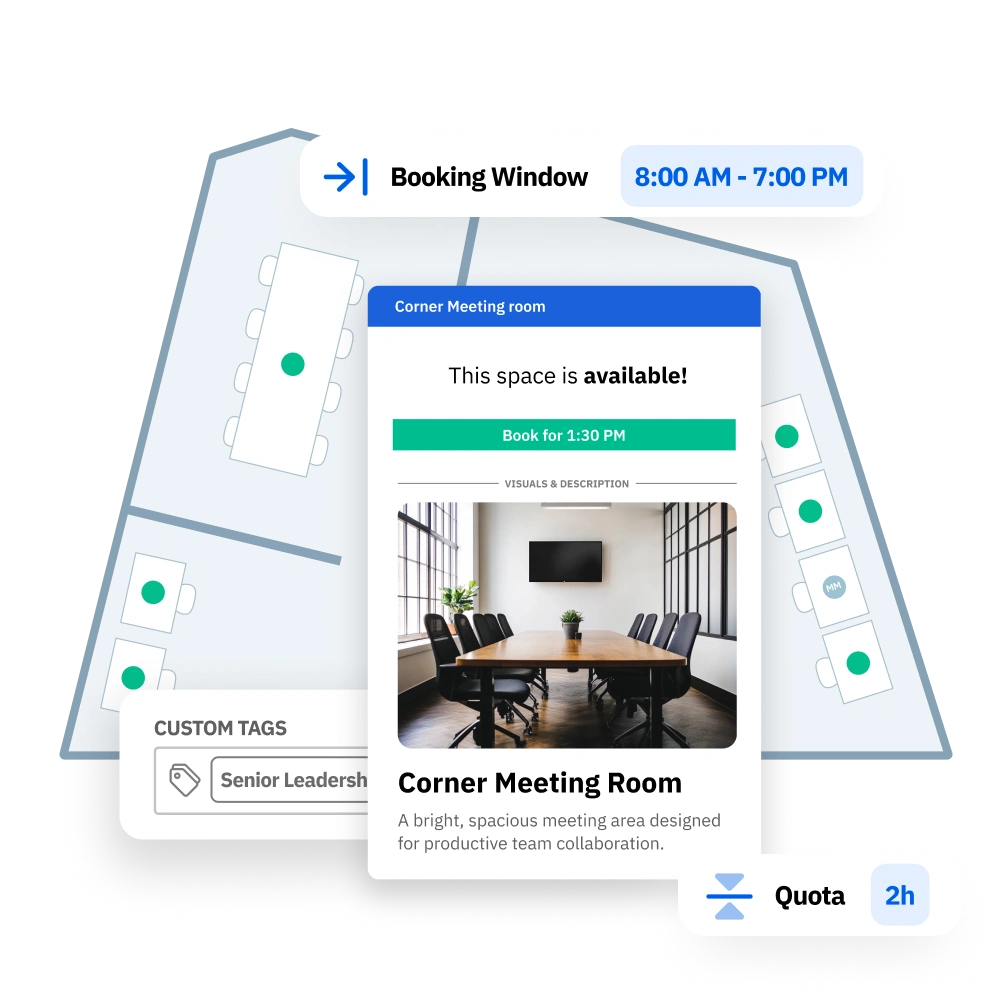
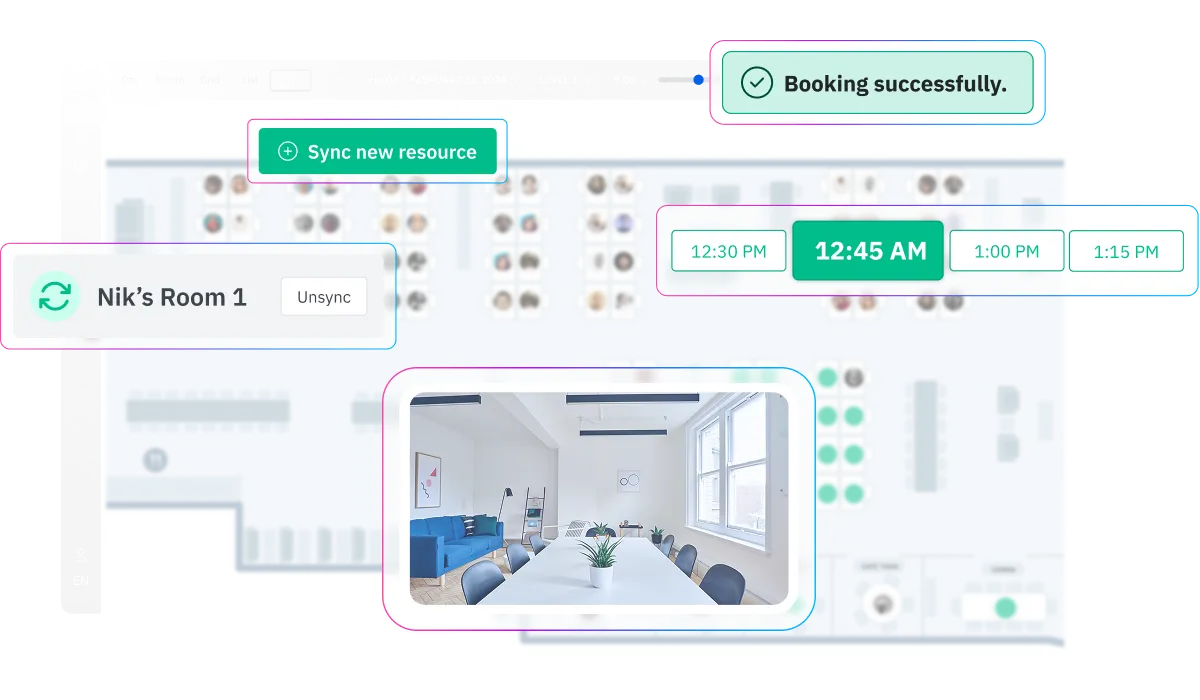
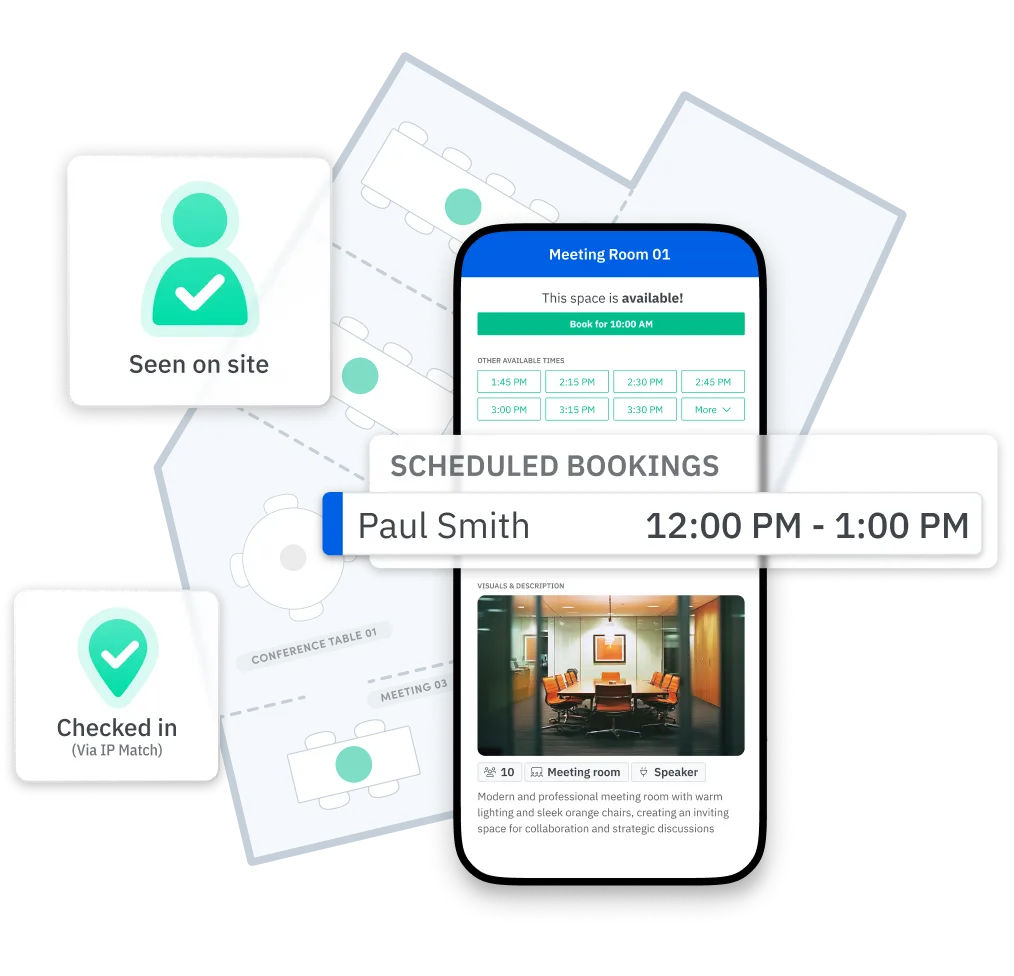
L'équipe de conception de Skedda convertit vos plans d'étage statiques en plan de bureau interactif, sans frais supplémentaires, même pendant votre essai gratuit. Chaque salle de réunion est tracée sur la carte et indique la disponibilité en temps réel. Les employés peuvent naviguer par étage, zoomer sur des quartiers spécifiques de l'équipe ou filtrer les pièces par équipement.


Synchronisez les réservations de chambres avec les événements de votre calendrier Outlook ou Google, et publiez automatiquement les réservations en cas de refus dans le calendrier. Cette synchronisation bidirectionnelle permet d'éviter les doubles réservations entre les systèmes : le calendrier de la salle et Skedda sont toujours d'accord, sans que personne ne copie les événements manuellement.

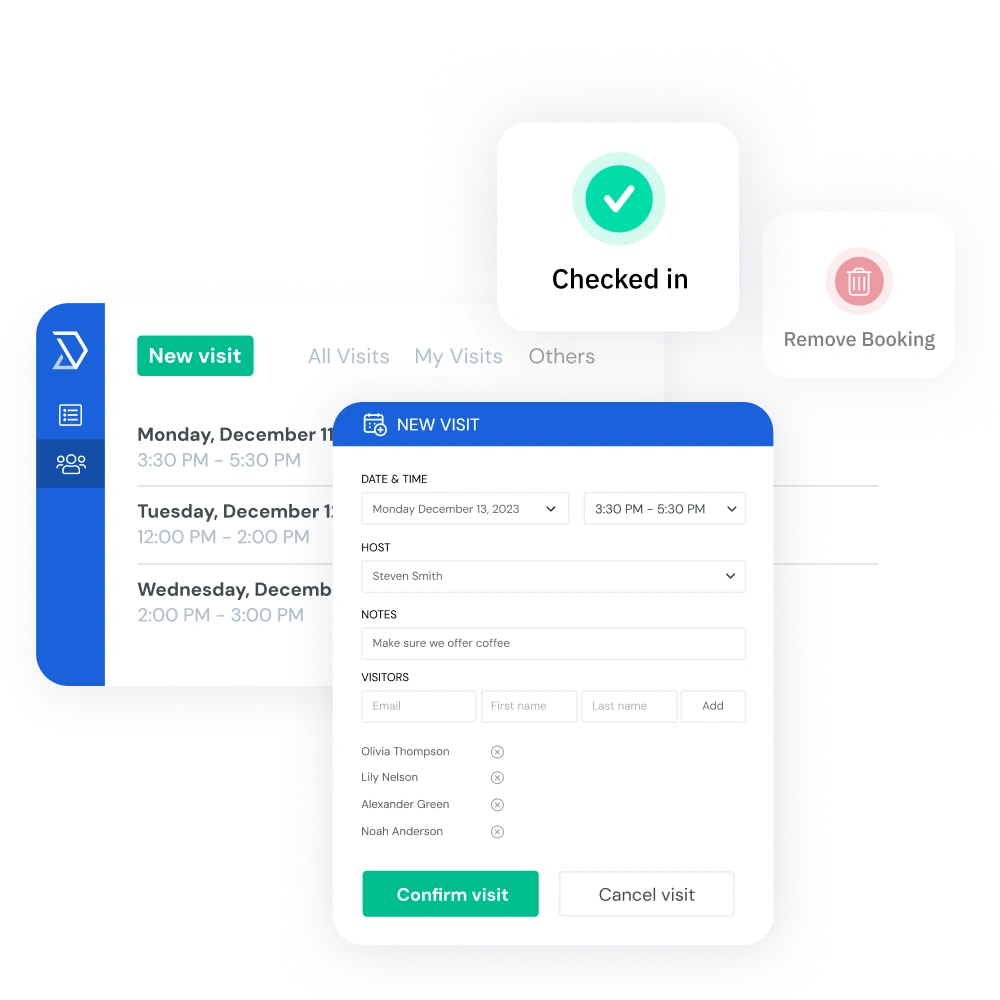
Empêchez les réservations fantômes grâce à l'enregistrement obligatoire via un code QR, un lien de confirmation par e-mail ou une détection Wi-Fi passive. Définissez un délai de grâce (5, 10, 15 minutes) et toute chambre non réclamée sera automatiquement libérée pour une réservation sans rendez-vous.

Installez une tablette à l'extérieur de n'importe quelle salle de conférence pour voir en un coup d'œil le statut : vert pour disponible, rouge pour occupé, et un calendrier clair des prochaines réservations de la salle. Pour les bureaux qui souhaitent un signal physique en plus du logiciel, les tablettes transforment Skedda d'une application en un élément visible de l'environnement de travail.

Ajoutez des liens Zoom, Teams ou Google Meet à n'importe quelle réservation pour prendre en charge les réunions hybrides. Utilisez des formulaires de réservation personnalisés pour recueillir des informations clés telles que le nombre de participants, les besoins en équipement et les demandes de configuration, puis acheminez automatiquement des éléments tels que la restauration, la configuration audiovisuelle et la configuration des salles vers la bonne équipe.
Suivez l'utilisation de la salle par pièce, étage, équipe, jour de la semaine et heure de la journée. Skedda affiche les heures de pointe d'utilisation, le statut d'occupation et les ratios de durée moyenne de réservation afin que vous ne soyez jamais laissé au hasard. Exportez facilement des rapports pour les présentations au conseil d'administration, les évaluations immobilières ou les sessions de planification des installations.
Le meilleur système de réservation est celui que les employés remarquent à peine, car il est déjà intégré aux outils qu'ils utilisent au quotidien. Skedda se connecte de manière native à Microsoft 365 (y compris Outlook), Google Workspace, Microsoft Teams, Slack, Zoom, Webex et les fournisseurs SSO SAML 2.0. Les réservations de chambres sont enregistrées dans les calendriers, les liens de conférence s'y connectent automatiquement et les mises à jour de statut sont synchronisées en temps réel. Pour les équipes informatiques qui gèrent les identités à grande échelle, Skedda prend en charge le provisionnement SCIM afin que les comptes utilisateurs, les groupes et les autorisations restent synchronisés avec ceux de votre fournisseur d'identité.






"We were using Skedda for a while and realized through the bookings data that we could condense some of our space. This probably would not have been possible without Skedda."

“We wanted to encourage people to be in the office – give them options and an easy way to see what’s available. Skedda helped us deliver on that.”
"Silence is data. The fact that we don’t get phone calls and tickets proves how easy Skedda is for our team to use."
Skedda est classée #1 pour la gestion de l'espace sur G2 pour la troisième année consécutive et bénéficie de la confiance d'organisations telles que Toyota Connected EU, PVH Corp, l'université de Columbia, Aon et Pella Windows & Doors.

La plupart des bureaux n'ont pas de problème de salle de réunion, mais un problème de visibilité. Voici ce qui change lorsque vous passez d'une planification ad hoc à un système de réservation de salles de conférence spécialement conçu.
Unlike other meeting room booking systems, Skedda is priced per space, not per user – meaning you pay for the conference rooms on your floor plan — not for every employee who might book one. Additional rooms scale affordably, and enterprise pricing is available for larger deployments. You can explore the full platform with a free 14-day Premium trial, no credit card required. See more pricing details here.
La plupart des organisations sont opérationnelles en quelques jours ouvrables. Vous vous inscrivez, vous partagez votre plan d'étage et l'équipe de Skedda crée une carte interactive personnalisée. À partir de là, un spécialiste de la mise en œuvre dédié vous aide à configurer les règles de réservation, à connecter Skedda à votre calendrier (Outlook ou Google), à intégrer les utilisateurs via SSO et SCIM, et vous êtes opérationnel. Il n'y a aucun matériel à installer à moins que vous ne choisissiez d'ajouter des tablettes en option à l'extérieur des pièces.
Oui L'équipe de conception de Skedda prend votre mise en page existante, qu'il s'agisse d'un fichier CAO, d'un PDF ou même d'une photo, pour créer une carte entièrement interactive et réservable qui correspond à votre véritable bureau. Chaque pièce, chaque espace de réunion et chaque salle de conférence sont tracés en fonction de la capacité, des étiquettes d'équipement et de la disponibilité en direct. Ce service est inclus sans frais supplémentaires sur tous les forfaits, y compris pendant la période d'essai.
Entièrement. Skedda assure une synchronisation bidirectionnelle avec Microsoft 365 (y compris Outlook) et Google Workspace. Lorsque quelqu'un réserve une chambre à Skedda, le lien de l'événement et de la conférence apparaît sur le calendrier de chacun. Si quelqu'un annule l'événement du calendrier, la salle est libérée à Skedda. En plus de cela, Skedda propose une application Microsoft Teams native permettant de réserver directement dans Teams, ainsi que des intégrations avec Slack, Zoom et Webex.
La fonction d'enregistrement de Skedda est spécialement conçue à cet effet. Vous définissez un délai de grâce, disons 10 minutes, et si la personne qui a réservé la chambre ne s'est pas enregistrée (par code QR, lien e-mail ou détection Wi-Fi), la chambre est automatiquement replacée dans la piscine disponible. Les données du secteur montrent qu'environ 30 % des salles de réunion ne sont pas utilisées chaque jour ; l'enregistrement obligatoire est le moyen le plus direct de récupérer cette capacité perdue.
Oui Le moteur de règles de Skedda vous permet de définir les contrôles d'accès à un niveau granulaire. Vous pouvez limiter des chambres spécifiques à certains départements, niveaux d'ancienneté ou groupes d'utilisateurs. Vous pouvez également définir des quotas de réservation (par exemple, 4 heures de temps passé dans de grandes salles par équipe et par jour), des fenêtres de réservation à l'avance (par exemple, pas plus de deux semaines à l'avance) et exiger des flux de travail d'approbation pour les espaces à forte demande. Toutes ces règles s'appliquent automatiquement à chaque réservation.
Les analyses d'utilisation de Skedda répondent directement à cette question. Vous pouvez consulter les taux d'occupation par chambre, par étage et par heure de la journée. Si votre salle de conférence de 12 sièges fonctionne à 90 % le mardi mais à 15 % le vendredi, il s'agit d'un problème de politique et non d'approvisionnement. Si les salles de réunion sont mises sur liste d'attente tous les jours alors que les grandes salles sont à moitié vides, vous devrez peut-être procéder à une répartition. Skedda fournit les données ; l'équipe de vos installations passe l'appel.
Oui Skedda est compatible avec les écrans pour tablettes iPad et Android qui peuvent être installés à l'extérieur de vos salles de conférence. L'écran affiche l'état de la chambre en temps réel (disponible, occupée, réservation à venir), et les employés peuvent réserver la chambre, s'enregistrer ou prolonger une réunion directement à partir d'un code QR à l'écran. Les écrans de tablette sont pris en charge sur tous les forfaits payants.
Oui Skedda détient la certification SOC 2 Type 2, est conforme au RGPD, applique le cryptage TLS 1.2+, exécute une analyse continue des vulnérabilités et est soumise à des tests d'intrusion indépendants. Il prend en charge le provisionnement SSO et SCIM SAML 2.0 pour la gestion des identités d'entreprise. Les organisations des services financiers, de la santé et du gouvernement utilisent Skedda pour gérer leurs salles de réunion tout en respectant leurs exigences de conformité.
Trois choses ressortent du lot. Tout d'abord, le prix de Skedda est calculé par espace plutôt que par utilisateur, ce qui le rend nettement plus rentable pour les organisations où des centaines d'employés partagent un plus petit ensemble de pièces. Ensuite, chaque plan comprend un plan d'étage interactif conçu sur mesure par l'équipe de Skedda à partir de l'aménagement actuel de votre bureau, sans outils de cartographie à faire soi-même. Troisièmement, le moteur de règles de Skedda est exceptionnellement complet : conditions de réservation, quotas, fenêtres, buffers, flux de travail d'approbation et contrôles d'accès que la plupart des concurrents ne proposent pas ou bloquent les niveaux d'entreprise. Skedda a été classée #1 pour la gestion de l'espace sur G2 trois années consécutives.guide to help you compare the different meeting room options available.