
NEW
Booking data, wherever you need it:

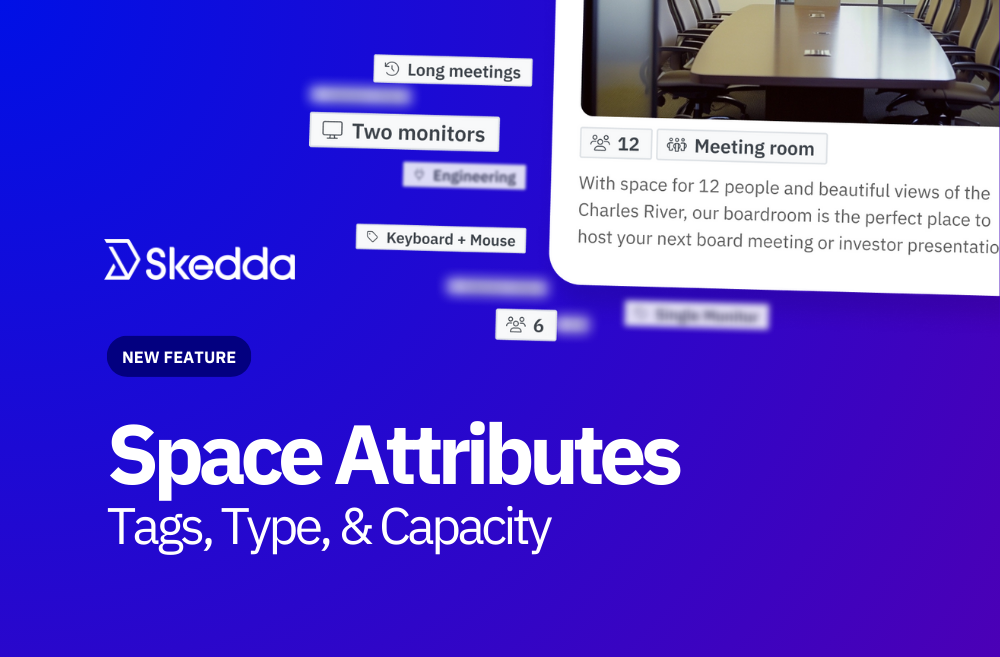
We’re excited to announce a new feature aimed at improving how employees navigate and book spaces, making it easier than ever to find the ideal setup for any task.
In a hybrid workplace, choosing a desk often depends on various factors: proximity to colleagues, access to specialized equipment, and the layout that best suits the day’s activities. Finding a space that meets your needs can take up an unnecessary mental load.
With Skedda’s new Space Attributes, employees can quickly locate the perfect spot with minimal hassle, empowering them to make more informed decisions with a streamlined, intuitive filtering system available across map, list, and grid views.
.gif)
Finding the right space for the task at hand is easier than ever with Skedda’s Space Attributes. This newest release lets you tag spaces by tags, capacity, and type.
Custom Space Tags allow administrators to determine the best way to navigate their workspace, giving you flexibility in how users interact with your space. For example, if users want a desk with dual screens for data analysis, they can filter by “double monitor.” If they’re bringing their dog to work, they might filter by “dog spots” to find a desk with a dog bed. This flexibility gives each team member a streamlined experience, enhancing productivity by aligning the workspace with specific needs.
Space Tags also unlock insights into how different categories of spaces are utilized, enabling admins to optimize space layouts based on real data.
Each space can be designated by type and capacity, which appear within the booking window. This makes it simple for employees to assess the most suitable spaces for their needs at a glance. Administrators can easily configure and adjust these attributes, and in future updates, they’ll unlock even more powerful functionality.
Space Attributes is part of our ongoing commitment to refining Skedda’s core office booking system. By simplifying complex workspace planning, we can help teams focus on what matters most. As we enhance Skedda’s functionality, we’re excited to empower you to create a seamless, personalized office experience that unlocks productivity. Learn more about Space Attributes.
👉 Book a demo with Skedda to see how Space Attributes can transform your office experience.
1. How can Skedda’s Space Attributes help me find the perfect desk or workspace faster?
If you’ve ever spent time clicking through multiple options to find the right desk, Skedda’s Space Attributes feature solves that. It helps you instantly narrow down options based on what you need—like a double-monitor setup, quiet zone, or dog-friendly space. The system uses custom tags, space types, and capacity details so you can see the best options at a glance. Whether you’re in a hybrid office or a shared workspace, Space Attributes make desk booking simpler, smarter, and faster.
2. What makes Skedda’s Space Attributes different from other workspace booking tools?
Most office booking systems only show availability. Skedda goes further by adding context and intelligence to each space. With custom tags and real-time filtering, employees can book spaces that truly fit their working style. For admins, it reveals how spaces are actually used, offering insights into space utilization, layout optimization, and employee preferences. It’s like giving your workplace an intelligent layer of personalization and analytics—all built into the booking experience.
3. How do Space Attributes make hybrid work and office flexibility easier?
In a hybrid workplace, employees might come in for collaboration one day and deep focus the next. Skedda’s Space Attributes let them choose the right setup for their tasks without wasting time. Whether it’s finding a meeting room for team brainstorming or a quiet desk for solo work, the system adapts to each day’s needs. This supports a more fluid, flexible, and productive hybrid work experience for everyone.
4. Can managers customize Space Attributes for different teams or locations?
Absolutely. Skedda is built for flexibility across multi-location offices and diverse teams. Admins can create custom tags and filters—for example, “near marketing,” “whiteboard wall,” or “dual screens”—that reflect how their organization actually works. This means every team gets a personalized space-finding experience, and leaders get actionable insights into how spaces are used across regions or departments.
5. How do I start using Skedda’s Space Attributes to improve our workplace experience?
You can start right in Skedda’s admin dashboard. Simply tag spaces with their type, capacity, and attributes, and employees will see those filters instantly in map, list, and grid views. It’s an easy way to enhance your hybrid work setup, boost employee satisfaction, and unlock data-driven space optimization.
👉 Book a demo with Skedda to see how Space Attributes can transform your office experience.
Our team is ready and waiting to talk through your specific desk scheduling requirements and see how Skedda could work for you.

.svg)



