Custom Rules & Roles

Set up custom rules and roles for every scenario

Define and automate who can access specific resources, book certain spaces, or use specialized equipment, from simple to complex.
Trusted by 7,000+ customers
3.1 million users worldwide
Image
Image

Precision control for every team member

Define who can access specific resources, book certain spaces, or use specialized equipment. Whether it’s restricting access to high-security labs or ensuring only certified staff can reserve specific creative tools, our platform adapts to your unique operational needs.
Rules and Roles
Image

Approval rules for your most important spaces

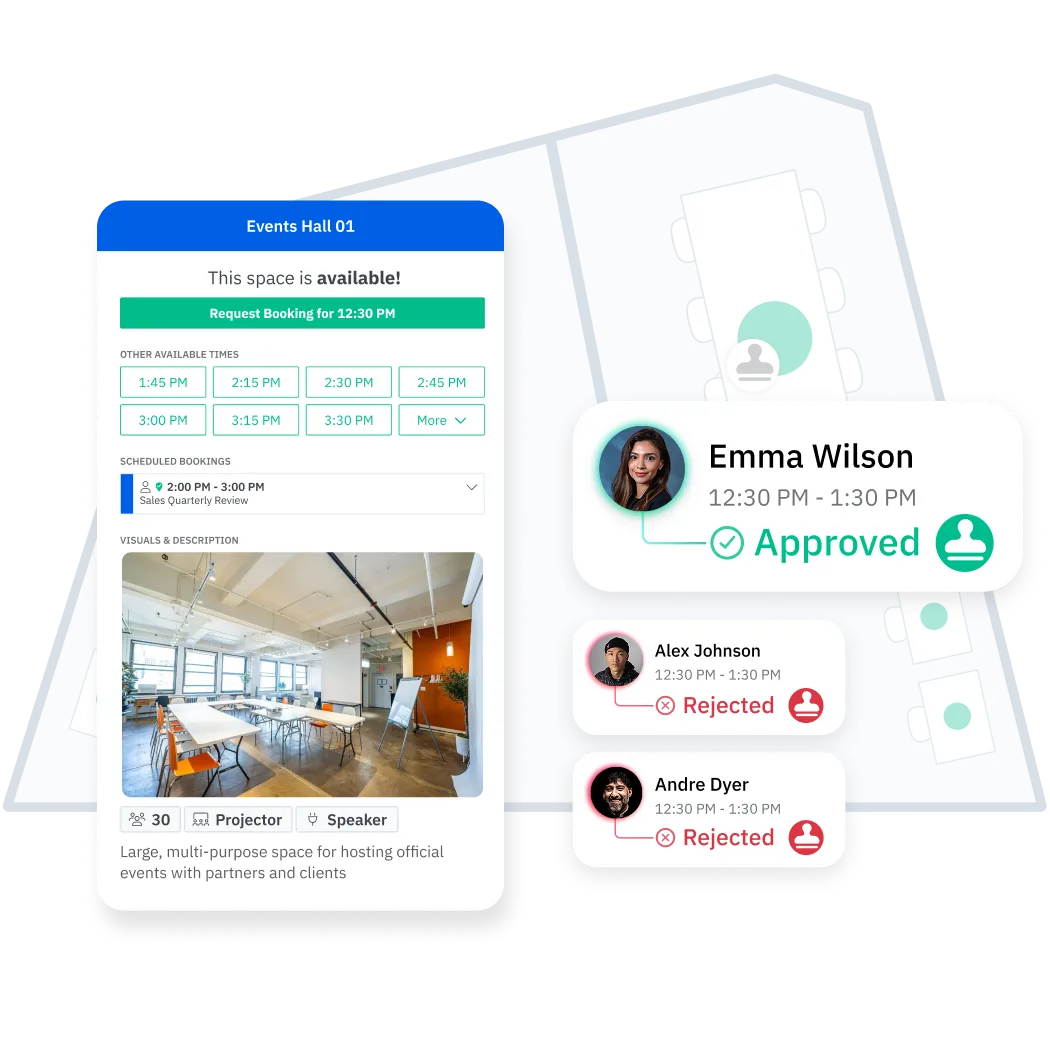
Add oversight and control to how sensitive spaces are used with request-first bookings. Review competing requests, approve the best fit, and track request history in a dedicated dashboard.
Image

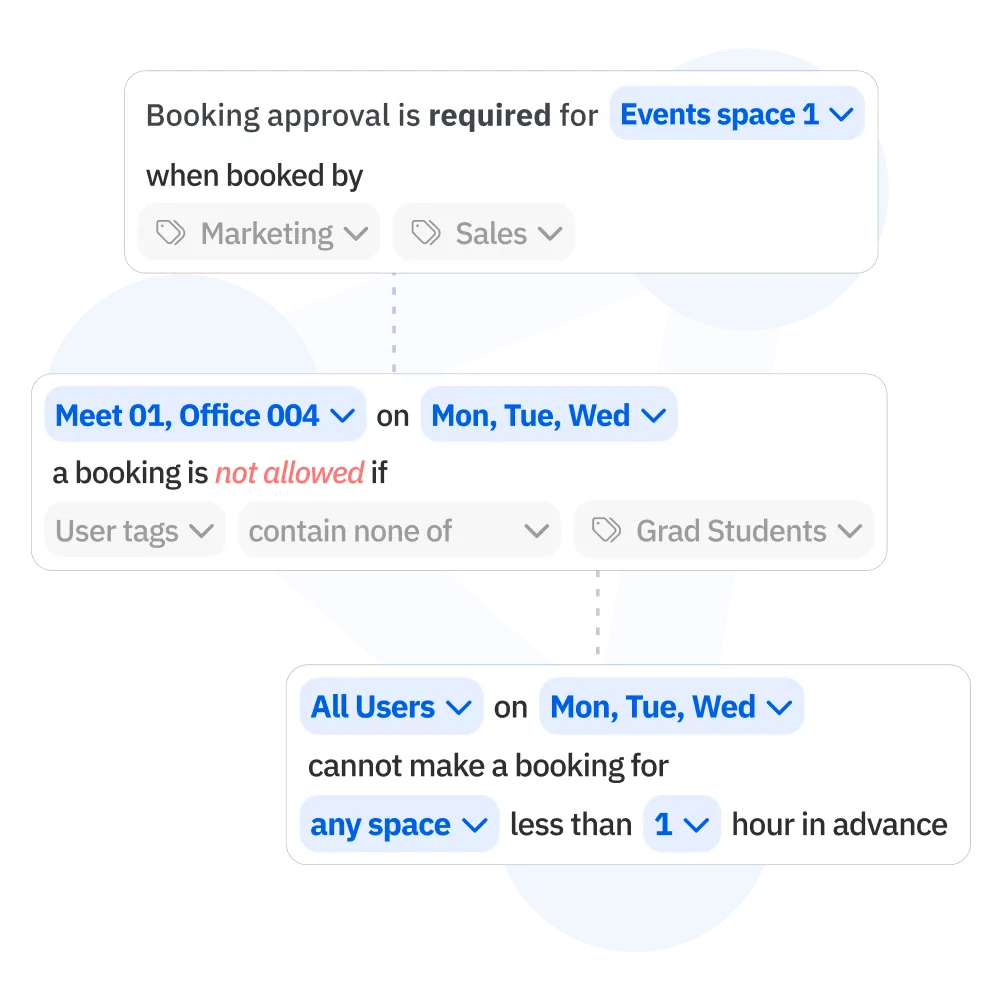
Manage your space rules, from common to complex

Keep every space under control with intelligent management tools designed for any level of complexity.

Rules & Roles Engine Overview

Explore the possibilities to customize how your spaces can be booked and managed in Skedda.
Icon
Booking conditions define how and when users can book
e.g. Marketing team can book desks only between 9 AM and 5 PM.
Icon
Access & visibility control who can access and book spaces
e.g. Only administrators can book the conference room.
Icon
Custom fields gather specific info and save it with bookings
e.g. Add catering requests when booking the event space.
Icon
Booking windows limit how far in advance users can book
e.g. Book the boardroom no more than one day in advance.
Icon
Buffer time set gaps between two successive bookings
e.g. 15 minutes added between meetings for room setup.
Icon
Quotas can limit individuals or groups on how many times they can book
e.g. Limit bookings to 4 hours per employee per day.
Icon
Repeat bookings automate recurring reservations
e.g. Reserve the same meeting room every Monday at 10 AM.
Icon
Cancellation policies customize rules for cancelling or changing bookings
e.g. Allow cancellations up to 24 hours before the booking.
Icon
Check-ins confirm bookings are actually used
e.g. Confirm you've arrived to your desk booking via email, app, or QR code on arrival.
Icon
Booking Requests control which spaces require approval to be booked
e.g. All sales team bookings for Conference Room A require approval

"Once a user has been onboarded with the right tags, they’re logged in and don’t need any training. They have a great map and can immediately start using the space.”

Steve Maclaren
Chief Operating Officer @ The National Robotarium
Image
Integrations

Find out "who's in?" on Slack or Teams

Check who's in the workplace within any Slack or Teams channel to see who has booked a desk. Easily set up these integrations to ensure a more organized and efficient work schedule.
Integrations

Connect your apps with Skedda

Effortlessly integrate your existing tech stack—from collaboration platforms and SAML SSO to Google Workspace and Microsoft 365 & Outlook.

Explore Skedda's full suite of powerful features